
The YouTube player loads when you press Play.
xCool Precision Screwdriver: I Got Excited About the Case, Too
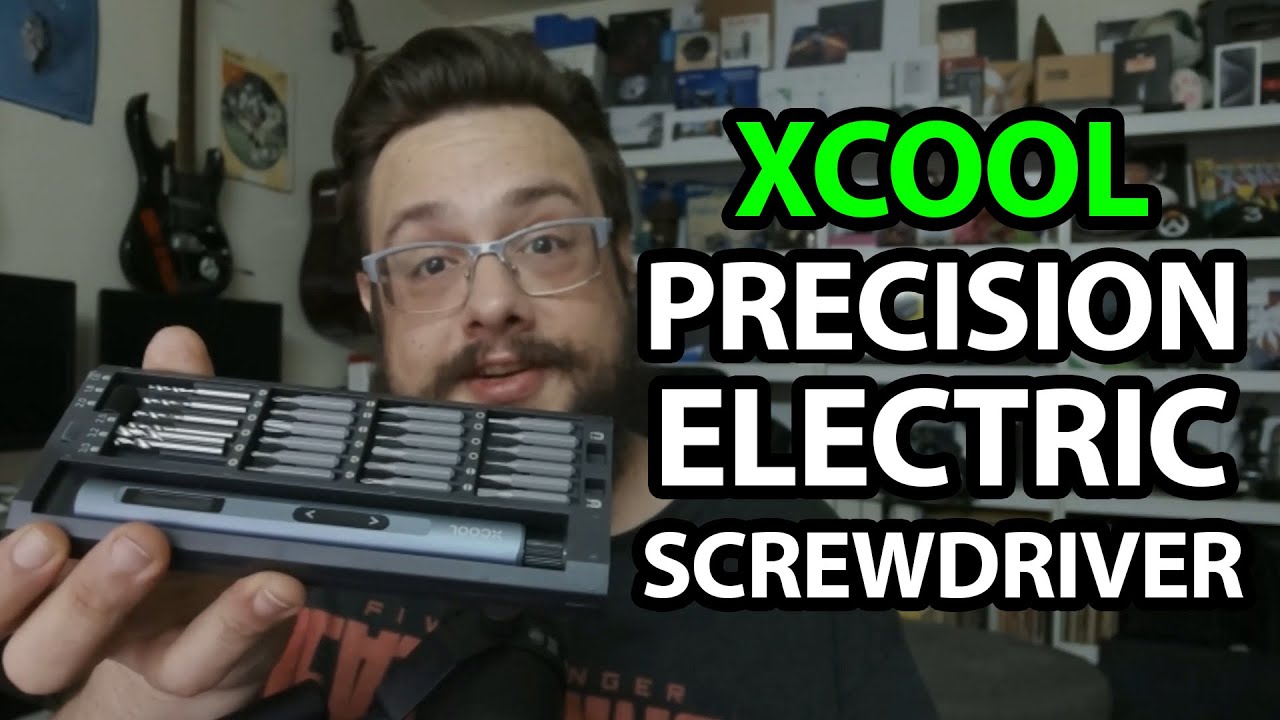
Opening the spring-out tray and trying the screen, direction controls and light.
Article published November 4, 2026.
Yes, I get excited about the case. Pressing it makes the tray pop out, with the driver and its bits together instead of scattered around the desk.
The xCool precision set arrives while I have a damaged graphics card project behind me, so I already have small screws on my mind.
Look through the tools
I find a prying tool, tweezers and a charging cable before opening the main case. The bits are labeled and held magnetically, with a magnetizer/demagnetizer included in the arrangement.
The screen shows the direction
I power the driver and try the directional controls. The screen changes with the movement, and I turn on the small light before working through the gear selection.
Those are actual controls I try. I do not repair the graphics card, measure torque or test a full charging cycle in this session.
Keep the kit together
xCool sent this for the video. The case is the detail I keep returning to; the KAIWEETS ES21 kit is another tool-storage approach I opened separately.
The original product, course and channel-membership links are below. The course URL contains MIKETHETECH, with no stated discount amount. Original additional addresses are http://eme7.com/ and http://discord.mikethetech.com/.
Links from the video
Affiliate disclosure: These links may earn me a commission at no extra cost to you.
- xCool Precision Screwdriver original Amazon link
- GameDev.tv original Unreal Action Adventure course link
- MikeTheTech original channel membership link
Coupon code: MIKETHETECH — Amount not specified. Code appears in the original GameDev.tv course URL. No amount or expiry supplied; not a discount on the featured hardware.
Links and offers are from the video description. Availability, prices and offer terms may change.
Some links to other products on this page are affiliate links, and we may earn a commission if you buy through them. It costs you nothing extra, and it has not changed what this article says — where a competitor is the better answer, we say so.


