
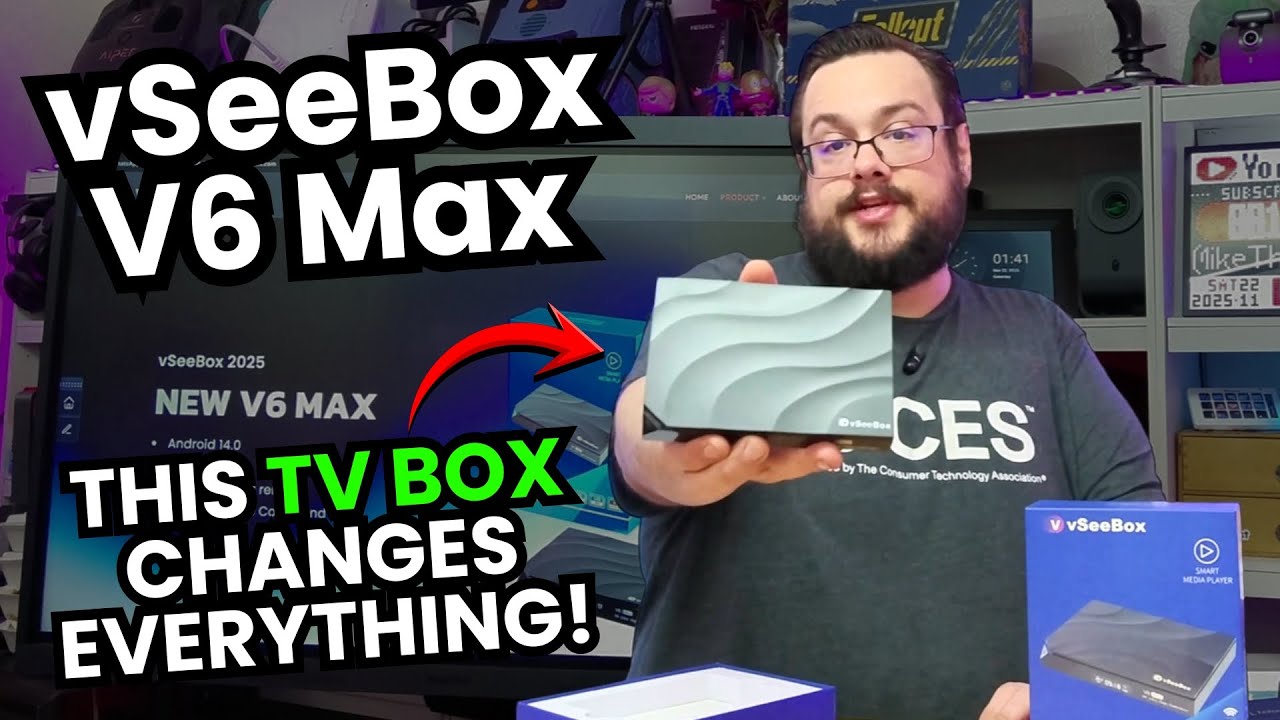
The YouTube player loads when you press Play.
vSeeBox V6 Max: The Backlit Remote Is My Favorite Hardware Change
Unpacking the box, trying the illuminated keys and going through the on-screen setup.
Article published November 3, 2026.
I have used several vSeeBox models, so the V6 Max has a familiar look when I take it out of the box. The hardware change I notice first is on the remote: the buttons are backlit.
I put batteries in, switch the illumination on and off, and try to show the difference under my studio lights. It is a small upgrade, but it is the sort of thing I appreciate when using a TV with the room lights down.
Ports and accessories before the power-up
I look over the Ethernet, USB, HDMI, card and power connections, then unpack the power supply, HDMI cable, remote and manual. The enclosure keeps the patterned top and front display design I recognize from the other boxes.
The video discusses the advertised memory, storage and playback specifications. I do not measure 8K playback, storage performance or power consumption in this session.
Going through the setup on a monitor
I connect the box and also try the touchscreen monitor I have on the desk. I work through the region, display scaling and network setup, then browse the launcher and the settings available to me.
That is the practical part of this first look: getting the unit onto a display and finding my way around with the remote and my particular monitor. It is not a compatibility test for every touchscreen or streaming service.
Separate the interface demo from content rights
The original video also shows third-party content menus and makes broad claims about access to programming. I have not independently established licensing for those catalogs, so this article does not promise free access to paid channels, movies or events, or provide instructions for obtaining it.
Seeing an app or title in a menu is not the same as verifying authorized access, service support or long-term availability. Check the permissions and subscriptions for the services you intend to use.
For the hardware session itself, the backlit remote and familiar navigation are what stand out to me. The original product referral is below; it should not be read as a guarantee about any third-party catalog.
Links from the video
Affiliate disclosure: These links may earn me a commission at no extra cost to you.
Links and offers are from the video description. Availability, prices and offer terms may change.
Some links to other products on this page are affiliate links, and we may earn a commission if you buy through them. It costs you nothing extra, and it has not changed what this article says — where a competitor is the better answer, we say so.


