
The YouTube player loads when you press Play.
vSeeBox Elite Ultra: The Enclosure, the Ports and the Mouse-Mode Remote
Unpacking the box and browsing its interface with my monitor setup.
Article published November 3, 2026.
The vSeeBox Elite Ultra has a substantial-feeling enclosure when I lift it out. I spend the first part of this video looking around the edges: the card slot, USB connections, network and display ports, and the pair of antennas.
The remote is familiar to me, with a mouse-control mode that I like having available when an interface is not designed around a TV remote.
What is actually in the package
I unpack the power supply, HDMI cable, remote and documentation, then look over the box itself. I discuss the advertised memory, wireless and playback features as I go.
The recording and description use different maximum-resolution figures, and I do not run a test that resolves them. I also do not measure heat dissipation or decoding performance from the feel of the enclosure.
Trying the interface on my display
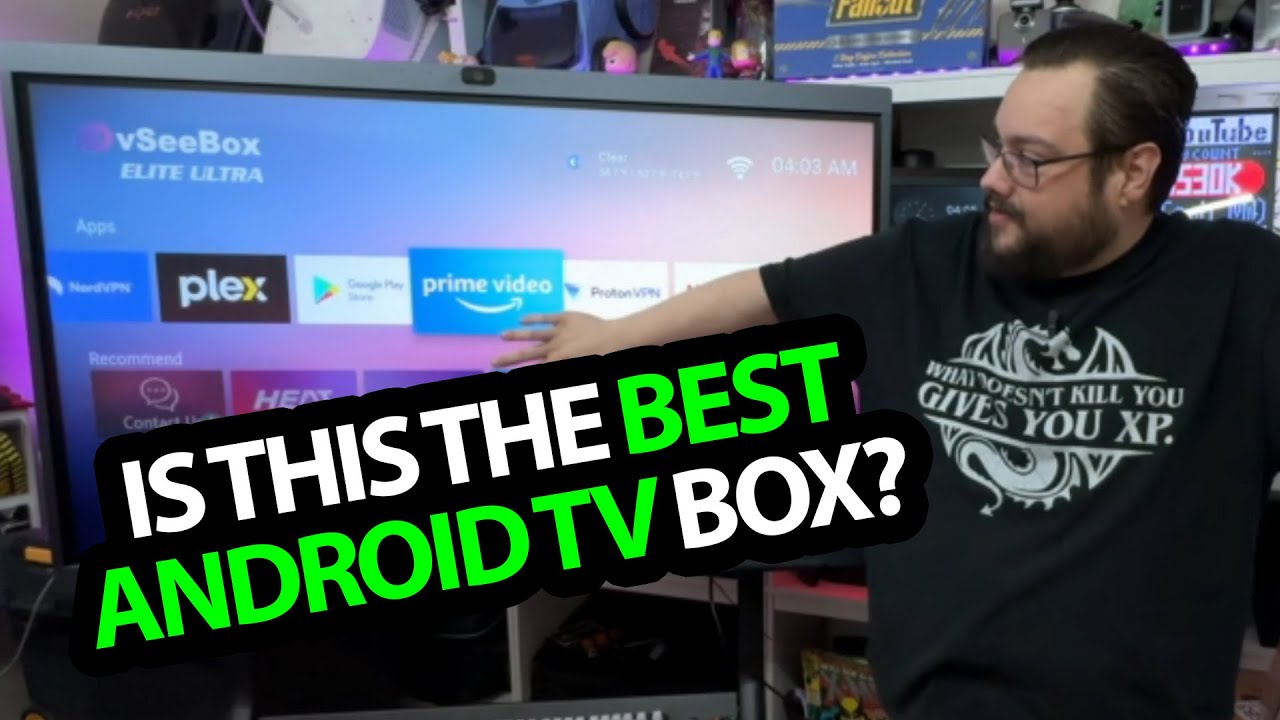
After connecting it, I use the touchscreen monitor at my desk and the remote to browse the launcher. Being able to move through that interface is the practical setup result shown here.
It does not establish compatibility with every touchscreen, app or video service. The software and services discussed belong to the original recording, rather than a promise about current support.
A menu is not proof of licensed access
The original video also browses third-party programming catalogs. I have not independently established the rights behind those catalogs, so this article does not promise access to paid shows, channels or events without the appropriate authorization.
I am keeping the hardware first look and the interface demonstration separate from that question. The original product referral is below; check the services and permissions you actually intend to use rather than treating a displayed title as evidence of licensed availability.
Links from the video
Affiliate disclosure: These links may earn me a commission at no extra cost to you.
Links and offers are from the video description. Availability, prices and offer terms may change.
Some links to other products on this page are affiliate links, and we may earn a commission if you buy through them. It costs you nothing extra, and it has not changed what this article says — where a competitor is the better answer, we say so.


