
The YouTube player loads when you press Play.
Virtual Display Driver 24.10.16: The Beta Update I Was Excited to Share
A look back at the cursor, EDID, refresh-rate and ARM64 work discussed in October 2024.
Article published November 4, 2026.
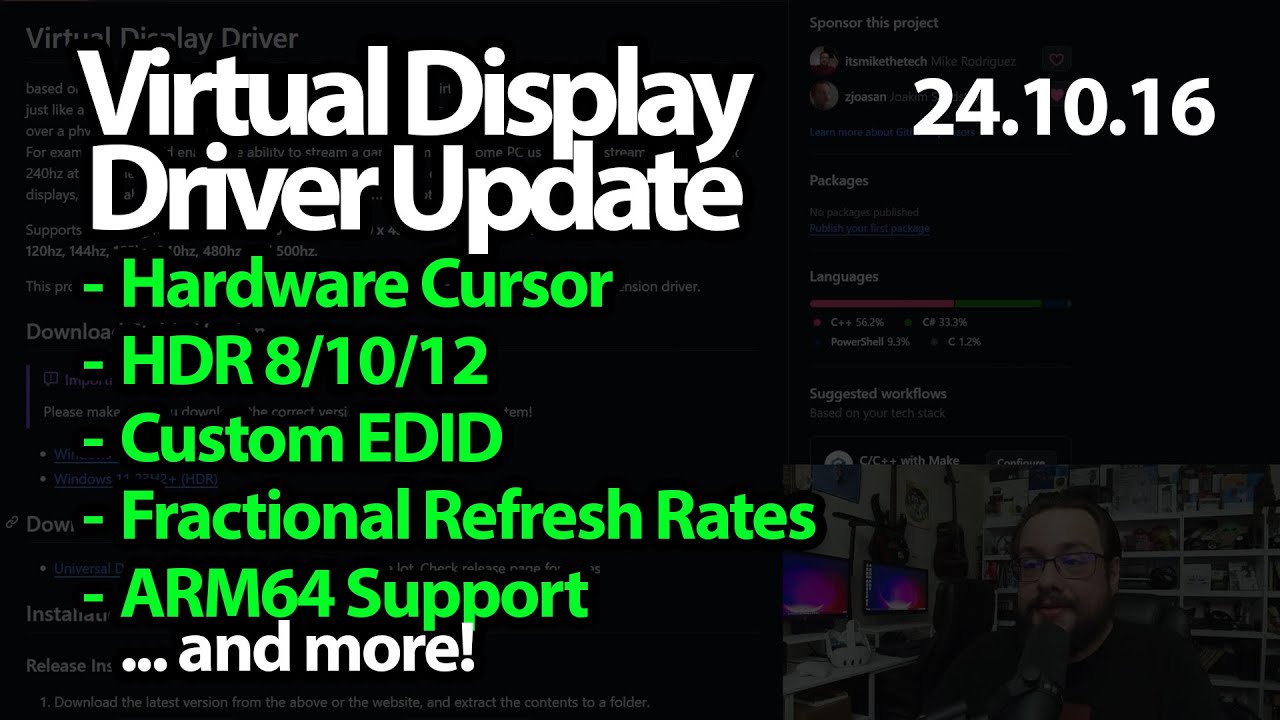
This was one of those updates I was really excited to talk about. In October 2024, Virtual Display Driver had a group of changes coming together that we had wanted for a long time.
This article follows that 24.10.16 beta announcement. It is a historical release discussion, not installation instructions for the current driver.
Cursor behavior and display identity
I start with the hardware-cursor toggle, including the duplicate-cursor problem that could show up with Parsec. Being able to enable or disable that behavior gave people another setting to try for their particular setup.
I also discuss bit-depth options and custom EDID support. The distinction I make about EDID is important: I describe using display identity and related device information, rather than importing a resolution list from the file.
Fractional refresh rates in the XML
I give paperman5 credit for an earlier working approach to fractional refresh rates, then explain the move toward entering floating-point refresh-rate values directly in the XML.
The announcement also covers naming and path changes away from the sample-driver identity. Those details belong to this release transition; paths and controls may differ in later versions.
ARM64 and a big thank-you
I report that ARM64 support had been added and tested by a contributor. That is what I am announcing in the video, not a fresh ARM device test performed for this article.
The original description thanks Bud and Jocke for the pull requests, and I spend much of the recording recognizing the work that made the update possible. The exact beta release link from that description is below if you want the historical release context.
Links from the video
Affiliate disclosure: These links may earn me a commission at no extra cost to you.
Links and offers are from the video description. Availability, prices and offer terms may change.
Some links to other products on this page are affiliate links, and we may earn a commission if you buy through them. It costs you nothing extra, and it has not changed what this article says — where a competitor is the better answer, we say so.


