
The YouTube player loads when you press Play.
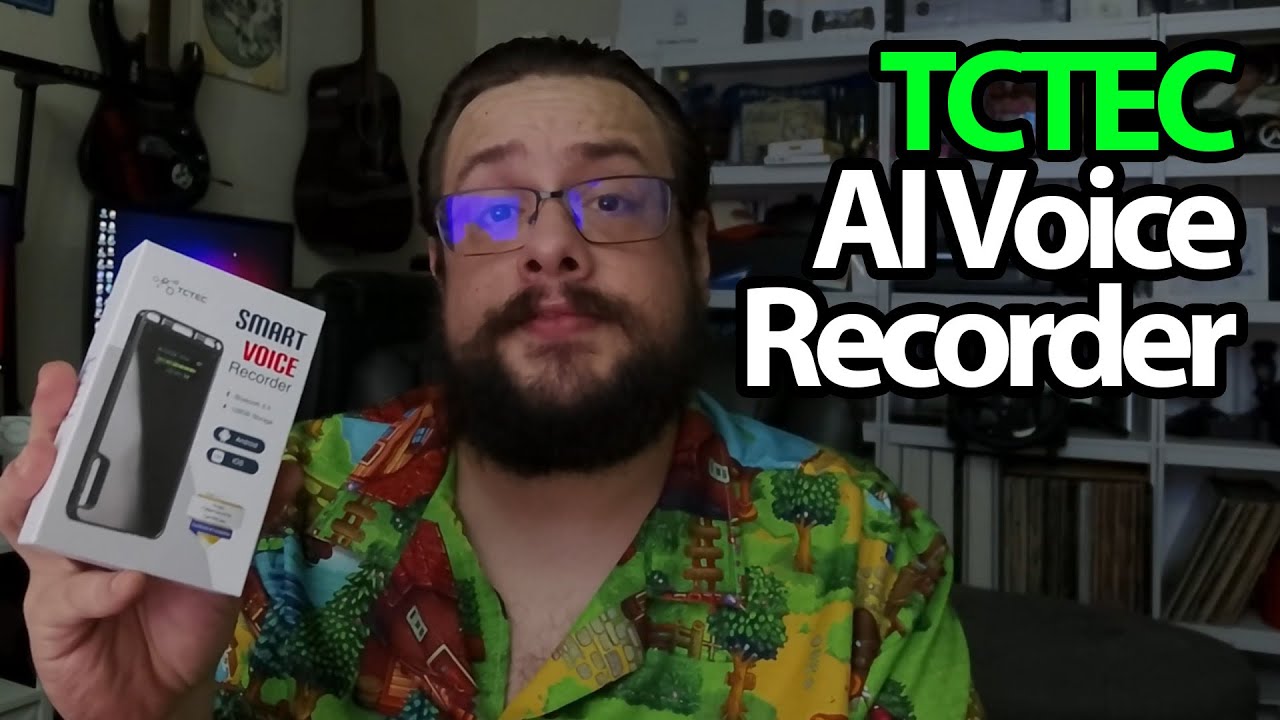
TCTEC Voice Recorder: A Tiny Clip, a Mirror Finish and a Hidden Screen
Opening the recorder and powering it on before trying its recording and transcription features.
Article published November 4, 2026.
At first, this TCTEC recorder looks like a small mirrored clip. Then I turn it on and discover that one side is a screen. That is the detail I keep coming back to: I can see what the device is doing without starting with a phone app.
More than just the recorder in the box
I take out a charging cable and a pair of USB-C headphones with their own controls. There is also a manual with app QR codes. The recorder has separate power and recording controls, a USB-C connection and a clip for carrying it.
I show the display after powering it on. It presents the time, battery and storage information. Switching it off brings up a little goodbye message, and I also point out the magnetic attachment.
The AI part still needs its own session
I talk through the advertised storage and recording specifications, then explain the appeal of getting meeting summaries from recordings. That is a feature discussion, not a transcription-accuracy or endurance test. I do not demonstrate a completed recording being summarized in the app here.
TCTEC sent this over. The small clip-style body is a different approach from the PLAUD Note recorder I looked at in another session; that is context for the form factor, not a claim that I compared their transcription results.
Start with the hardware
The display and physical controls give me something concrete to explore before getting into an app workflow. The original recorder and Geeksoutfit links are below, with the separate clothing offer. The original outro credit also lists http://eme7.com/.
Links from the video
Affiliate disclosure: These links may earn me a commission at no extra cost to you.
Coupon code: MTT25 — 25% off. Original Geeksoutfit clothing offer; availability and terms may have changed. Not a discount on the featured device.
Links and offers are from the video description. Availability, prices and offer terms may change.
Some links to other products on this page are affiliate links, and we may earn a commission if you buy through them. It costs you nothing extra, and it has not changed what this article says — where a competitor is the better answer, we say so.


