
The YouTube player loads when you press Play.
M4 Mac mini and ORICO Dock: A Smaller Stack Beside My M2
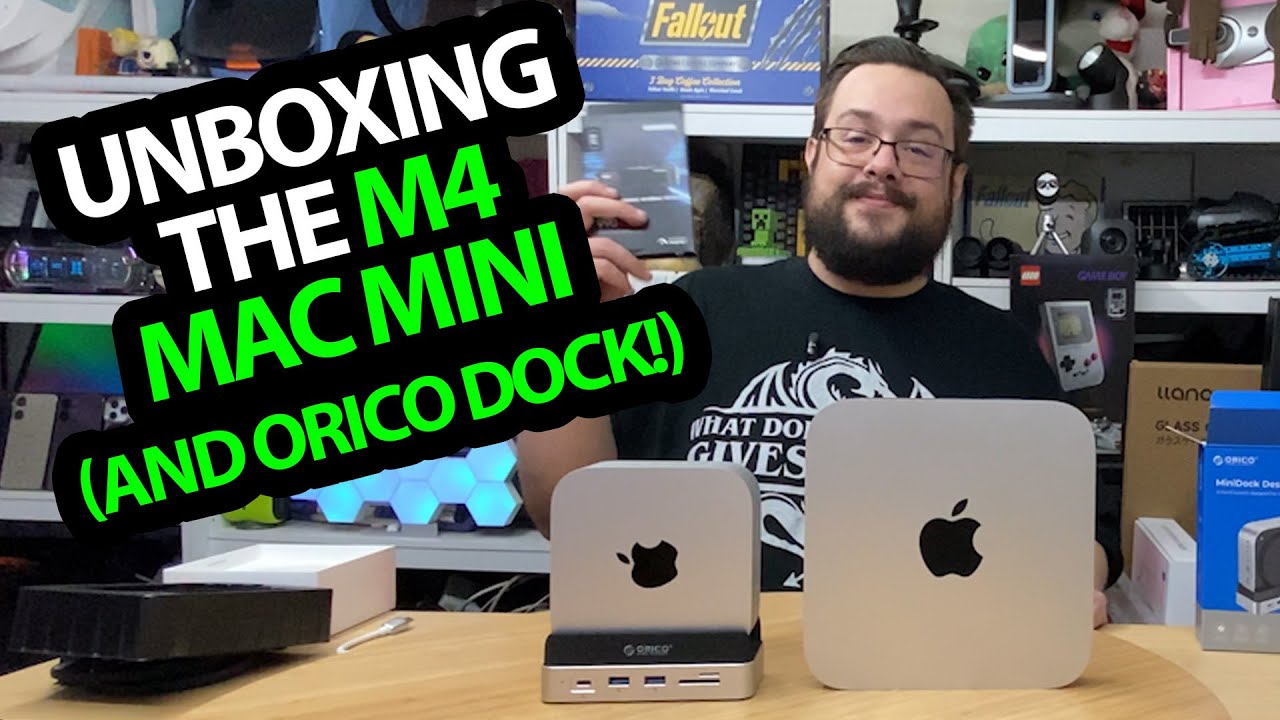
Comparing the physical size and opening the dock’s SSD compartment.
Article published November 4, 2026.
Putting the M4 Mac mini beside my M2 makes the size change obvious. The newer box is taller, but it takes up much less of the desk—and then I add a dock that fits around that smaller form factor.
ORICO provided the dock for this video. I unpack both pieces, compare the physical layouts and look inside the dock's storage compartment.
The Mac comes out first
The configuration I identify is 16 GB unified memory and 256 GB storage. I go through the packaging, power cable and rear connections, then bring the M2 alongside it.
This is a size and hardware comparison. The performance tests I invite viewers to suggest are still future work, so the unboxing does not establish a speed advantage for a particular task.
A short cable for a nearby dock
The dock comes with a short braided connection cable, which makes sense to me for hardware sitting right next to the computer. I look over the ports and card slots before opening the bottom.
Some of the spoken port names and speed labels are inconsistent. I am not turning that readout into a verified Thunderbolt or throughput table.
The SSD slot is inside the dock
I use the supplied screwdriver to open the compartment and discuss fitting an M.2 SSD. The package includes mounting pieces and thermal material for that arrangement.
This adds a separate drive enclosure in the dock; it is not an upgrade to the Mac's internal memory or a measured match for its internal SSD. I finish by placing the Mac and dock together and trying their physical orientation.
The description lists IGL67VCQ for 30% off the ORICO dock. That historical code is preserved below, with current eligibility left to the seller.
Links from the video
Affiliate disclosure: These links may earn me a commission at no extra cost to you.
- ORICO Mac mini dock original Amazon link
- M4 Mac mini original Amazon link
- Playcast Pavilion original referral link
Coupon code: IGL67VCQ — 30% off. ORICO dock code listed in the original video description. No expiry date was supplied; check current eligibility and terms.
Links and offers are from the video description. Availability, prices and offer terms may change.
Some links to other products on this page are affiliate links, and we may earn a commission if you buy through them. It costs you nothing extra, and it has not changed what this article says — where a competitor is the better answer, we say so.


