
The YouTube player loads when you press Play.
DARKROCK Classico: I Bought This Case for All Those Drive Bays
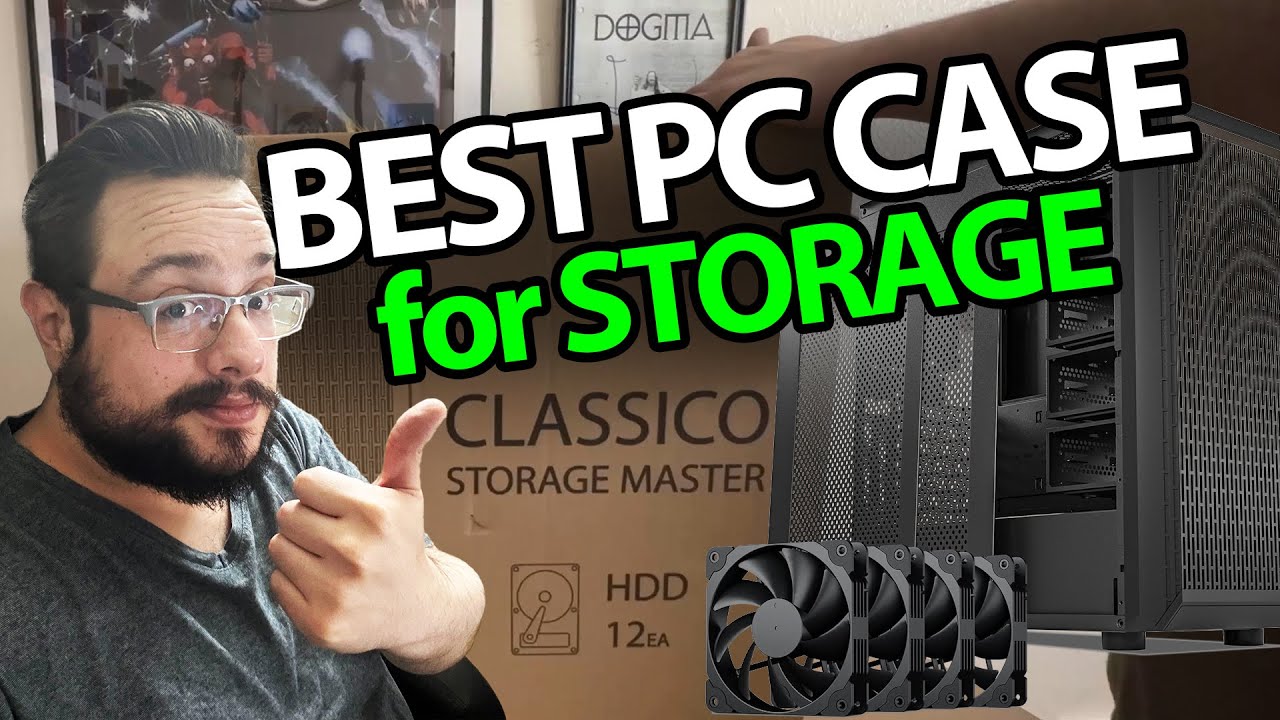
Opening the storage-focused case I wanted for a Plex-and-gaming build.
Article published November 4, 2026.
This is one of those products I buy because I am already imagining the project. I want a case for a Plex server that can also have some gaming hardware inside, and the DARKROCK Classico has a lot of places to put drives.
The big box has another box inside
I start with a very large shipping carton, get through the packing and pull out the assembled case. Then I turn it around to look at the front, rear and top connections.
There are front fans, a magnetic top mesh and power, reset, USB and audio connections. When I open the side, I appreciate that the screws stay with the panel.
Drive cages are the attraction
I work through the bays and mounting positions, including the spots behind the motherboard tray and the lower cage. There is quite a bit to look at on both sides.
I also point out a removable cage. That is an interesting trade-off if I need more graphics-card clearance, although the final combination of drives and components still needs checking against the case documentation.
A build I am excited to start
The video captures that first look, before I install the motherboard, drives or graphics card. It is not a completed NAS build or a cooling and noise test.
I paid for this case myself. The original Amazon link is below if you want to look at the storage layout I was so excited about, alongside the separate course and channel links.
The original description also includes http://eme7.com/ and http://discord.mikethetech.com/. The course URL carries MIKETHETECH, without a stated discount amount or expiry.
Links from the video
Affiliate disclosure: These links may earn me a commission at no extra cost to you.
- DARKROCK Classico original Amazon link
- GameDev.tv original Unreal Action Adventure course link
- MikeTheTech original channel membership link
Coupon code: MIKETHETECH — Amount not specified. Code in the original course URL. No discount amount or expiry supplied; this is a separate course offer, not a hardware coupon.
Links and offers are from the video description. Availability, prices and offer terms may change.
Some links to other products on this page are affiliate links, and we may earn a commission if you buy through them. It costs you nothing extra, and it has not changed what this article says — where a competitor is the better answer, we say so.


