
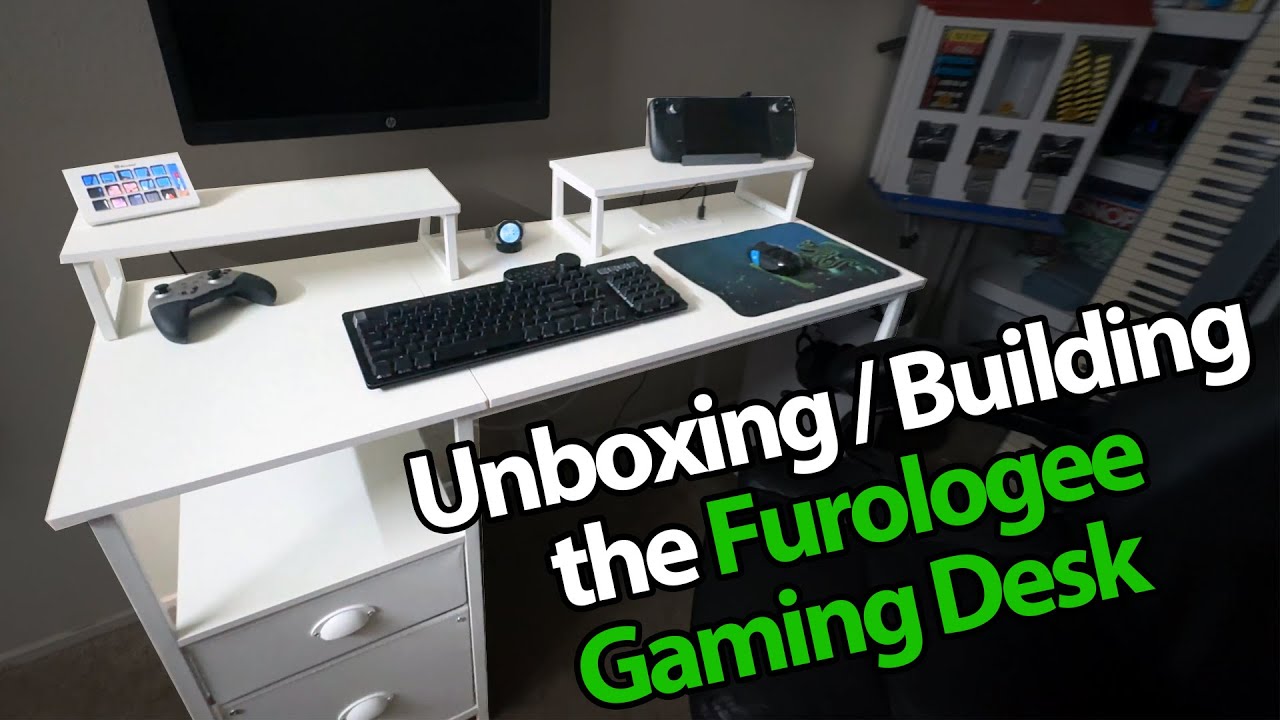
The YouTube player loads when you press Play.
Building the Furologee Desk: Drawers, Monitor Stands and a Couple of Do-Overs
Following the assembly steps and fixing my screw and handle mix-ups along the way.
Article published November 4, 2026.
I switch to a different camera angle and a lav mic for this one, because a desk is a little too large for my usual unboxing table setup. Furologee sent over a 47-inch desk with drawers, an inset power strip and two small monitor stands.
Keep the numbered parts nearby
I lay out the tools, fasteners, boards and frame pieces, then start following the manual. Keeping the numbered screw packs readable helps as I move between steps.
The frame comes together first, followed by the boards and adjustable feet. I leave in the little corrections along the way, including finding that I have missed a crossbar.
Some screws really are different
When I get to the tabletop, I realize I have mixed up two screw sizes. I take the wrong ones back out and correct it before continuing.
I fit the power-strip module into its opening, connect the top boards and assemble the two separate monitor stands. This is an assembly walkthrough, without an electrical-load test or a measured stability rating.
Turn those handles around
The fabric drawers get their base inserts and handles. Then I notice I have put the handles on the wrong way, so those get a quick do-over too.
By the end, the drawers, file supports and side hooks are in place. I am ready to clear away the packaging and move the desk to its intended spot. If you are building the same version, keep its own manual beside you; the video shows my process, mistakes included.
The original course link includes MIKETHETECH, without a stated discount amount or expiry. Original credits also list http://eme7.com/ and http://discord.mikethetech.com/.
Links from the video
Affiliate disclosure: These links may earn me a commission at no extra cost to you.
- Furologee 47-inch desk original Amazon link
- GameDev.tv original Unreal Action Adventure course link
- MikeTheTech original channel membership link
Coupon code: MIKETHETECH — Amount not specified. Original course URL code. Amount and expiry are not supplied; this is not a hardware discount.
Links and offers are from the video description. Availability, prices and offer terms may change.
Some links to other products on this page are affiliate links, and we may earn a commission if you buy through them. It costs you nothing extra, and it has not changed what this article says — where a competitor is the better answer, we say so.


