
The YouTube player loads when you press Play.
Jeecoo A10: Plug In the Power, Then Pair the Little Speaker
Trying the volume knob and a short Bluetooth sound sample.
Article published November 4, 2026.
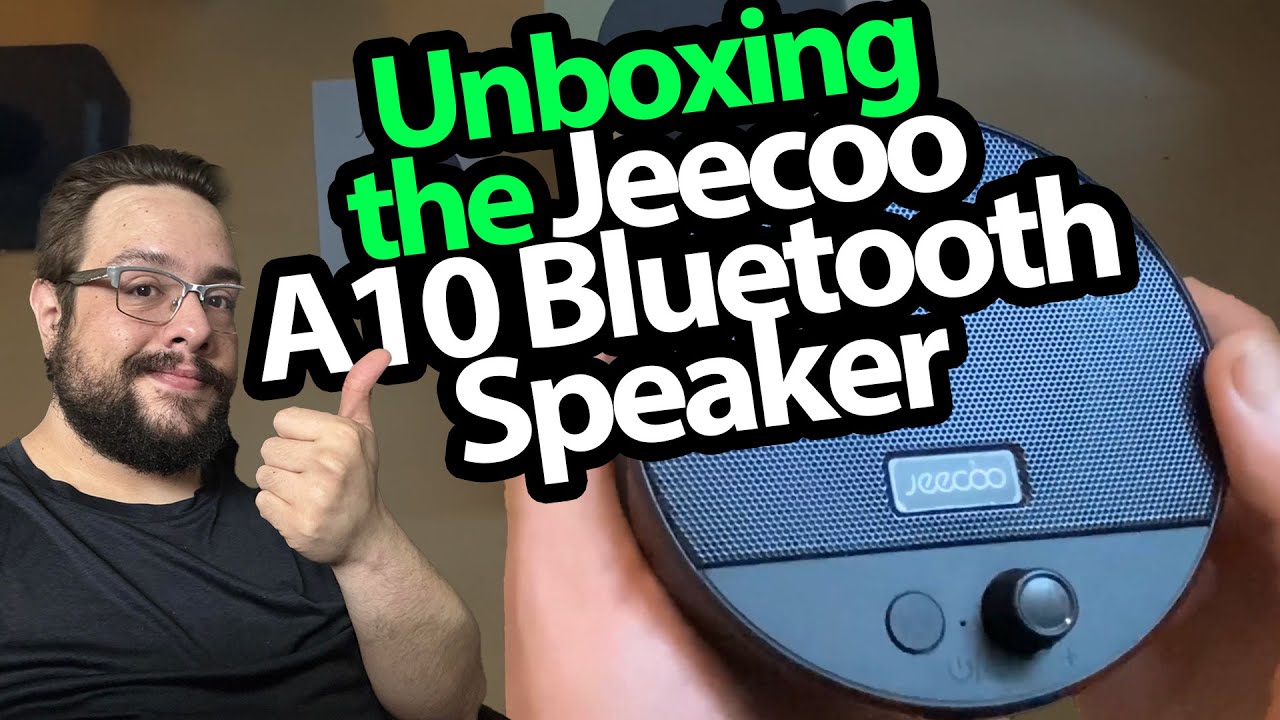
The shipping box is much larger than the speaker inside. Once I get through the packaging, I have a small Jeecoo A10 and a straightforward question: what does it sound like on my desk?
I like a physical knob
I peel off the protective film and turn the volume knob. It has a firm feel, which I like on a little desktop speaker.
I look over the rear connections, then plug in USB power. The speaker comes up in Bluetooth mode, so I open the Bluetooth settings on my phone and connect to it.
A short first listen
The sound is better than I expect from the size. In that brief sample, it does not strike me as thin or tinny, and I can hear some bass.
That is a subjective reaction to the sound in the room. I have not measured output power, frequency response or distortion.
One thing I want to keep an eye on
I also hear something rattling inside when I handle it. Everything seems to work during the recording, but I do not establish the cause or show a repair, so I would not call that resolved.
Jeecoo sent the speaker over, and the plan is to give it more everyday use. The rubberized bottom and easy-to-reach knob are practical details I notice immediately. The original product link is below.
The original course link includes MIKETHETECH, without a stated discount amount or expiry. Original credits also list http://eme7.com/ and http://discord.mikethetech.com/.
Links from the video
Affiliate disclosure: These links may earn me a commission at no extra cost to you.
- Jeecoo A10 original Amazon link
- GameDev.tv original Unreal Action Adventure course link
- MikeTheTech original channel membership link
Coupon code: MIKETHETECH — Amount not specified. Original course URL code. Amount and expiry are not supplied; this is not a hardware discount.
Links and offers are from the video description. Availability, prices and offer terms may change.
Some links to other products on this page are affiliate links, and we may earn a commission if you buy through them. It costs you nothing extra, and it has not changed what this article says — where a competitor is the better answer, we say so.


