
The YouTube player loads when you press Play.
Lumary Rope Lights: My Porch Has a Useful Green-Light Mode
The new rope-light controls, mounting pieces and a simple way I use smart lighting when a delivery is coming.
Article published November 3, 2026.
One of my favorite uses for smart porch lights has nothing to do with a holiday. When a delivery is coming, I can change the color and say, “Look for the house with the green light.” It makes the place a lot easier to recognize.
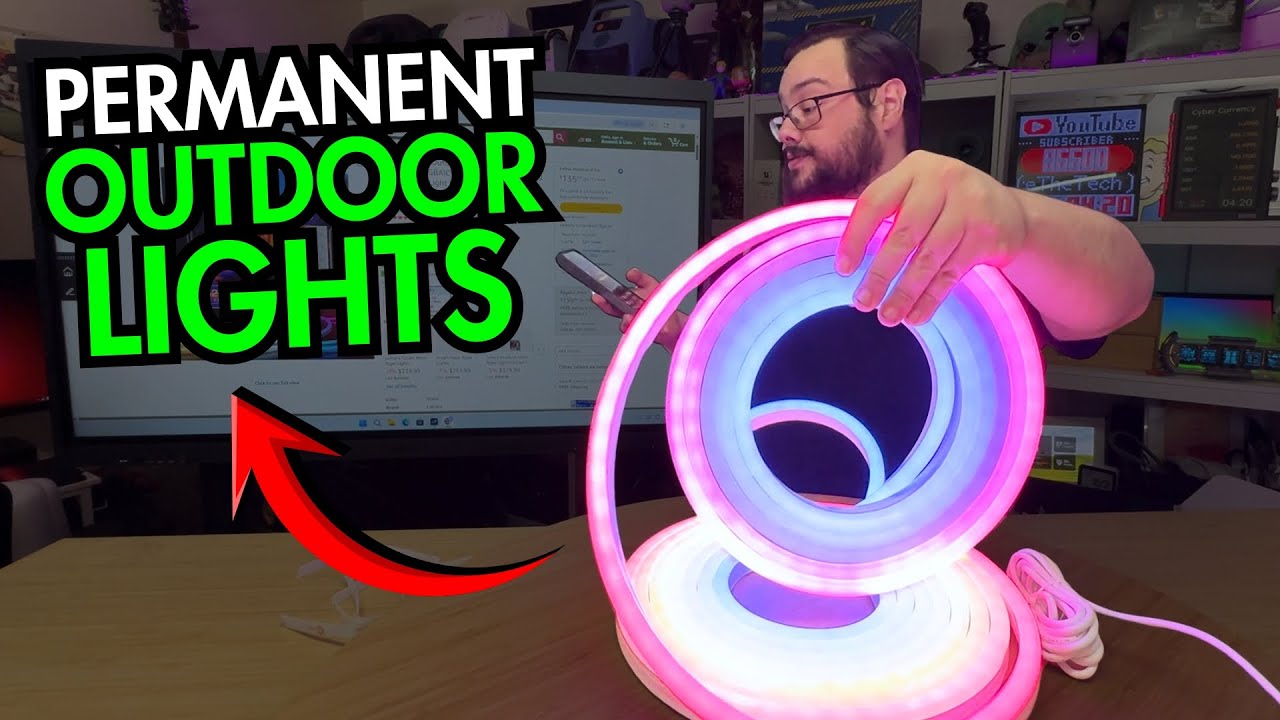
I was already using an earlier Lumary light on the porch when I opened this newer outdoor neon rope light. Lumary sent the new unit for the video, and I wanted to see how its hardware and app controls compared with the setup I knew.
More than one way to control it
The box included a remote, and I pointed out the onboard button as another option. The app was the part I was most interested in because of the colors, animations and ways to group the lighting.
I paired the new light with my phone and showed it appear in the app. From there, I went through white-light temperature, individual colors and moving effects.
Mounting options in the box
I showed ground stakes, wall clips, screws and the power connection. The wall-mounting pieces were familiar from the earlier installation I had already been using.
That previous porch experience is different from a long-term outdoor test of this new model. I had not completed the new permanent installation by the end of the video.
Try the effects before choosing a favorite
The app demonstration included sectioned colors, combinations around the color wheel and sound-reactive modes. I talked into the room to show the effect responding and adjusted the sensitivity.
I also went through seasonal options, including Christmas colors. The appeal for me was being able to switch between an ordinary-looking light and something much more animated without changing the hardware.
Keep the installation requirements specific
I showed the heavier rope construction and covered connectors. I did not perform an ingress test or establish every weather-exposure claim in the listing.
Use the exact model's installation instructions for mounting, power connections and any permitted length changes. The walkthrough is a look at the supplied parts and controls, not a substitute for those instructions.
The sale price I mentioned was historical. The original link is below for checking the current version. For me, the standout use is still the simple one: a recognizable porch color when somebody is trying to find the house.
Links from the video
Affiliate disclosure: These links may earn me a commission at no extra cost to you.
Links and offers are from the video description. Availability, prices and offer terms may change.
Some links to other products on this page are affiliate links, and we may earn a commission if you buy through them. It costs you nothing extra, and it has not changed what this article says — where a competitor is the better answer, we say so.


