
The YouTube player loads when you press Play.
Domyfan N2: A Portable Screen with Two Very Different Stands
Trying the magnetic support, taller setup and portrait orientation.
Article published November 3, 2026.
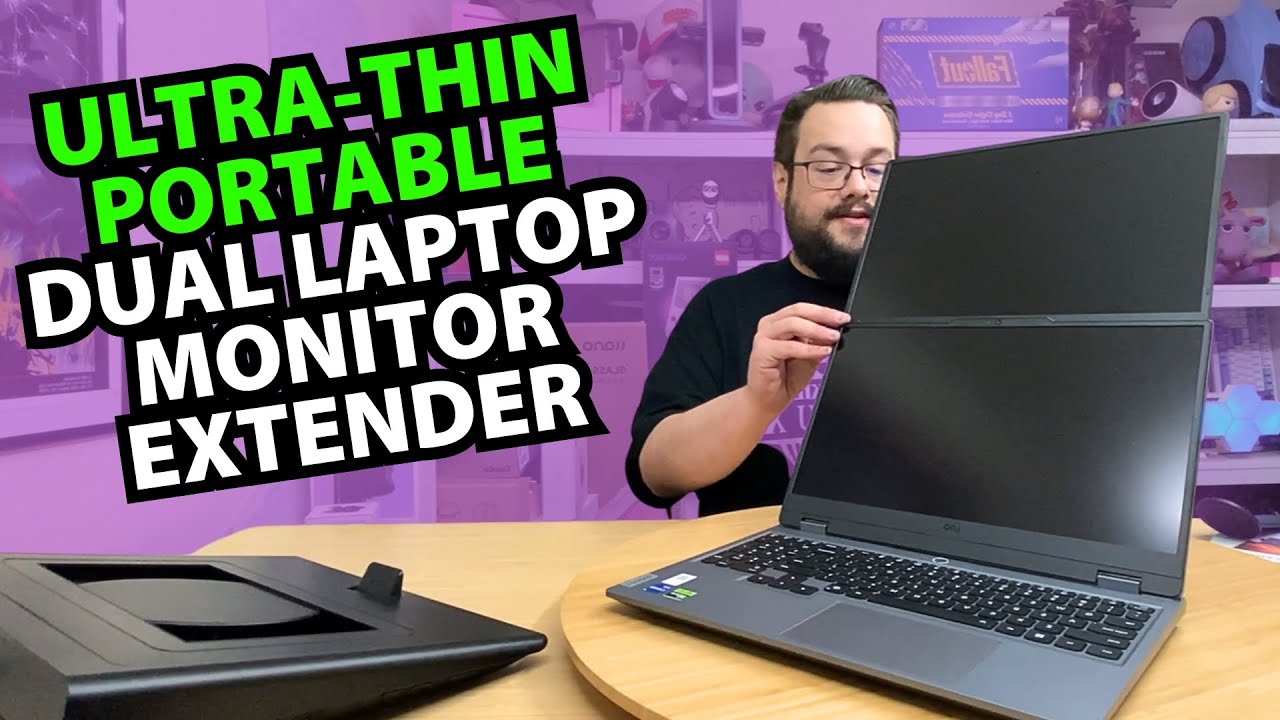
The interesting part of this portable monitor is behind the screen. I can separate the panel from its larger support, attach a smaller magnetic stand or raise it above a laptop.
This is the N2 identified in the recording, from the Domyfan listing in the description. The walkthrough concentrates on that hardware arrangement rather than a connected-display picture test.
The small magnetic stand
I unpack the screen and cables, then try the compact magnetic support. It attaches to the ring on the back, and I rotate the screen into portrait orientation.
I call the attachment MagSafe-style in the video, while making clear that it is not Apple's MagSafe system. It is a useful way to describe the physical idea without confusing the products.
Raise the screen above a laptop
The larger support opens into a stand of its own. My first position is too low for the laptop beside it, so I extend it and adjust the screen height.
I also turn the panel vertically and try the different arrangements. The moving mechanism can pinch, as I notice during the demonstration, so it deserves care rather than a casual pull in any direction.
Pack the panel back into the support
At the end, I return the screen into the larger assembly for carrying. That combination of a protective-looking enclosure and adjustable support is what catches my attention.
I discuss the listed 16:10, 1920 × 1200 panel and its connection options. I do not verify color coverage, refresh behavior, every device's compatibility or the claim that an arbitrary USB connection will carry video. This first session shows the physical configurations, not a display benchmark.
Links from the video
Affiliate disclosure: These links may earn me a commission at no extra cost to you.
- Domyfan N2 original Amazon link
- MikeTheTech original Patreon link
- Playcast Pavilion original referral link
Links and offers are from the video description. Availability, prices and offer terms may change.
Some links to other products on this page are affiliate links, and we may earn a commission if you buy through them. It costs you nothing extra, and it has not changed what this article says — where a competitor is the better answer, we say so.


