
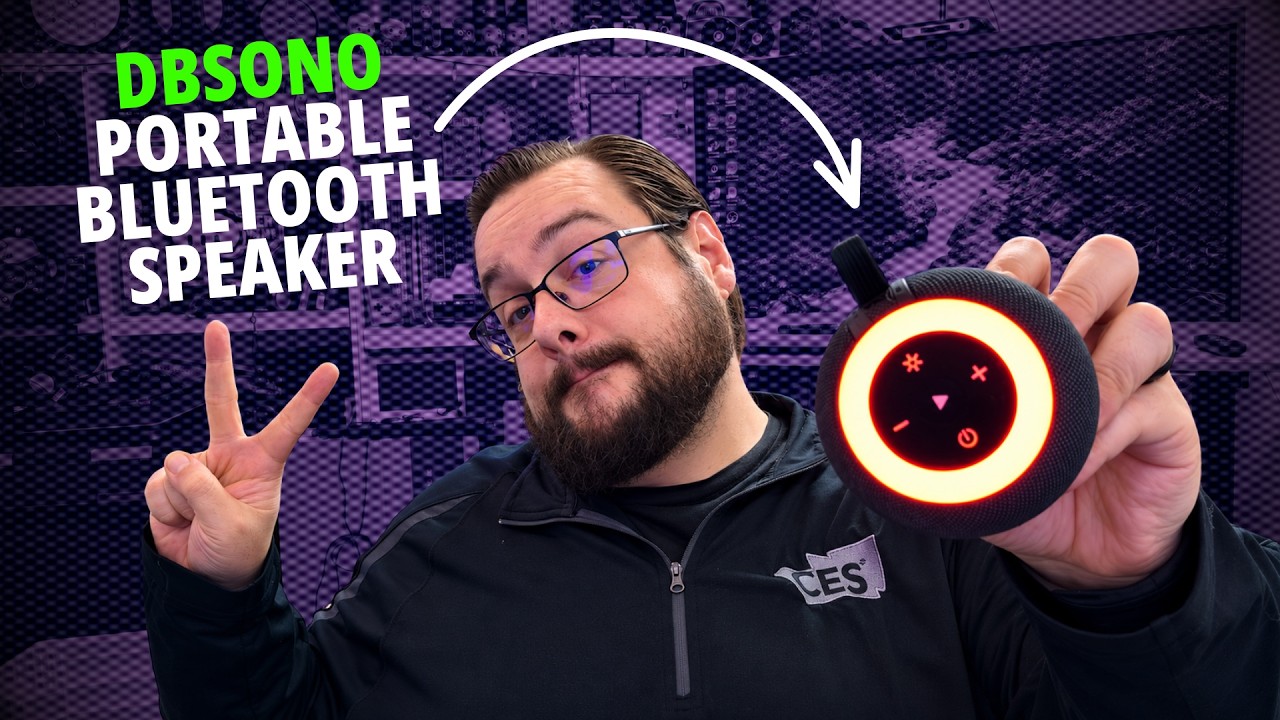
The YouTube player loads when you press Play.
dbsono F33: The Removable Twist-Lock Mount Got My Attention
An unboxing, pairing and listening walkthrough of the Bluetooth speaker whose mount I wanted to try.
Article published November 3, 2026.
The mounting system was what made me want to try the dbsono F33. A small Bluetooth speaker is useful, but being able to leave its mount in place and lift the speaker off for charging is a practical detail I wanted to look at.
My June 22, 2026 video covers the unboxing, mounting mechanism, pairing and a short listening demonstration. I discussed its IPX7 rating, but the walkthrough is not an immersion test or a long-term test inside a wet shower.
A twist-lock suction mount
The mount uses a suction cup with a twisting mechanism. You flatten the cup against a suitable smooth surface, then turn the control to draw it into place. I have liked this style of mount more than some simpler suction mounts I had used.
The speaker slides onto the mount. When you want to charge it, you can remove the speaker while leaving the mount where it is. The package also included a mounting sticker that gives the suction cup a smooth surface to attach to.
Those details were the reason I found the design interesting. My enthusiasm for the mechanism is different from proving how long it will stay attached to every type of wall.
Bluetooth and local playback
I paired the speaker with my phone during the video; it appeared as DBF33. There is also a microSD slot beside the USB-C connection, giving you a local playback option when you do not want to use a phone.
A thick rubber cover protects that connection area. I pointed out that the cover needs to stay properly closed when the speaker is somewhere it will get wet.
I also explained the speaker's two-unit pairing mode. That was a feature discussion alongside the single-speaker listening demonstration, rather than a comparison of a complete stereo pair.
What I thought of the sound
In my quick listen, it was reasonably loud, although not as loud as some other Bluetooth speakers I had used. I thought of it as something for a smaller group or a speaker to carry along, rather than the one I would choose to fill a large room.
The video includes that listening section in the player above. It is an impression from that setup, with no measured loudness or frequency-response figures to turn it into a laboratory comparison.
A few useful extras
The lighting cycles through different colors and effects, including fading and rotating patterns. The package also included a charging cable and a clip for attaching the speaker to something such as a backpack.
By the end of the walkthrough, I was planning to try it in the shower. The easy removal from the mount was still the feature I liked most. The original product link is below if you want to check the current listing and instructions.
Links from the video
Affiliate disclosure: These links may earn me a commission at no extra cost to you.
Links and offers are from the video description. Availability, prices and offer terms may change.
Some links to other products on this page are affiliate links, and we may earn a commission if you buy through them. It costs you nothing extra, and it has not changed what this article says — where a competitor is the better answer, we say so.


