
The YouTube player loads when you press Play.
Frizzlife M800: The Screen Turned On Before I Plugged It In
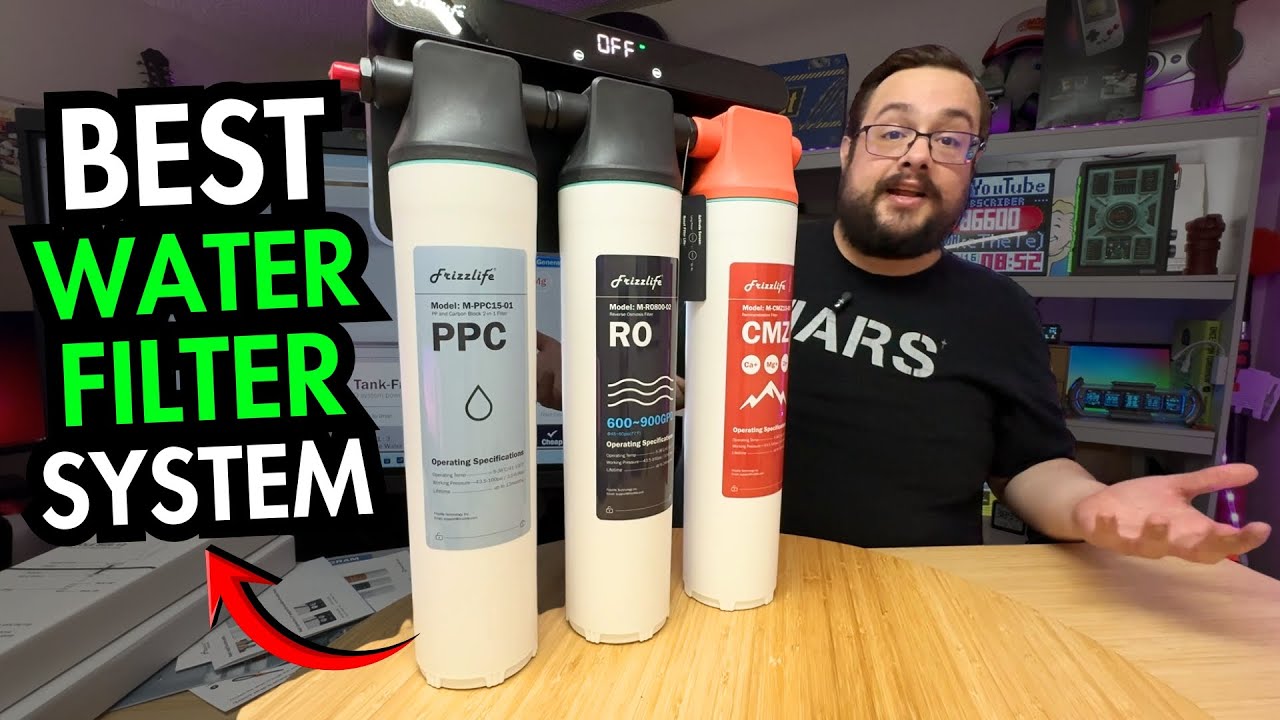
Opening the filtration unit, included faucet and fittings before the under-sink installation.
Article published November 3, 2026.
I did not expect the water filter to be one of the more interesting boxes on the table, but the Frizzlife M800 got my attention pretty quickly. The unit was compact, the faucet was included, and then the little screen turned on before I had plugged anything in.
This video is the unboxing and a look at the connections and controls. I left the under-sink installation for another video, so there is no installed flow, taste or water-quality test here.
The plumbing diagram looked less intimidating on the second look
At first, the diagram looked like quite a project. Once I followed the lines, I could identify the supply, filtered-water and drain connections. Seeing those separated out made the layout easier to understand.
The package included tubing, connectors, mounting hardware and installation guides. I also found the dedicated faucet, which surprised me: I initially thought the faucet in the pictures was just an example. The small Frizzlife branding on top was a nice detail.
I was handling the parts on the table, rather than fitting them to my sink. The actual plumbing, available space and installation requirements still need to be checked against the supplied guide.
The battery-powered screen was the surprise
I thought the display would need an external power connection before it could do anything. Instead, it woke up during the unboxing. I went back to that because it genuinely caught me off guard.
Later, I held the Flush and Reset controls to activate the screen and moved through the PPC, RO and CMZ filter indicators. That gave me a better idea of what I would be looking at once the system was installed.
I also read some of the printed specifications aloud. That is different from measuring battery endurance or filtration performance, neither of which I did in this video.
A different job from the water monitor
If you have seen my Frizzlife LP365 water-monitor first look, this is a different part of the under-sink setup. Here I was opening the filtration hardware itself.
The M800 left me excited to get it fitted. For now, the useful result is seeing the actual unit, included faucet and accessories, and the controls before the installation begins.
Links from the video
Affiliate disclosure: These links may earn me a commission at no extra cost to you.
Links and offers are from the video description. Availability, prices and offer terms may change.
Some links to other products on this page are affiliate links, and we may earn a commission if you buy through them. It costs you nothing extra, and it has not changed what this article says — where a competitor is the better answer, we say so.


