
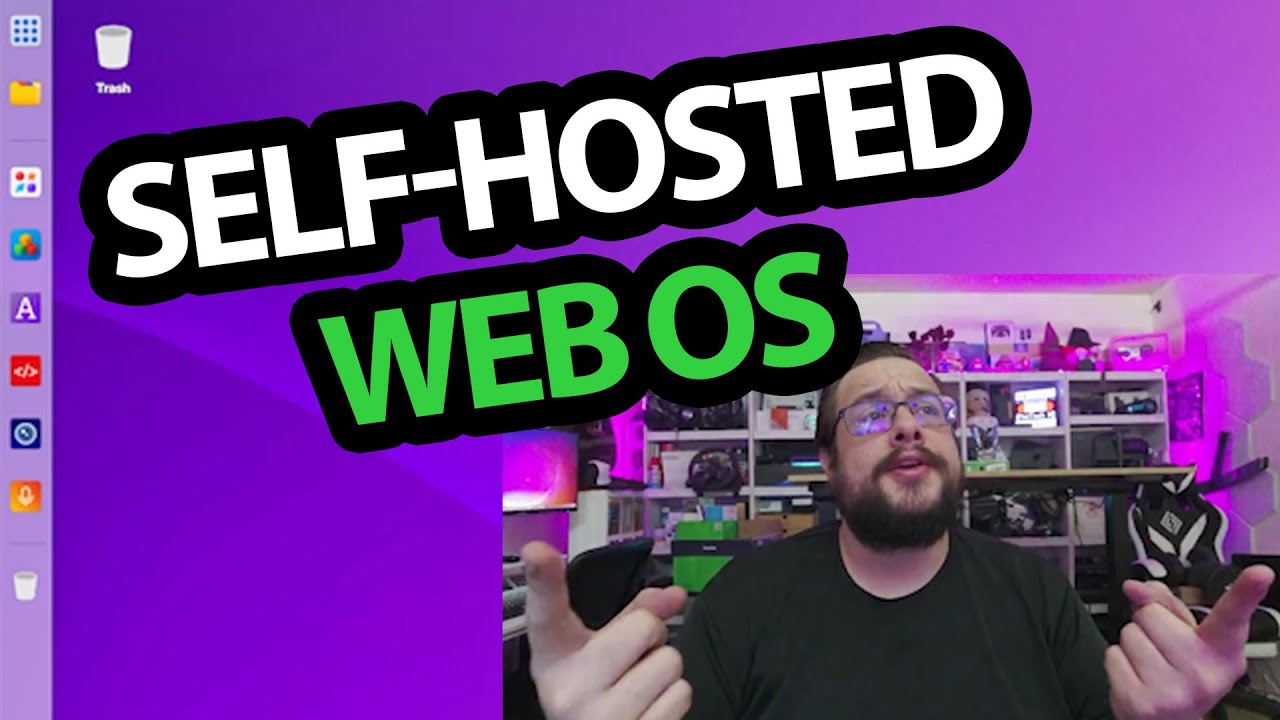
The YouTube player loads when you press Play.
Puter Browser Desktop: From the Hosted Demo to a Local Setup
The August 2025 walkthrough of a desktop-like interface running in the browser.
Article published November 4, 2026.
A desktop with an app menu, editor and terminal is familiar. Seeing that interface inside a browser is the part that makes this Puter walkthrough interesting.
In the August 2025 recording, I move from the hosted demonstration to a local copy. This is the setup I recorded then, not a current installation or security guide.
Start with the browser interface
I open the hosted version and look at its desktop and app center. I discuss the editor, camera and other tools presented inside that environment.
That is a desktop-like web application in this demonstration. The video does not show replacing the computer's native operating system or migrating an existing cloud-storage account.
The local source release used in the video
I go to the project's repository and identify the source release as 2.5.1. With Node available, I install the project dependencies and start that copy.
The browser opens the local environment, and I complete its initial account setup. That gets the desktop ready to explore.
A local desktop to explore
Once it loads, I browse the menu and developer area and discuss adding web applications. That is the working local interface shown in this session.
The description calls Puter open source and discusses self-hosting. This recording does not independently audit privacy, security, every app integration or remote access from other networks. The original repository link is below for the project's current documentation and requirements.
Links from the video
Affiliate disclosure: These links may earn me a commission at no extra cost to you.
- Puter original project-repository link
- MikeTheTech original Patreon link
- Geeksoutfit original clothing-store link
Coupon code: COLLAB1 — Discount amount not stated. Separate Geeksoutfit offer from the original description. No amount or expiry was supplied; check current terms.
Links and offers are from the video description. Availability, prices and offer terms may change.
Some links to other products on this page are affiliate links, and we may earn a commission if you buy through them. It costs you nothing extra, and it has not changed what this article says — where a competitor is the better answer, we say so.


