
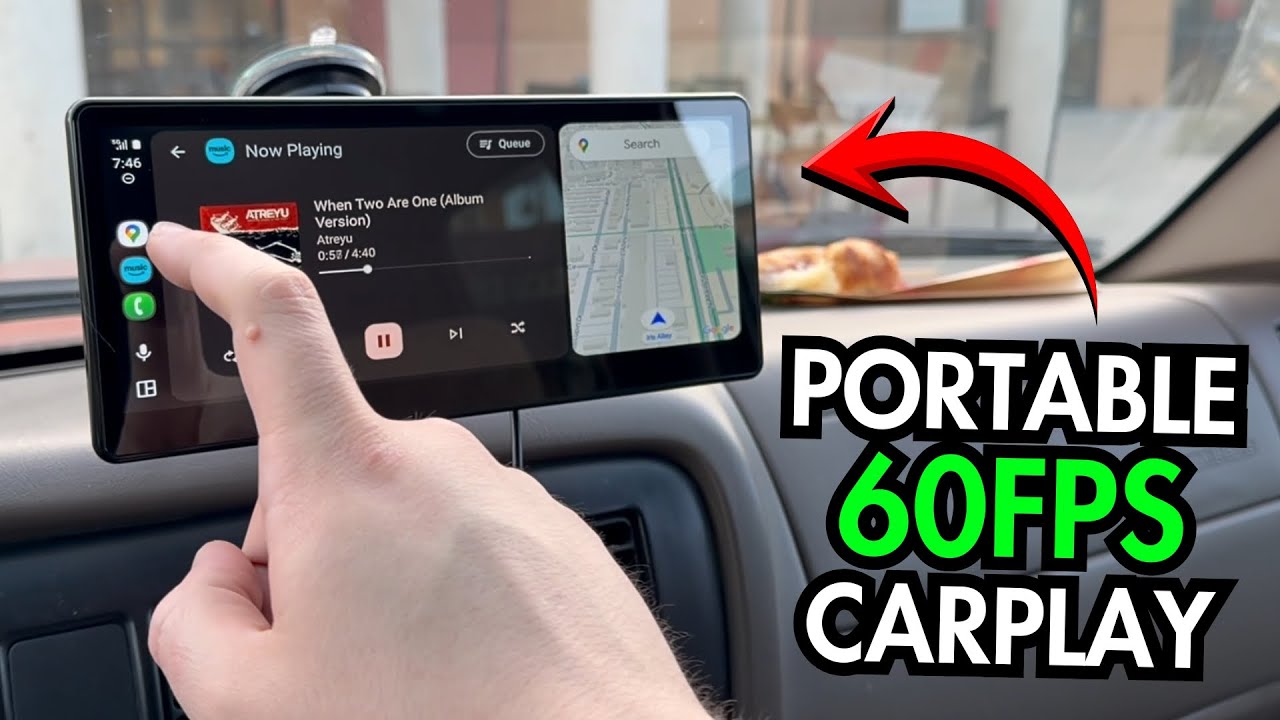
The YouTube player loads when you press Play.
CarpodGo T3 Pro: A Desk Setup Before the Vehicle Install
The screen, mounting choices, backup-camera kit and audio adapter I unpacked for an older vehicle.
Article published November 3, 2026.
The vehicle I had in mind for the CarpodGo T3 Pro did not have a built-in CarPlay screen. A separate display looked like an interesting way to add that interface without starting by replacing the whole entertainment system.
In this video I opened the kit, assembled the stand on my desk and powered the screen from a USB battery. The actual vehicle installation was still ahead of me.
There is more in the box than the screen
The display has its connections along the back, including power and the camera input. I left its screen protector in place while I worked through the accessories.
The adjustable mount was straightforward to put together on the table. The kit also included additional mounting pieces, giving me a few arrangements to consider before choosing a position in the vehicle. A desk demonstration does not establish how a mount will behave on every dashboard or in the heat.
I liked seeing those options included instead of discovering, halfway through an install, that I needed another bracket.
The backup camera and audio adapter are separate pieces
I unpacked the rear camera and its mounting hardware, then showed where its cable would connect to the display. I also found an accessory described for regulating the camera's power supply. I did not wire the camera into a vehicle or demonstrate a reversing image here.
There was a USB-powered Bluetooth audio adapter with a 3.5 mm connection as well. That is an important part of the kit to look at if the intended car lacks built-in Bluetooth. The available inputs and the particular vehicle still matter; I did not test universal compatibility.
Powering it up on the desk
With the battery connected, the screen came on and I could move through its touch interface and connection settings. I showed the available navigation and camera areas while discussing how the screen would fit into the planned setup.
The listed 1920 × 720 resolution and 60 fps wireless CarPlay support were specifications I read, rather than a measured frame-rate or startup-time test. I did not complete a road test in this video.
What stood out was the completeness of the package: the display, several mounting choices, the rear-camera hardware and an audio option for an older vehicle. The next job was choosing the vehicle and doing the installation.
Links from the video
Affiliate disclosure: These links may earn me a commission at no extra cost to you.
Links and offers are from the video description. Availability, prices and offer terms may change.
Some links to other products on this page are affiliate links, and we may earn a commission if you buy through them. It costs you nothing extra, and it has not changed what this article says — where a competitor is the better answer, we say so.


