
The YouTube player loads when you press Play.
ASUS TUF Monitor Unboxing: A Low-Profile Stand, with the Model Still to Confirm
The curved display and stand I assemble, plus a mismatch between the recording and its original description.
Article published November 3, 2026.
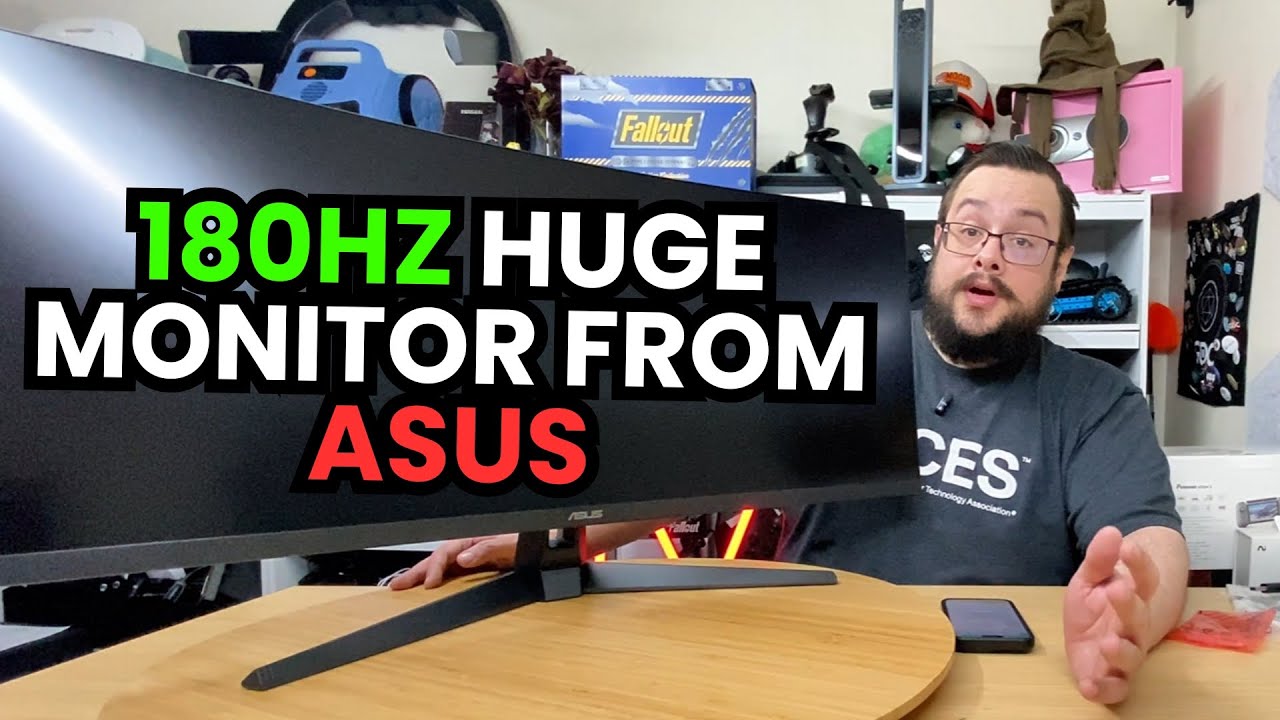
This ASUS TUF monitor is a large box to get onto the table, and the stand is the first design detail I spend time with. It has a low profile and a V-shaped base, leaving the curved display itself to make most of the impression.
There is also a model mismatch to flag before going any further. In the recording I describe a 34-inch, 1440p ultrawide. The original title says 27 inches, and the description names a 27-inch 1080p VG27VQ3B. I cannot treat those as one confirmed specification sheet or identify the exact unit from that information alone.
What comes out of the box
I unpack the stand hardware, documentation, USB cable, DisplayPort cable and power cord. Then I work through attaching the stand and getting the display upright.
The physical shape is what I can show directly here. The mount joins near the bottom of the display, and I like how little of the stand seems to occupy the space behind it. I also point out the rear connections and the mounting area while assembling it.
The close-up is about the hardware
I use another phone to show the attachment more closely, then stand the monitor up and look over its profile. That makes the size, curve and rear design easier to understand than a list of gaming specifications.
I discuss refresh rate, response time, color and HDR claims in the recording. This clip does not measure them or show a game running on the assembled screen, so it is not a performance comparison.
Check the exact model before using the shopping link
The video includes a Playcast-sponsored introduction, and the original referral and Amazon links are preserved below. Because the original title, description and spoken model details conflict, confirm the exact size and model on the listing rather than assuming the linked variant matches the hardware I unpack.
The useful result from this first session is the assembled monitor and the stand design. Getting the identity right is the next step before making a specification-based recommendation.
Links from the video
Affiliate disclosure: These links may earn me a commission at no extra cost to you.
Links and offers are from the video description. Availability, prices and offer terms may change.
Some links to other products on this page are affiliate links, and we may earn a commission if you buy through them. It costs you nothing extra, and it has not changed what this article says — where a competitor is the better answer, we say so.


