
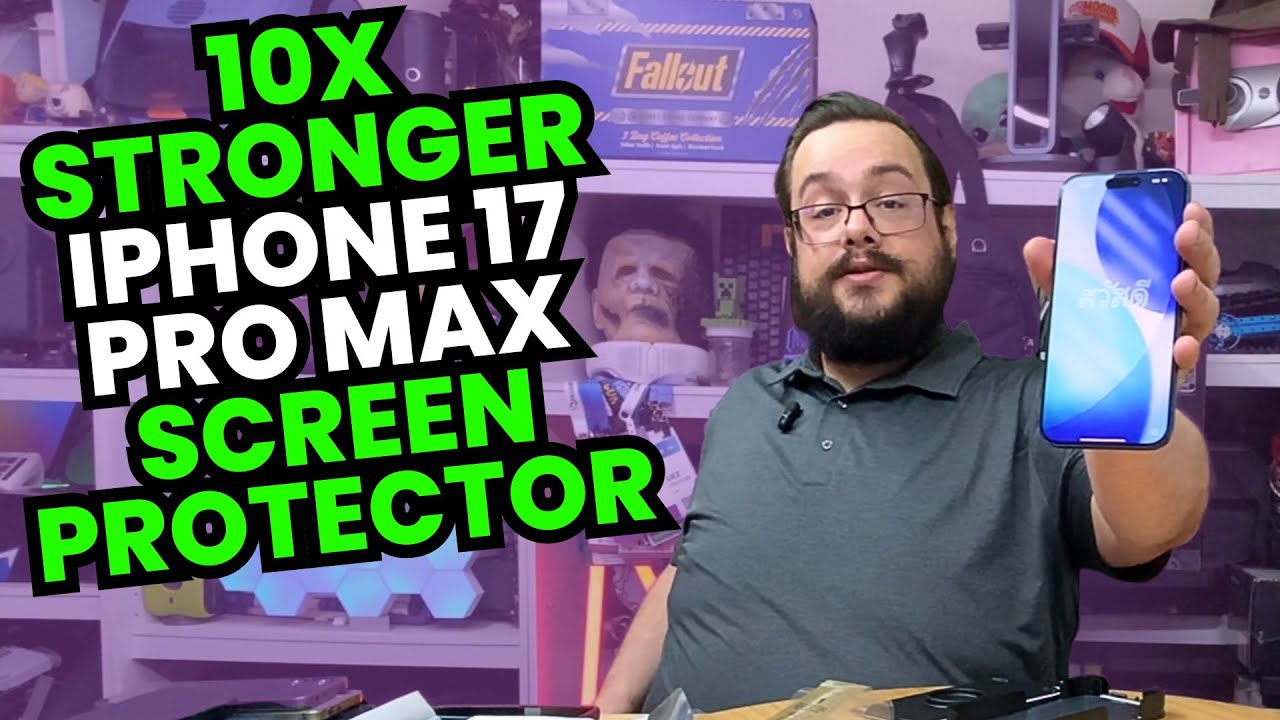
The YouTube player loads when you press Play.
ESR UltraFit on the iPhone 17 Pro Max: The Pull-Tab Tray Does the Alignment
Cleaning the screen and demonstrating the installation mechanism.
Article published November 3, 2026.
A freshly opened phone still manages to collect a dog hair before I get the screen protector on. That is why I stop and use the cleaning tools in this ESR UltraFit installation instead of assuming the new screen is already ready.
The part I want to demonstrate is the tray and pull-tab mechanism on my iPhone 17 Pro Max.
Clean first, then use the tray
I unpack the protectors, tray and accessories, then work through the wipe, cloth and dust-removal steps shown in the video. I particularly like the small squeegee with the felt edge.
With the phone positioned in the tray, I close it, press the marked area and pull the tab. Then I take the phone out and work around the edges.
The result in my session
I report a clean-looking application and show the screen as closely as I can. Afterward I recap the mechanism so the positioning and pull action are easier to follow.
That is an account of this installation. It does not guarantee that every screen, room or attempt will be free of dust and bubbles.
Protection claims are a different test
The package and description discuss stronger glass, scratches and visibility. I do not scratch, drop or impact the phone in this video, and I do not run a measured glare comparison.
For this first session, the useful result is seeing the actual application process. The tray takes care of the positioning while I concentrate on getting the surface clean and following the mechanism.
Links from the video
Affiliate disclosure: These links may earn me a commission at no extra cost to you.
Links and offers are from the video description. Availability, prices and offer terms may change.
Some links to other products on this page are affiliate links, and we may earn a commission if you buy through them. It costs you nothing extra, and it has not changed what this article says — where a competitor is the better answer, we say so.


