
The YouTube player loads when you press Play.
SofaBaton X2: Teaching One Remote the Awkward Devices in My Room
A touchscreen remote is nice; learning the office chair and unlabelled light controls is the more useful part.
Article published November 3, 2026.
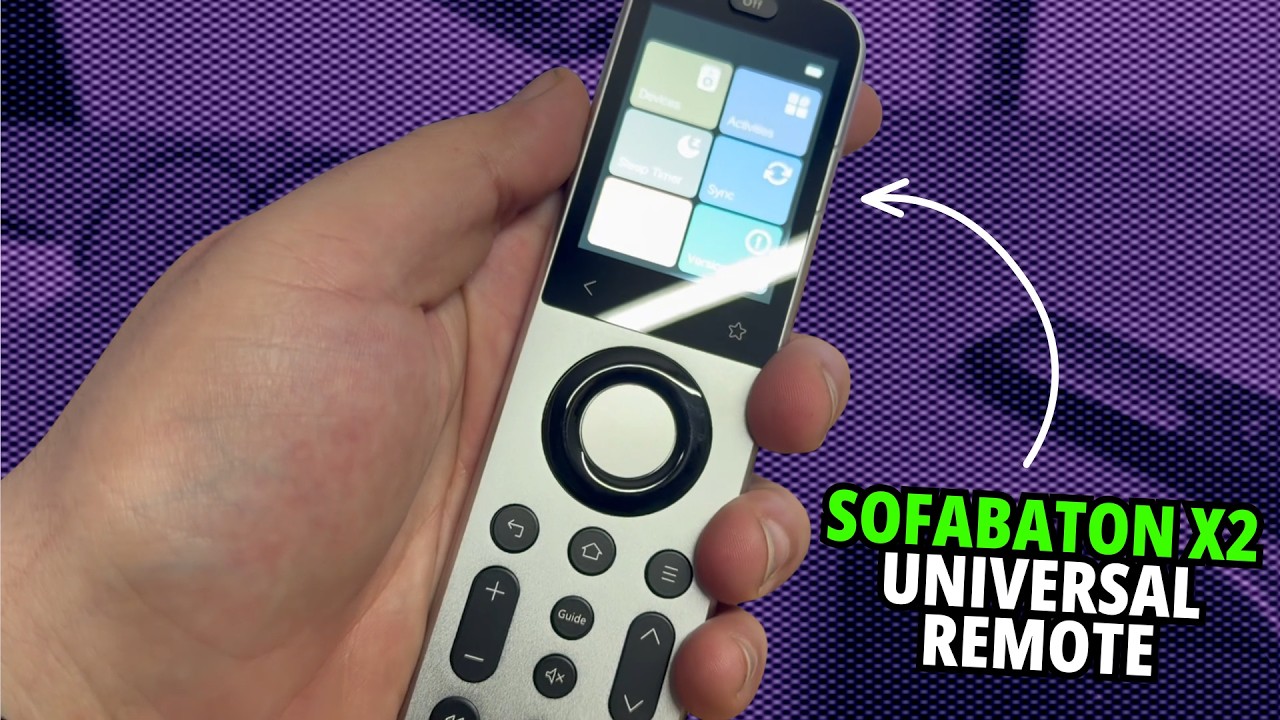
The first thing I noticed about the SofaBaton X2 was the feel. It has a color touchscreen, a reassuring weight and a textured accent on the back. In my hand, it felt more like a substantial little device than another lightweight plastic remote.
The more useful question is what happens after that first impression. In my June 23, 2026 video, I looked at bringing a collection of remotes into one system, including the awkward accessories that do not have an obvious preset in a device database.
Start with the equipment you actually own
The X2 works with its hub and the phone app. For a familiar device, you can search for a profile and bring in its commands. I discussed infrared and Bluetooth equipment, along with the Home Assistant integration, as parts of the system's broader use.
For equipment in different rooms, the hub and repeater arrangement is something to plan around. The important detail is getting the signal to the device you want to control. The handheld remote is one part of that setup.
My office chair was the interesting example
I have an office chair with its own remote for functions such as massage and lighting. That is the kind of accessory where I would not expect to find an exact, conveniently named profile waiting for me.
I could add a custom device and teach the system the commands from the chair's original remote. The app walks you through the buttons, and you assign those commands to the controls you want to use. Being able to control the chair from the universal remote was a much better demonstration of that process than another generic TV example.
I had also set up the air conditioner and background LEDs, with more of the room's equipment to add. Those are the small things that turn a universal remote into something I actually keep using.
The U3 still had a feature I wanted
I liked the X2's feel and touchscreen, but I also showed why I preferred the SofaBaton U3 for some tasks. On the U3, I could press its air-mouse button and point around a browser on the TV.
At the time of this walkthrough, I had not found equivalent air-mouse functionality on the X2. That is a statement about my experience in the video, rather than a guarantee about every later firmware version. It was enough to make the U3 relevant alongside the higher-end model.
Choosing around the job
I enjoyed using the X2, and the custom-command learning is the part I would use to bring unusual accessories into the same setup. If pointer navigation is central to what you do, look at the U3 demonstration as well.
The video description included links and separate 15% codes for both models. I have kept those below with their original referral information, so you can check current availability and offer terms yourself.
Links from the video
Affiliate disclosure: These links may earn me a commission at no extra cost to you.
Coupon code: MIKETECHU3 — 15% off. Listed for SofaBaton U3 in the June 23, 2026 video description. No expiry was stated; check current eligibility at checkout.
Coupon code: MIKETECHX2 — 15% off. Listed for SofaBaton X2 in the June 23, 2026 video description. No expiry was stated; check current eligibility at checkout.
Links and offers are from the video description. Availability, prices and offer terms may change.
Some links to other products on this page are affiliate links, and we may earn a commission if you buy through them. It costs you nothing extra, and it has not changed what this article says — where a competitor is the better answer, we say so.


