
The YouTube player loads when you press Play.
RANVOO AICE LITE MAX: A First Look After Using the Previous Model
Familiar controls, cool contact surfaces and a louder high setting stood out when I opened the new neck cooler.
Article published November 3, 2026.
I still had last year's RANVOO neck cooler in use when I opened the AICE LITE MAX. That gave me a familiar starting point: what had changed, and what would feel the same when I put the new one around my neck?
My May 5, 2026 video is a first look at the new unit, its construction and its controls. I had experience with the older model, but I was still getting started with this one.
A familiar shape with changes inside
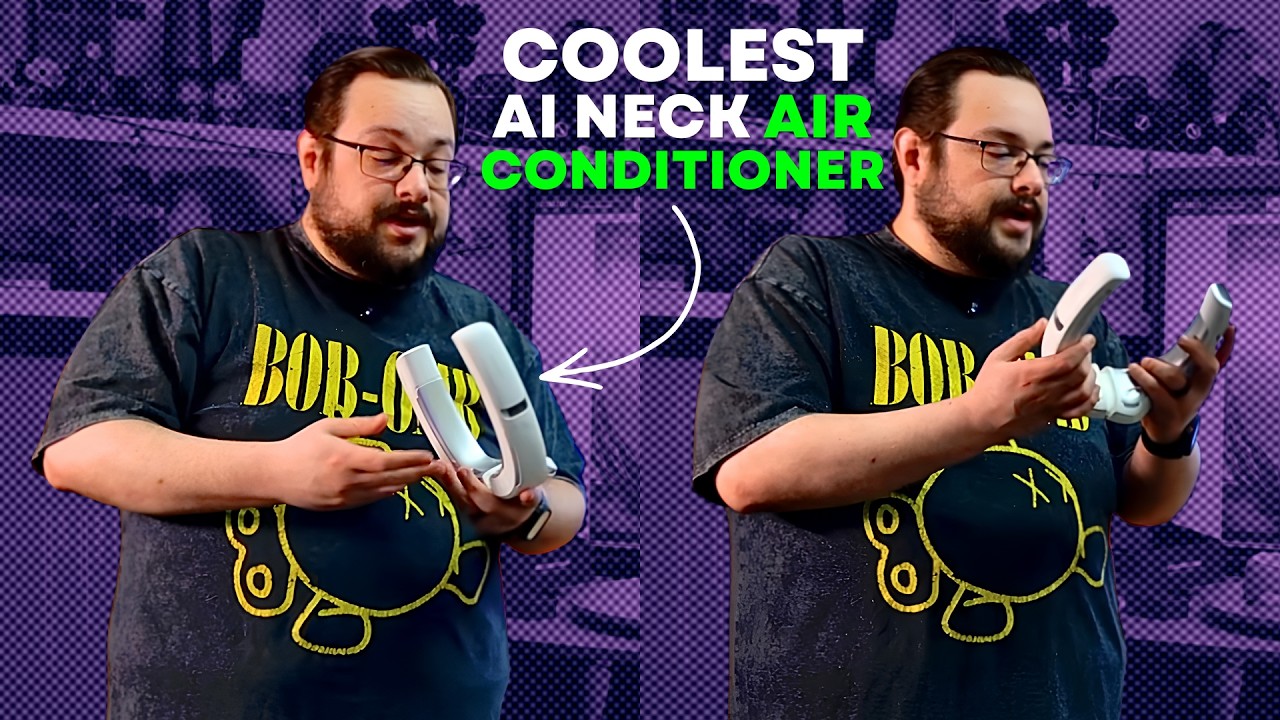
The new cooler looked similar to the earlier version. Inside, I pointed out the metal contact surfaces and the arrangement of the air outlets. The surface felt cool when I first put it on, before switching it on.
That first impression is something you can feel immediately. It does not tell you how the device will perform through a long afternoon outdoors, which is a separate thing to try.
The main appeal of this design for me is having the cooling around my neck while leaving my hands free. The video above shows how the unit sits and where those inside surfaces make contact.
More aggressive settings have a tradeoff
I discussed the new higher settings and heard the fans running during the walkthrough. At the high settings, the new unit sounded a little louder to me than the older one.
That is the tradeoff I would pay attention to when choosing a setting. The strongest mode is not necessarily the one you want beside your ears all day. Having a range of settings gives you somewhere to go when you want more airflow, without needing to leave it there all the time.
I did not present a measured temperature drop, a sound-meter result or a full battery rundown in this video. The advertised maximums in the original listing should be read separately from these opening impressions.
Phone controls remain part of the setup
I also talked about connecting over Bluetooth to adjust the cooling settings from a phone or tablet. That keeps the familiar control option from the earlier model.
In the accessory box, I found the USB-C charging cable with an angled connector. The unboxing is useful for seeing the actual pieces, especially when product photos make similar generations look almost identical.
Why I wanted to try the new one
The older RANVOO was a device I had kept using. That was why I was interested in the new version, rather than treating it as an unfamiliar idea.
The next question was how I would use those extra settings in everyday life. For the first look, the construction, familiar controls and louder high setting were the details that stood out. The original US, UK and official-store links, plus the listed MIKEALMAX offer, are below so you can check the exact model and current terms.
Links from the video
Affiliate disclosure: These links may earn me a commission at no extra cost to you.
Coupon code: MIKEALMAX — 10% off. Listed in the May 5, 2026 video description. No expiry stated; check eligibility and current store terms.
Links and offers are from the video description. Availability, prices and offer terms may change.
Some links to other products on this page are affiliate links, and we may earn a commission if you buy through them. It costs you nothing extra, and it has not changed what this article says — where a competitor is the better answer, we say so.


