
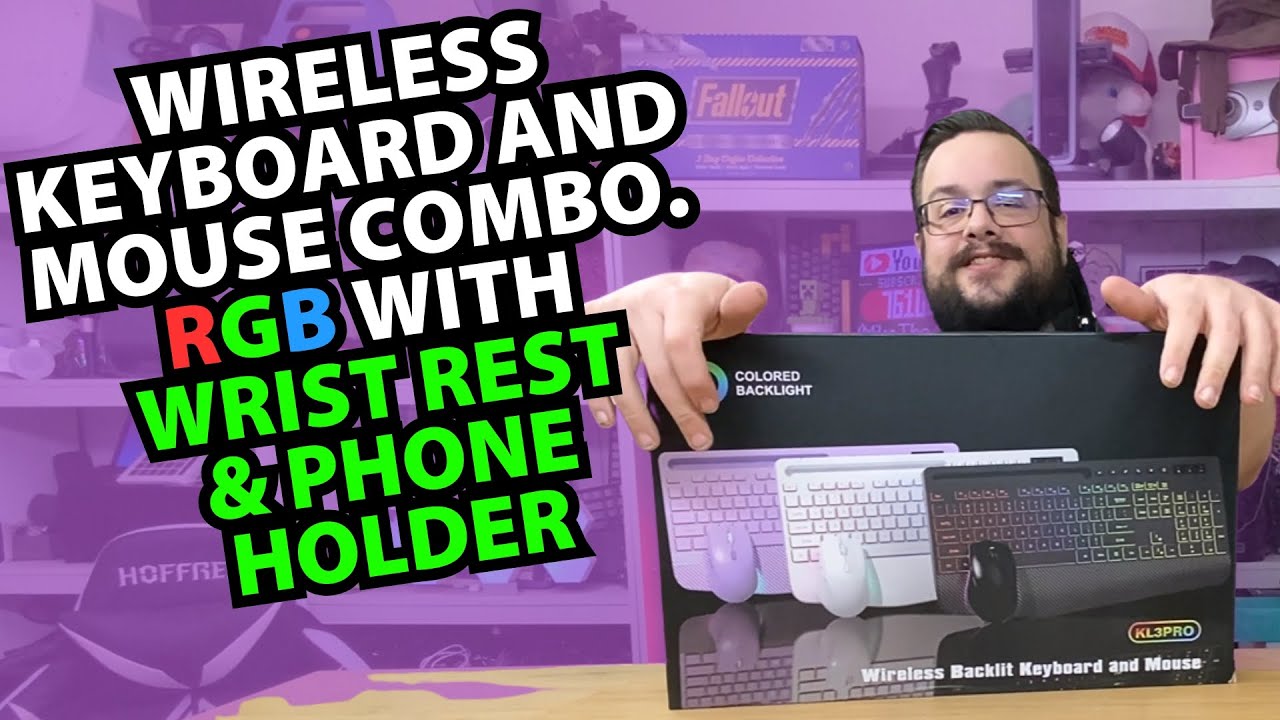
The YouTube player loads when you press Play.
SABLUTE KL3 Pro: A Phone Slot, RGB and a Mouse Shape I Already Like
Opening the keyboard-and-mouse set and trying the lighting and desk layout.
Article published November 3, 2026.
The mouse in this set immediately reminds me of the Microsoft Sculpt shape, which is a design I already like. That is a promising place to start with a keyboard-and-mouse unboxing.
This is the KL3 Pro set identified in the video, from the SABLUTE listing in the description. I am interested in how it feels on the desk, including a small slot that can hold a phone.
The mouse gets my attention first
I take out the mouse and look at its shape, side buttons, wheel and top control. There is also a storage spot for the wireless receiver and a USB-C charging connection.
The shape feels familiar to me. That does not make it the same hardware as a Sculpt mouse, or turn the wheel's appearance into a claim about another manufacturer's internal components.
Lighting and a place for the phone
I turn on the keyboard and see the backlighting, then press controls to change the colors. The keyboard feels more like a membrane work keyboard to me than a mechanical gaming board.
I also put a phone into the holder. Having it propped near the keys is a useful physical detail when I want to see notifications without picking it up.
The desk test starts with the little things
The wrist-rest area, the phone slot and the mouse shape are what stand out in this first session. I do not measure typing noise, wireless latency or battery life here, so the advertised silent operation and endurance are not results of this unboxing.
The archived description contains Patreon and Pavilion links but no product-purchase URL. I have kept those original links below rather than inventing a store destination for the set.
Links from the video
Affiliate disclosure: These links may earn me a commission at no extra cost to you.
Links and offers are from the video description. Availability, prices and offer terms may change.
Some links to other products on this page are affiliate links, and we may earn a commission if you buy through them. It costs you nothing extra, and it has not changed what this article says — where a competitor is the better answer, we say so.


