
The YouTube player loads when you press Play.
My Original PLAUD Note Session: Activate It, Then Open the Example Notes
Trying the thin recorder’s case and browsing the app’s supplied transcription example.
Article published November 4, 2026.
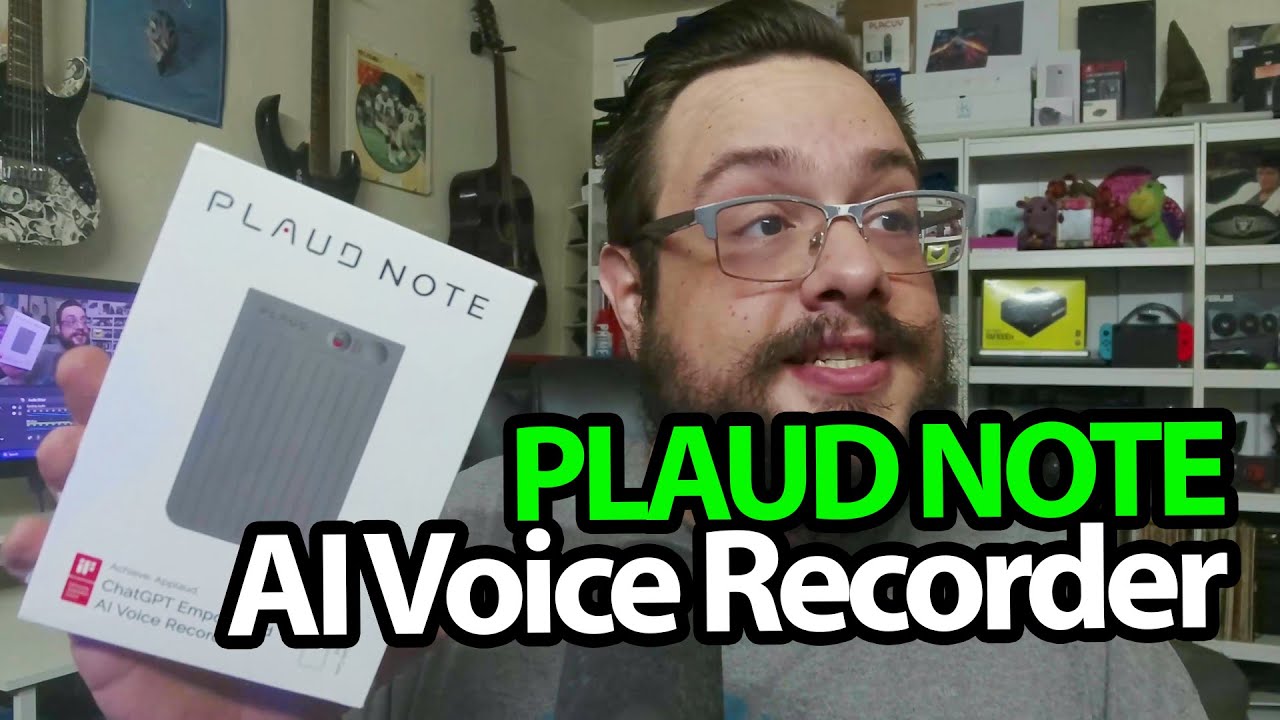
I was going to show the accessories first, but the recorder itself distracts me. The original PLAUD Note is much thinner than I expected when I lift it out of the packaging.
The case stays out of the way
I look over the buttons, magnetic charging lead and phone case. The recorder slips into the holder with its controls still accessible, and I try the magnetic fit against my phone.
It is a nice physical arrangement before I even get to the app.
Activation works in this session
I install the PLAUD app, create an account and start the device search. The recorder is found, connects and displays an activation confirmation.
Then I open the example notes supplied in the app. I look through the transcript, summary, topics and mind map, which gives me a way to see the intended workflow.
The example is not my own meeting
I do not record and transcribe a real meeting in this first look. I also do not verify the advertised storage, recording endurance or monthly plan allowance. Those figures belong to the July 2024 product discussion, rather than a current subscription promise.
PLAUD sent this for the video. The later PLAUD Note session is a separate recording, not extra accuracy evidence from this original activation test.
The original product link is below. The original outro credit lists http://eme7.com/.
Links from the video
Affiliate disclosure: These links may earn me a commission at no extra cost to you.
Links and offers are from the video description. Availability, prices and offer terms may change.
Some links to other products on this page are affiliate links, and we may earn a commission if you buy through them. It costs you nothing extra, and it has not changed what this article says — where a competitor is the better answer, we say so.


