
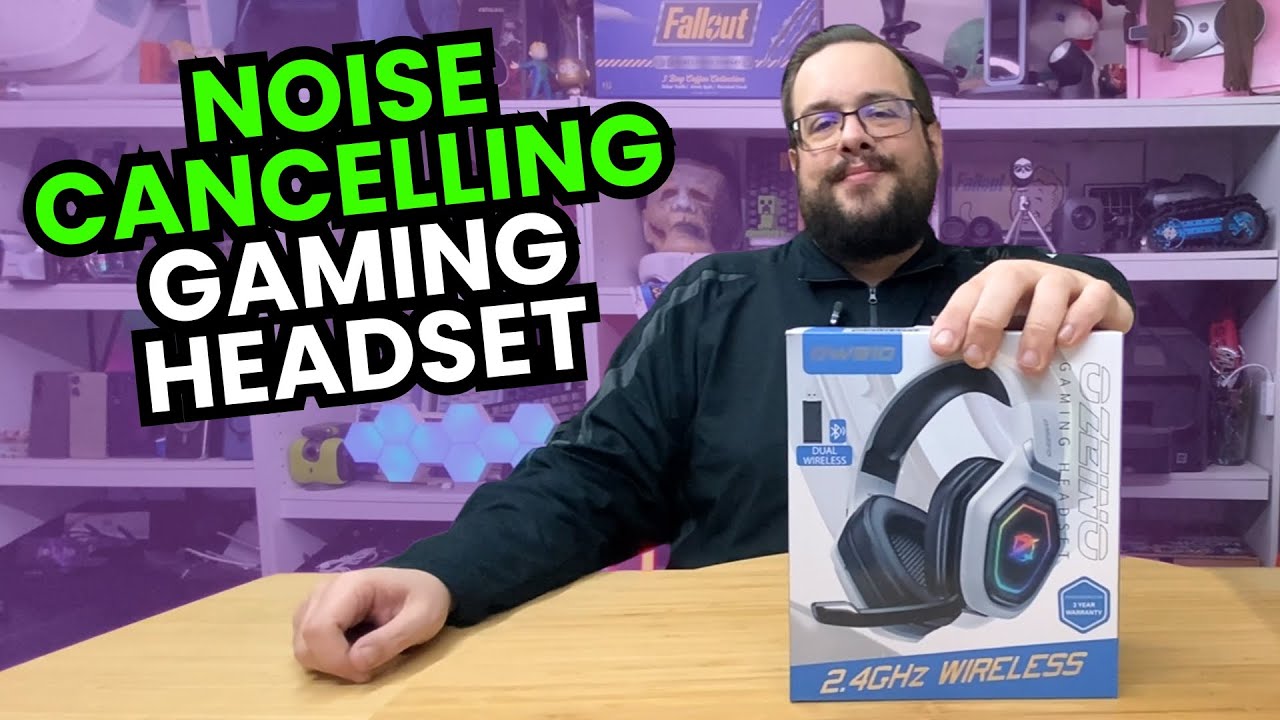
The YouTube player loads when you press Play.
Ozeino OW810: Trying the Wireless Headset and Its Fold-Out Microphone
Opening the accessories, checking the controls and listening to some music.
Article published November 3, 2026.
The Ozeino OW810 has the familiar big-headset look, but there are a few details I want to handle before I decide what I think of it. I start with the receiver, controls and microphone, then put it on for a short listen.
This is an unboxing and first music impression. The console compatibility, microphone sound and low-latency claims need more than opening the box.
The receiver and cables
I unpack the accessories and look at the USB-A and USB-C receiver arrangement. I also go through the supplied cables before turning to the headset itself.
One included lead has USB-C and 3.5 mm ends. I am identifying what came with this headset, rather than treating it as a universal adapter for unrelated devices.
Controls I can find by touch
I look over the mode and volume controls, lighting and fold-out microphone. The microphone can tuck away and then move into position when needed, which makes it one of the first physical features I try.
There is a lot on a gaming-headset feature list that only becomes meaningful after connecting it to the intended system. This session gets me familiar with the hardware without establishing every listed platform or wireless mode.
The first listen
I play some music and give my immediate impression. The bass is present without feeling excessive to me in that short session. That is a personal listening reaction, not a measured frequency response.
I do not record a microphone sample, time the battery or measure latency here. For now, I have tried the fit and sound, found the controls and seen how the microphone folds in and out. Those are the useful first steps before a longer gaming session.
Links from the video
Affiliate disclosure: These links may earn me a commission at no extra cost to you.
Links and offers are from the video description. Availability, prices and offer terms may change.
Some links to other products on this page are affiliate links, and we may earn a commission if you buy through them. It costs you nothing extra, and it has not changed what this article says — where a competitor is the better answer, we say so.


