
The YouTube player loads when you press Play.
Nomad Vision: Opening the Kit and Finding the Focus
The accessories, indoor screen and controls I tried before taking the binoculars outside.
Article published November 3, 2026.
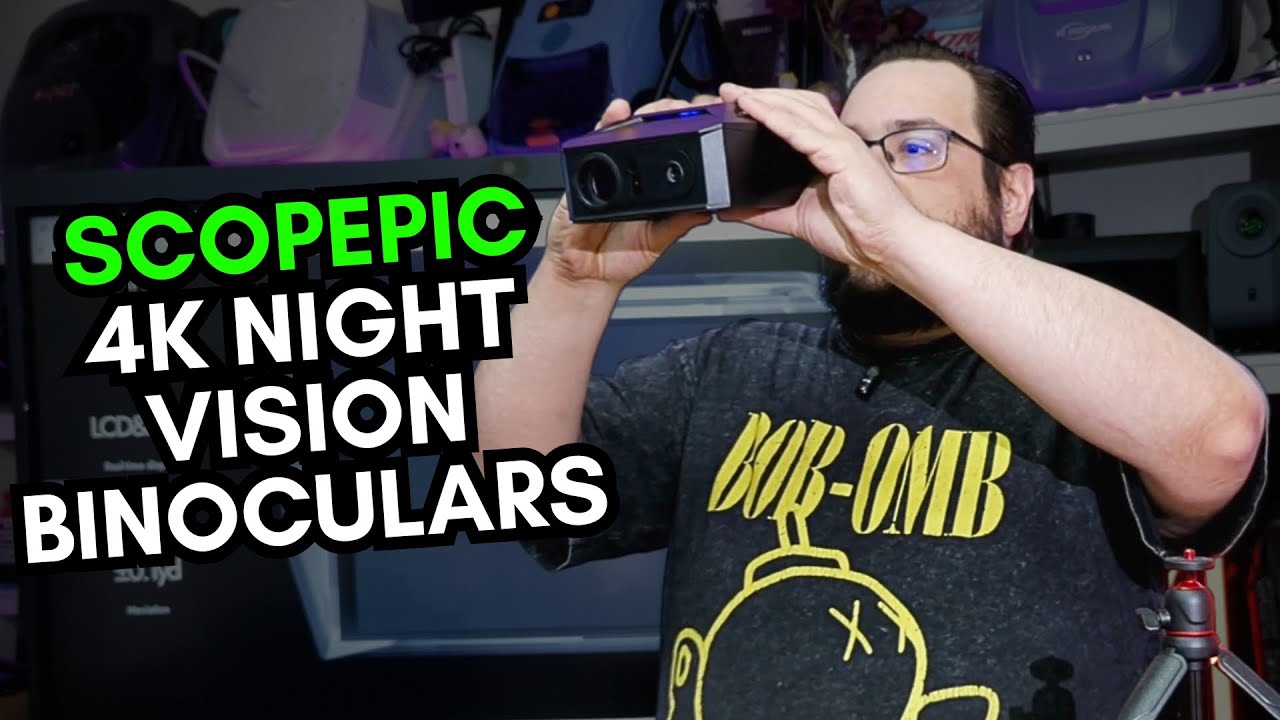
The Nomad Vision binoculars came with a surprisingly full set of accessories. I was interested in the advertised night-vision and recording features, but first I wanted to see the device itself and how it felt to use its screen.
This video stays indoors for the unboxing and initial power-up. It is not an outdoor night-vision, rangefinder or AI animal-recognition test.
The accessory box kept going
I unpacked a padded neck strap, cleaning accessories, a USB power adapter and cable, and two rechargeable batteries. There was a separate battery charger as well.
A phone mount and small tripod were included too. I opened the tripod and tried its adjustment and locking mechanism on the table. It was nice to see an actual support included, rather than only a threaded mounting point on the binoculars.
I nearly dropped the main unit while moving through all of that. Thankfully, it stayed an unboxing rather than becoming an accidental drop test.
Powering up and finding the focus
After fitting the batteries, I turned on the binoculars and looked at the built-in display. I moved through the focus and zoom controls while pointing the device around the room.
The screen was one of the things I liked about the form factor. As someone wearing glasses, I appreciated being able to look at a display close up. That is my handling impression, rather than a comparison against conventional optics.
I also showed the microSD slot, USB connection and tripod mounting point. The device had photo, recording and infrared controls available; I did not record a night scene or verify file resolution during this session.
The outdoor claims need an outdoor session
The original introduction discusses features such as night vision, distance information and 4K recording. Those descriptions should not be mistaken for measurements from the indoor demonstration above.
The video also does not establish recognition accuracy or how much useful detail remains at a particular distance. I would need a different test to answer those questions.
What I could show here was the package, the startup and the feel of the controls and screen. That was enough to make me interested in taking the binoculars outside next, without pretending that the outdoor test had already happened.
Links from the video
Affiliate disclosure: These links may earn me a commission at no extra cost to you.
Links and offers are from the video description. Availability, prices and offer terms may change.
Some links to other products on this page are affiliate links, and we may earn a commission if you buy through them. It costs you nothing extra, and it has not changed what this article says — where a competitor is the better answer, we say so.


