
The YouTube player loads when you press Play.
A Magnifying Clamp Light for the Small Things on My Desk
Assembling the mount, moving the arm and trying the USB-powered light.
Article published November 4, 2026.
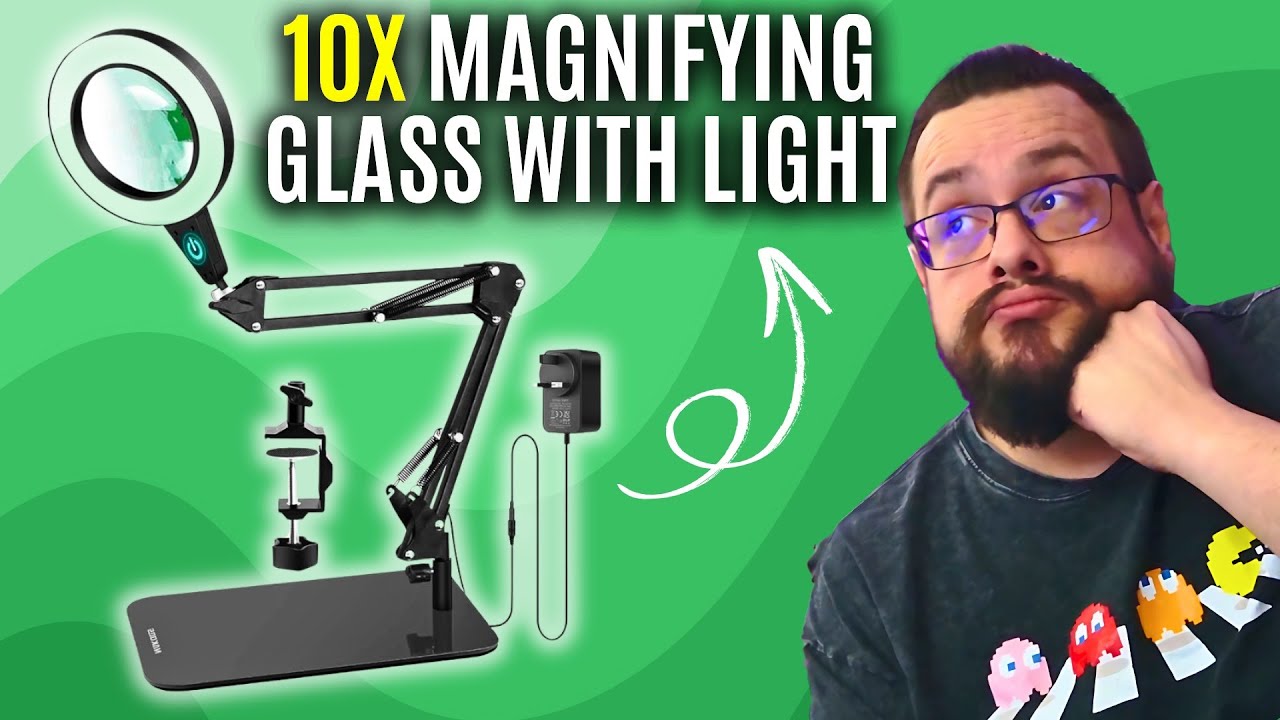
Small electronics are the first thing I think of when I open this magnifying clamp light. I want the lens close to the work when I need it, then out of the way when I do not.
The mount is a separate piece
The box includes a cleaning cloth, instructions, mounting hardware and the light assembly. I look over the metal clamp and work out where the mount will sit on my desk.
Once that is tightened down, I can drop the arm into place and move the lens around. I like that the mount stays relatively unobtrusive when the rest of the assembly is not in it.
Power from a USB battery
I connect the USB lead to a power bank and switch the light on. Then I try raising and lowering the brightness and changing the light color.
The arm and lens head give me several ways to position the light. The recording shows those movements and controls, rather than a completed electronics repair or a measured optical test.
Light and magnification in one place
The package discusses two magnification levels. I do not measure those levels or lens distortion here; the useful first look is how the assembly fits into the workspace.
My BINNIWEN clamp-lamp walkthrough is another desk-edge mounting arrangement, this time focused on a wide light rather than a magnifying lens.
The original product link is below for checking the current model and mounting details.
Links from the video
Affiliate disclosure: These links may earn me a commission at no extra cost to you.
- Magnifying clamp light original Amazon link
- MikeTheTech original Patreon link
- Geeksoutfit original clothing-store link
Coupon code: COLLAB1 — Discount amount not stated. Separate Geeksoutfit offer from the original description, not a discount on the reviewed product. No amount or expiry was supplied; check current terms.
Links and offers are from the video description. Availability, prices and offer terms may change.
Some links to other products on this page are affiliate links, and we may earn a commission if you buy through them. It costs you nothing extra, and it has not changed what this article says — where a competitor is the better answer, we say so.


