
The YouTube player loads when you press Play.
LAMTTO DC22: Opening the Cellular Dash Cam Before the Truck Install
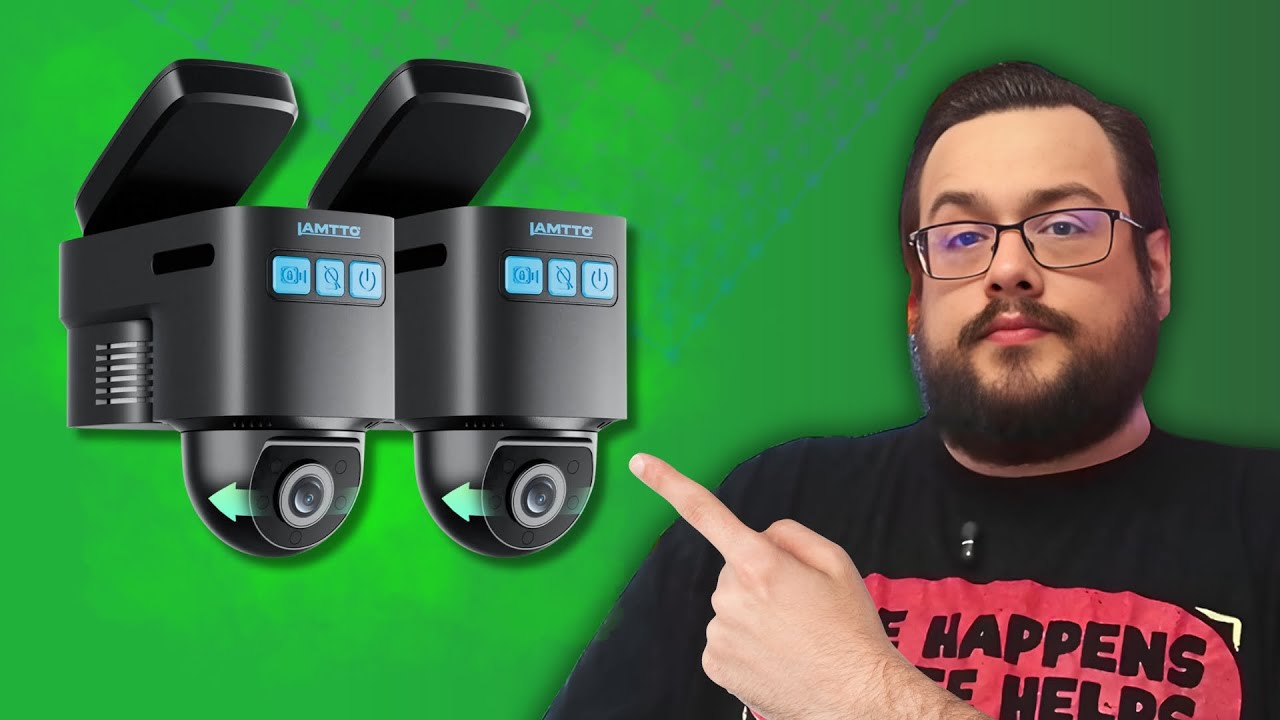
The two camera directions, mount and cables I looked at before testing the connected features.
Article published November 3, 2026.
A dash cam with its own cellular connection is an interesting idea. Instead of waiting until I am back near the car to get at its recordings, the LAMTTO DC22 is advertised around remote access and cloud features.
That was the reason I wanted to open it. This video is the hardware first look; installing it in my truck and checking the actual footage were still future jobs.
Two camera directions in one compact unit
I looked over the exterior-facing and adjustable interior-facing cameras, the buttons, microphones and microSD slot. The package also had the manual and a QR code for the Ubox Pro app.
The mount used a separate adhesive section that the camera could clip into. I handled those parts on the table rather than attaching them to a windshield.
Seeing the actual mounting pieces was useful. It gave me something concrete to plan around before deciding where the camera and its cables would go.
The OBD connection is part of the installation to check
I unpacked the power and OBD-related cable and the clips supplied for cable routing. In the video I discussed possible trip information from that connection, but I did not demonstrate which vehicle data this particular kit actually captures.
I would check that against the exact camera, app and vehicle before relying on it. An OBD connector in the box is not, by itself, a verified record of every input before an accident.
The connected features are the next test
I talked through the advertised GPS, remote viewing and two-way audio features. I did not activate a cellular plan, test an alert, make a remote call or verify that recordings reached cloud storage here.
Those services also have terms and ongoing connectivity requirements to check separately from the hardware purchase.
My first impression was that this was a compact package with an interesting remote-access pitch. The next useful step was the real truck installation and footage check, rather than pretending the unboxing had already proved theft prevention or around-the-clock coverage.
Links from the video
Affiliate disclosure: These links may earn me a commission at no extra cost to you.
Links and offers are from the video description. Availability, prices and offer terms may change.
Some links to other products on this page are affiliate links, and we may earn a commission if you buy through them. It costs you nothing extra, and it has not changed what this article says — where a competitor is the better answer, we say so.


