
The YouTube player loads when you press Play.
Kieslect Elite2: The Fit, the Magnetic Charger and a Tour of the Screens
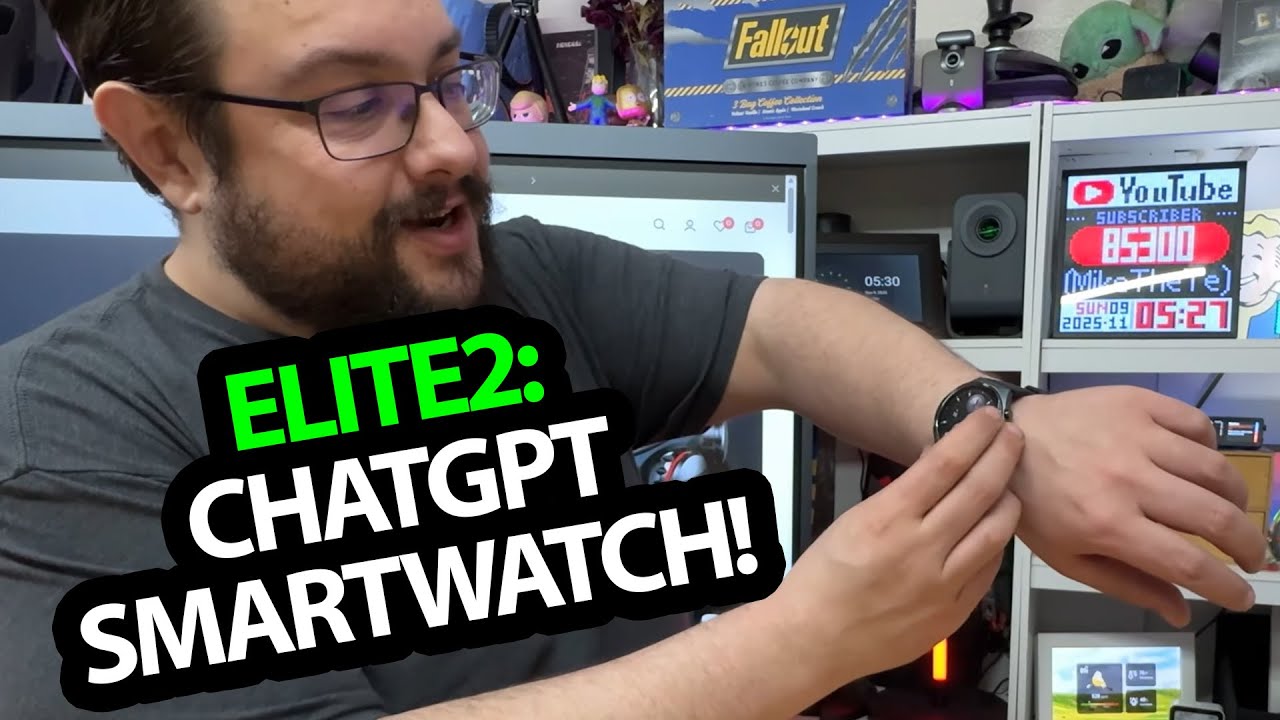
Wearing the watch and browsing its controls after the first charge.
Article published November 3, 2026.
Finding a watch strap that fits me is not always automatic, so I am happy when the Kieslect Elite2 goes onto my wrist without a struggle. Before getting lost in the feature list, that is a pretty useful first result.
I open the box, try the fit and find the magnetic charger. The watch asks for a charge before activation, so I connect it and come back to the on-screen walkthrough afterward.
The accessories and the first power-up
The package includes the guide, screen protector and charging cable. The charger attaches to the back, and I spend a little time looking over the face, controls and strap before using it.
I discuss processor, display, navigation and AI features from the product information. I do not run a route test or demonstrate an AI conversation in this session.
Browsing the screens
Once it is set up, I move through the cards, music, weather and settings. I try the flashlight and the water-lock or cleaning control, and look over the notification and gesture options.
I also open the health-related screens and show readings reported by the watch. I have not checked those against a medical reference, so this is a tour of what the interface displays, not validation of heart-rate, oxygen or other health measurements. Activating a cleaning mode is not a water-resistance test either.
What this first look covers
Kieslect sent the watch over. The price and bundle I browse in the recording are historical, and I do not complete a battery, GPS or calling comparison here.
The original description lists mikethetech10 for 10% off. That exact code is preserved below, with no supplied expiry date; check the current terms. My first impression of the watch itself is the fit, the easy charger attachment and how much I can browse from the wrist.
Links from the video
Affiliate disclosure: These links may earn me a commission at no extra cost to you.
Coupon code: mikethetech10 — 10% off. Listed in the original video description. No expiry was supplied; check current eligibility and terms.
Links and offers are from the video description. Availability, prices and offer terms may change.
Some links to other products on this page are affiliate links, and we may earn a commission if you buy through them. It costs you nothing extra, and it has not changed what this article says — where a competitor is the better answer, we say so.


