
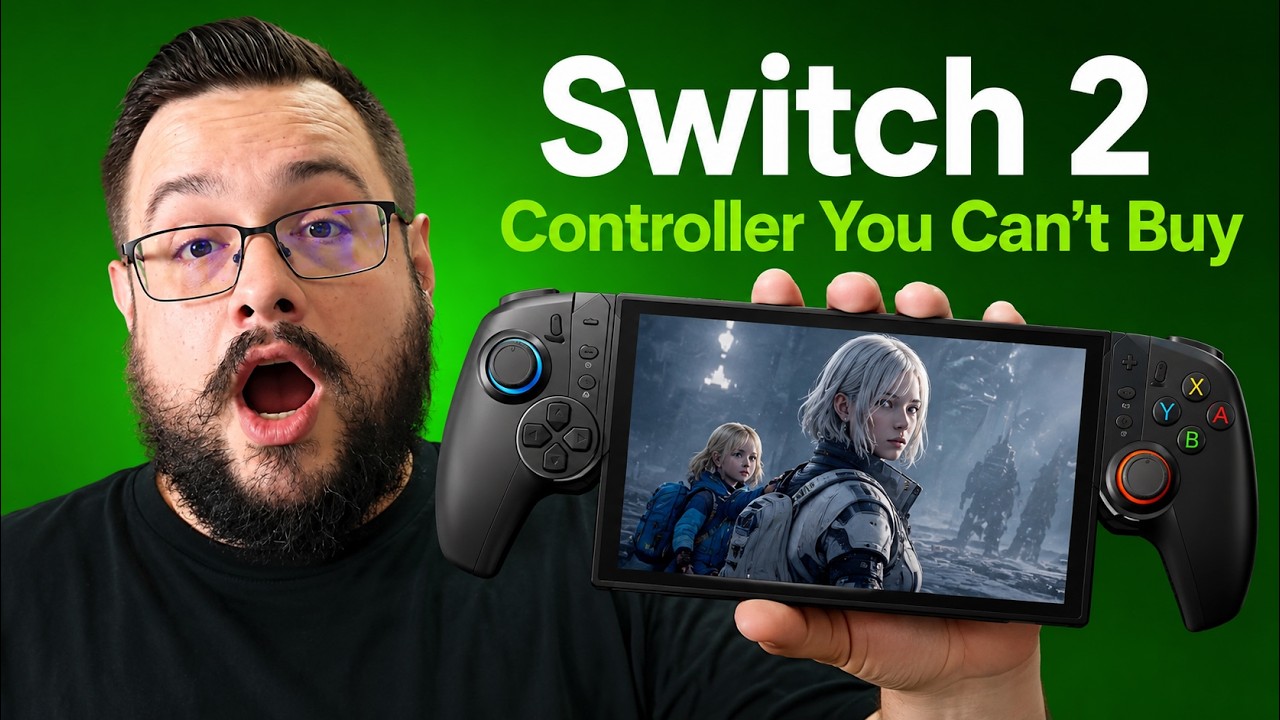
The YouTube player loads when you press Play.
KICKDOT JC500: Illuminated Buttons and a Listing That Changed
I liked this handheld controller, but the photos and layout in the listing no longer matched the unit I received.
Article published November 3, 2026.
I bought this as the KICKDOT JC500, but by the time I recorded the video, the Amazon order page was showing a very different-looking controller. Even the joystick positions in some other listings did not match the unit I had received. That is a frustrating start when the product itself has a feature I really like.
The July 5, 2026 video is about the physical controller I had in hand. The description's original link is below, but compare its current photos and model carefully: I could not confirm that the same layout was still available when I made the video.
The buttons light up, too
The reason I was looking for a controller like this was the buttons. My wife likes being able to see which button is which when the room is dim, and the lettering on an ordinary controller can be difficult to read in that situation.
This unit has lighting in the buttons themselves as well as around the sticks. That was the feature I had been searching for. During the walkthrough, I also pointed out that some other models appeared to offer illuminated buttons, although their overall layouts were different.
A familiar handheld shape
I compared the controller's size and styling with a PlayStation Portal in the video. I chose the black version because I liked that look alongside my actual Portal, while using the grip for the Switch 2.
The unit also has a kickstand, spaces for game-card storage and programmable rear buttons. Those are useful physical details to look at when deciding whether a handheld grip suits the way you play and carry your games.
The model mismatch matters
I liked the device enough to want another reliable source for it. At the time, though, I was still trying to understand the changed listing and branding. I wondered whether the model had been discontinued, but I had not confirmed that.
That is why I would use the footage as the reference for this specific unit. The original link can help you investigate the available models, but it should not be read as a guarantee that today's listing supplies the exact controller shown here.
If you have found a matching source, let me know. The illuminated buttons were the standout for my use, and I would like to see that feature remain easy to find.
Links from the video
Affiliate disclosure: These links may earn me a commission at no extra cost to you.
Links and offers are from the video description. Availability, prices and offer terms may change.
Some links to other products on this page are affiliate links, and we may earn a commission if you buy through them. It costs you nothing extra, and it has not changed what this article says — where a competitor is the better answer, we say so.


