
The YouTube player loads when you press Play.
KEFEYA M-01: A Rolling Android Touchscreen with an Interesting HDMI Input
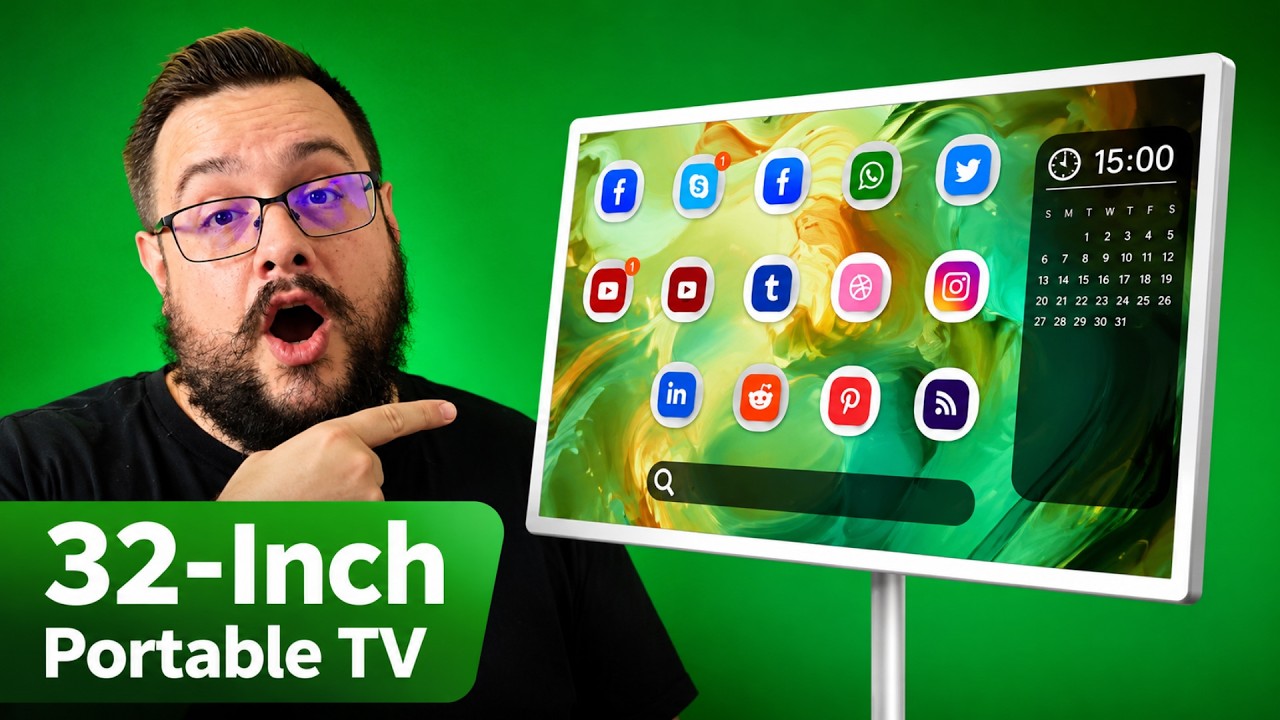
The adjustable stand, local Android storage and app-based HDMI input were the details I explored on this 32-inch screen.
Article published November 3, 2026.
A 32-inch screen on wheels sounds like a small TV you can move around. The KEFEYA M-01 does something more interesting: the Android computer and battery move with the screen. Unplug it and you can take the whole setup to another spot.
In my July 5, 2026 walkthrough, I looked at it as a touchscreen, a presentation screen and an oversized tablet. The adjustable stand and the way its HDMI input works are the details I would pay attention to before treating it as an ordinary monitor.
Android is built in
I opened the device settings in the video to show Android 15 and 128 GB of storage. That gives you space for applications and local files, rather than requiring a separate computer just to put something on the screen.
I also looked at the memory information. The software reported around 8.3 GB in the screen I was using, and I described the configuration as having 8 GB of memory. I noted some uncertainty about that reading; it was a settings check, rather than opening the unit to verify its components.
The interface felt responsive in the walkthrough. You can use touch, gestures or the included remote, whose air-mouse control I particularly liked for sitting back from the screen.
I also explain why I like air-mouse navigation in my SofaBaton U3 walkthrough. That is a separate remote review, with a similar reason for wanting a pointer on a larger screen.
The stand changes what the screen can do
The base is heavy, and rolling it over thick carpet takes more effort than moving it on a hard floor. That is something I noticed using it in the room, even though the wheels still let me move it around.
The screen can raise, lower, tilt and turn between portrait and landscape. I demonstrated lowering and tilting it into a position that could work as a drawing or whiteboard surface. Raising it back up makes it useful for showing someone information without making them lean over a desk.
HDMI appears inside Android
The HDMI connection was a surprise. On this unit, I opened an HDMI-input app inside Android to view the connected source. The input works through that Android environment, which also gives you a way to record the displayed input using the system's screen-recording features.
That is a useful workflow to understand if you plan to demonstrate another device. The video does not contain an input-latency measurement, so I would keep the demonstration separate from a claim about competitive gaming performance.
There are USB connections as well. I was using a wireless keyboard and mouse through USB-A, and pointed out the top USB-C position for KEFEYA's separately offered camera.
A movable screen for different jobs
I liked the flexibility of moving from a tall presentation screen to a lower, tilted touchscreen. Local storage, built-in speakers and the remote add to that flexibility. I found the speakers useful, with the kind of bass expectations I would bring to a tablet rather than a separate subwoofer.
The battery is part of the appeal, but I did not present a timed battery rundown in this walkthrough. The sale price discussed in the video is also historical. Use the original description link below to check the current configuration, price and terms.
Links from the video
Affiliate disclosure: These links may earn me a commission at no extra cost to you.
Links and offers are from the video description. Availability, prices and offer terms may change.
Some links to other products on this page are affiliate links, and we may earn a commission if you buy through them. It costs you nothing extra, and it has not changed what this article says — where a competitor is the better answer, we say so.


