
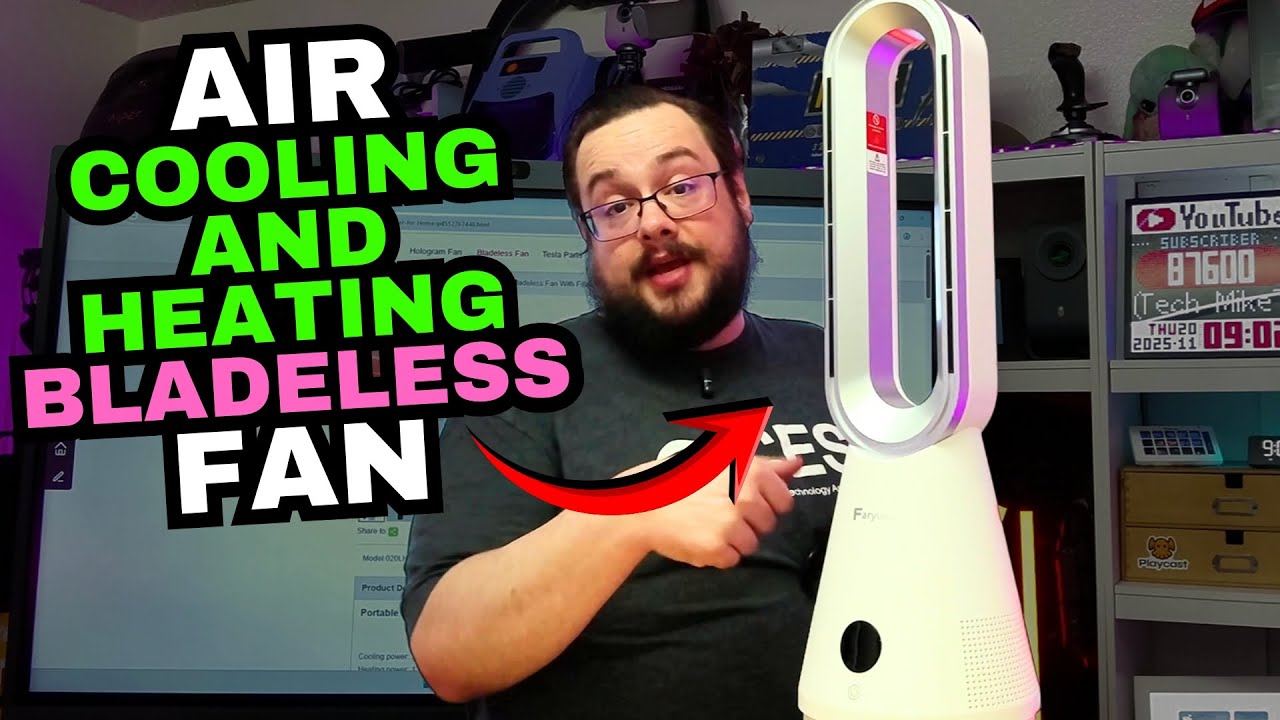
The YouTube player loads when you press Play.
Faryuan Bladeless Fan: Trying the Tilt, Oscillation and Heater at My Desk
A first setup with the remote, adjustable angle and a quick switch between fan and heat.
Article published November 3, 2026.
I expected to unbox a fan and try the controls. The first surprise with this Faryuan unit was the tilt: after plugging it in, I realized I could adjust the body up and down as well as use its side-to-side oscillation.
Finding the angle at my desk
The size struck me as something I could put on a desk or in a corner. I unpacked the unit and documentation, removed the wrapping and plugged it into the power connection at my desk. I could feel airflow right away.
Trying the angle adjustment made the design more interesting. Rather than moving the whole thing around to aim it, I could tilt the body. I also held the control to start oscillation and watched it turn on its own.
The remote gives me the other half of the demo
I took the packing tab out of the remote and tried the heating option. The mode changed and I could feel warmth quickly. Then I switched back to fan mode and felt the airflow again.
I also point out temperature controls, night mode and timers on the remote. Those are controls I examine here, rather than an overnight test of the timer or a sound-level measurement.
Keep the comparison tied to what I actually tried
The original title asks whether this is a Dyson alternative, but I do not put a Dyson beside it or measure their performance. My test is the first setup of this heating-and-fan combination, including its angle, oscillation and mode changes.
When I say cooling in the video, I am describing the fan and how its airflow feels. This demonstration does not establish air-conditioning or refrigeration, room-temperature reduction, filter performance or air purification. The original shopping pages also use different fan and heater descriptions, so check the exact variant rather than treating every listing as the same unit.
The part I enjoyed was discovering how much I could adjust from the desk. Being able to aim the airflow, start oscillation and switch to heat made this a more interesting first look than I expected.
Links from the video
Affiliate disclosure: These links may earn me a commission at no extra cost to you.
- Faryuan original manufacturer listing—check the exact heating/fan variant
- Faryuan original TikTok Shop listing
- Playcast Pavilion original referral link
Links and offers are from the video description. Availability, prices and offer terms may change.
Some links to other products on this page are affiliate links, and we may earn a commission if you buy through them. It costs you nothing extra, and it has not changed what this article says — where a competitor is the better answer, we say so.


