
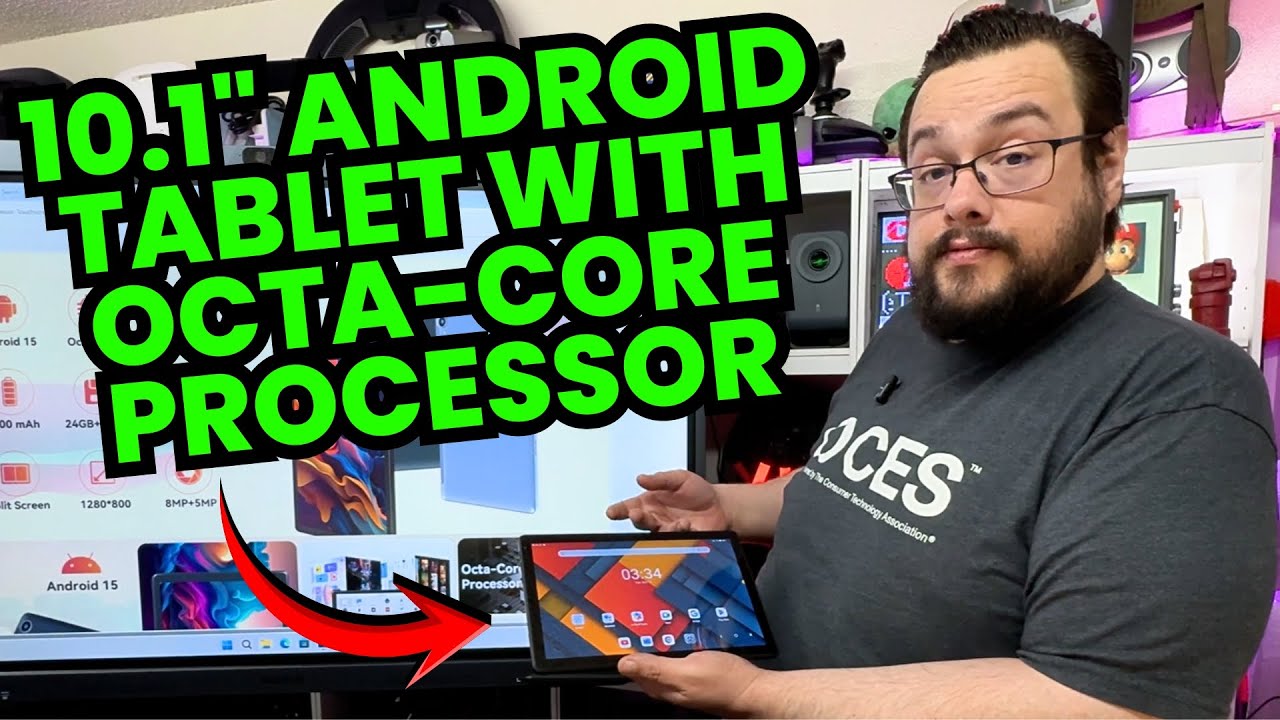
The YouTube player loads when you press Play.
URAO Tablet: A First Boot, and What the 4 + 20 GB Memory Label Means
Opening the 10.1-inch tablet, going through setup and checking the information in Settings.
Article published November 3, 2026.
The number to slow down on in this URAO tablet's description is the memory total. It is advertised as 24 GB, but I explain in the video that this combines 4 GB of physical RAM with 20 GB of storage-based expansion. That is not 24 GB of physical RAM.
With that distinction out of the way, I open the package, power it up and go through the first setup.
The connections are easy to find
The protective sheet labels the controls and connections, which makes the first walkthrough straightforward. I point out the cameras, buttons, USB-C connection, card slot and headphone socket before removing the wrapping.
The tablet feels sturdy in my hands. That is a handling impression, not a drop or durability test. Inside the rest of the box are the documentation, cable and power adapter.
Booting and checking Settings
It has enough charge to turn on immediately. I work through setup, look at the Android and memory information, and browse the tablet's settings. During that session it feels responsive to me.
I discuss the processor, display and other listed features as I go, but I do not benchmark them. The software labels visible during setup also do not establish the device's update policy or the accuracy of every advertised specification.
The gaming and battery tests are still open
I suggest possible uses and ask what viewers would like me to test next. I do not run games, measure camera quality or complete a battery rundown in this video.
The useful starting point is seeing the ports, initial setup and memory distinction before treating the headline specifications as a performance result. I would keep that physical-RAM-versus-storage-expansion difference in mind when comparing the numbers.
Links from the video
Affiliate disclosure: These links may earn me a commission at no extra cost to you.
Links and offers are from the video description. Availability, prices and offer terms may change.
Some links to other products on this page are affiliate links, and we may earn a commission if you buy through them. It costs you nothing extra, and it has not changed what this article says — where a competitor is the better answer, we say so.


