
The YouTube player loads when you press Play.
Kefeya S5 Pro: Two Extra Screens and a Magnetic Battery Pack
Opening the kit, powering the screens and trying my larger laptop.
Article published November 4, 2026.
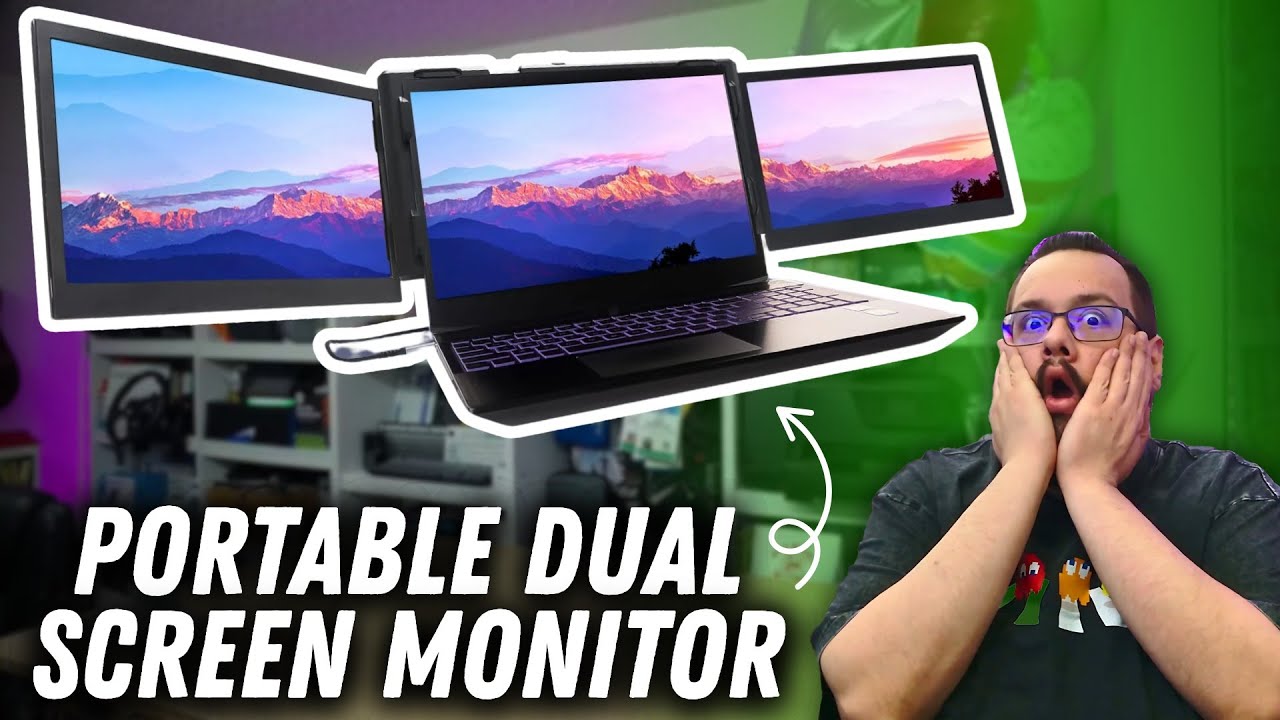
The Kefeya S5 Pro adds two screens around a laptop, with a battery pack that attaches at the back. I start with the full kit, then get the screens powered and try the setup on a larger laptop.
The case holds more than the displays
I unpack the instructions, power adapter, USB-C leads and battery pack. I also find a small USB drive, which I set aside rather than inspecting its contents in this session.
The screens fold out around the central section, and the rear stand gives the assembly another point of support. I press the battery button, check its indicator and attach it magnetically.
Power first, then a picture
Both panels initially light up with no signal. I need to charge the setup before continuing, then return with my larger laptop to show how the whole arrangement looks.
In that setup, I report both additional displays running at 1080p and 60 Hz through a USB-C port that did not normally provide video output. I discuss the possibility of a driver-based approach, without verifying the driver's internal implementation.
Fit is part of the result
The extender is a substantial addition to the laptop. I point out that the larger screen makes it a more comfortable physical match in this demonstration.
This is one laptop setup, not a guarantee for every operating system, console or screen size in the description. I do not measure battery endurance here. The original S5 Pro link is below for checking current compatibility and connection requirements.
Links from the video
Affiliate disclosure: These links may earn me a commission at no extra cost to you.
- Kefeya S5 Pro original Amazon link
- MikeTheTech original Patreon link
- Geeksoutfit original clothing-store link
Coupon code: COLLAB1 — Discount amount not stated. Separate Geeksoutfit offer from the original description, not a discount on the reviewed product. No amount or expiry was supplied; check current terms.
Links and offers are from the video description. Availability, prices and offer terms may change.
Some links to other products on this page are affiliate links, and we may earn a commission if you buy through them. It costs you nothing extra, and it has not changed what this article says — where a competitor is the better answer, we say so.


