
The YouTube player loads when you press Play.
Temtop M10+: The Battery Was the First Surprise
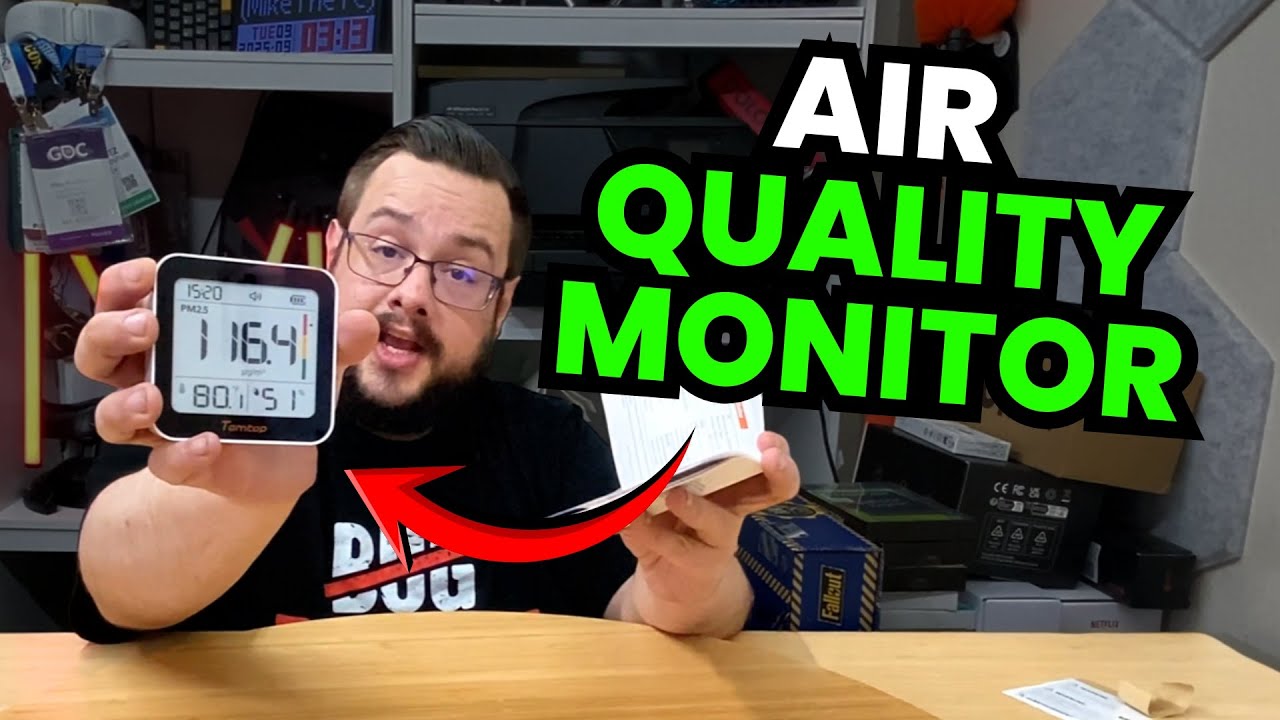
Powering up the air-quality display and browsing its screens before a longer test.
Article published November 3, 2026.
I make an assumption about the Temtop M10+ almost immediately: I think it needs to stay plugged in. Then I press the power button, the screen turns on without a cable, and I realize there is a battery inside.
That is the first result from this unboxing. I can put the display on the desk and start looking through its information without connecting the charger first.
Looking through the display
I unpack the USB-C cable, remove the protective film and browse the different screens and settings. There are air-quality fields, temperature and humidity information, a battery indicator and alert controls to look at.
The color indicators interest me because they make changes easy to notice at a glance. The display itself is largely monochrome, with colored status areas alongside it.
A first reading is not an accuracy test
The numbers start appearing shortly after power-up. I talk about letting the unit run and seeing how the readings develop, but I do not compare it with a calibrated reference or establish that an initial number is accurate.
In particular, a red or green indicator is something the device reports. This session does not establish whether the room is safe or provide a medical assessment. I am describing the interface and the first power-up, rather than validating the sensors or drawing health conclusions from them.
The longer comparison is still a plan
Temtop supplied the unit. I mention leaving it running and comparing it with another display later; those follow-up results are not included in this video.
For now, I like having a compact screen with several views and a battery I did not expect. The part that needs more time is understanding how those readings behave, not just watching them appear.
Links from the video
Affiliate disclosure: These links may earn me a commission at no extra cost to you.
Links and offers are from the video description. Availability, prices and offer terms may change.
Some links to other products on this page are affiliate links, and we may earn a commission if you buy through them. It costs you nothing extra, and it has not changed what this article says — where a competitor is the better answer, we say so.


