
The YouTube player loads when you press Play.
Hohem iSteady V2: Read the Setup Notes, Then Try the Moving Phone
Getting the gimbal working and testing its joystick, orientation and gesture controls.
Article published November 4, 2026.
I should have read the setup notes sooner. I spend part of this Hohem iSteady V2 session wondering why it is not behaving as expected, then get it working after connecting the app.
Open it the intended way
I go through the accessories, including the small tripod, pouch and wrist strap. The folding parts have a particular order to them, which I do not get right on my first attempt.
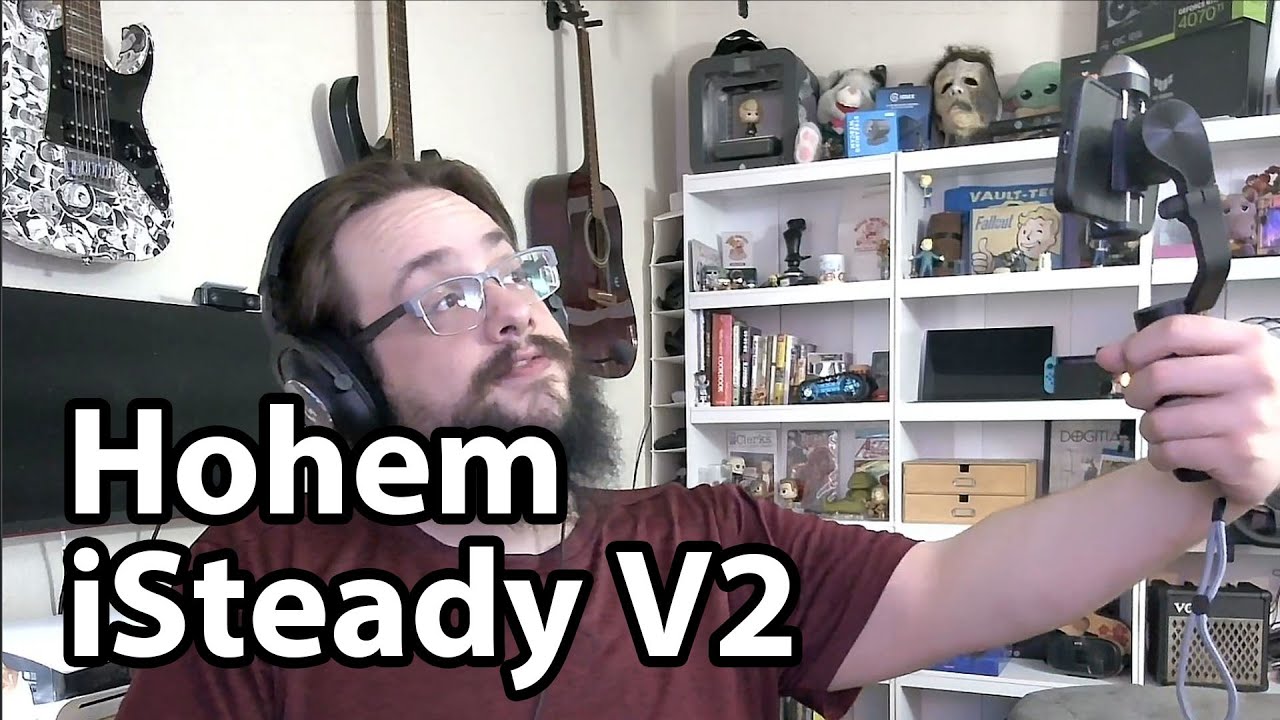
Once I have the phone mounted and the setup sorted out, I turn the gimbal on and show it holding the phone as I move the handle.
Try the manual controls first
I use the joystick to move the phone and switch between horizontal and vertical orientation. Then I turn on the small fill light and step through its brightness settings.
Those are short tabletop demonstrations, without a walking-video comparison or a battery-runtime test.
Give the gestures some room
The first gesture attempt is awkward while I hold the device close. After putting it on the stand and giving it more space, I get the orientation changes to respond.
I like having both physical controls and the tracking features to explore. The video shows them in my setup, rather than establishing recognition accuracy for every room or phone combination.
The original description discloses that I received the product for free. Its referral link is below, along with the channel-membership link.
The original description also includes http://eme7.com/ and http://exfil.gg/. Its product and channel-membership links are preserved below.
Links from the video
Affiliate disclosure: These links may earn me a commission at no extra cost to you.
Links and offers are from the video description. Availability, prices and offer terms may change.
Some links to other products on this page are affiliate links, and we may earn a commission if you buy through them. It costs you nothing extra, and it has not changed what this article says — where a competitor is the better answer, we say so.


