
The YouTube player loads when you press Play.
NEARITY Open-Ear Headphones: Keeping the Room in the Conversation
The open fit and comfortable feel were the reasons this style interested me for office use.
Article published November 3, 2026.
Sometimes I want to listen to something without shutting out the room. That was the useful part of the NEARITY open-ear headphones I showed in my April 19, 2026 video.
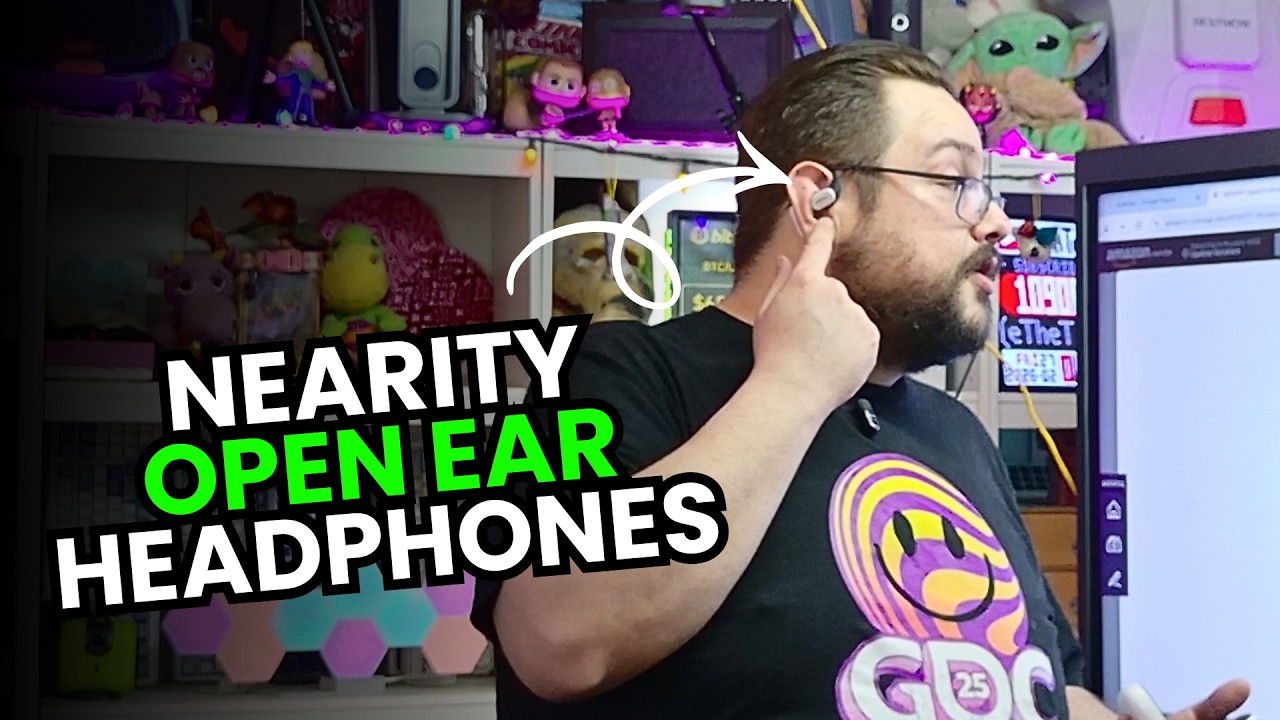
I tried the way they fitted around my ears and discussed the features on the listing. For an office, being able to hear a conversation around me was the reason this style interested me.
The fit leaves the ear open
The pieces hooked around the ears, with a soft-feeling outer material. I found the fit comfortable, and the design left me able to hear what was happening in the room.
That is a different starting point from putting an earbud into the ear canal. If you prefer that fit, my ROSESELSA Ceramics MK2 review covers a pair I had been using for music.
For these NEARITY headphones, the appeal to me was keeping room sound available alongside what I was listening to. That personal impression is not a guarantee that every sound will remain audible in every setting.
Different expectations for the sound
In the video, I talked about the difference between this open design and a sealed in-ear fit. I was not expecting the same feeling of deep bass that I associate with a sealed earbud.
I also discussed the speaker and the advertised call-noise features. A microphone's noise suppression and blocking sound from reaching your ears are different things; this was an open-ear design.
I did not include a controlled microphone comparison, an audio measurement or a timed battery rundown in this walkthrough.
Check the model behind the link
The original description names MemPod Fit 2 and links to that product page, while the spoken introduction uses an Open Fit name. I have kept that source distinction rather than inventing an explanation for it.
The battery figures also differ between the spoken overview and the description. Before buying for a particular runtime or feature, check the exact current model and its specifications.
The office use case made sense to me
What I liked most was the comfortable fit and being able to stay part of the room. That was why I talked about office work and conversations during the review.
The listing I showed was out of stock at the time. That is a historical observation, not today's availability. Watch the video above for the physical fit and use the original links below to check what is offered now.
Links from the video
Affiliate disclosure: These links may earn me a commission at no extra cost to you.
Links and offers are from the video description. Availability, prices and offer terms may change.
Some links to other products on this page are affiliate links, and we may earn a commission if you buy through them. It costs you nothing extra, and it has not changed what this article says — where a competitor is the better answer, we say so.


