
The YouTube player loads when you press Play.
EasySMX D10: My Steam Deck Temperature Checks, One Fan Setting at a Time
Trying the add-on cooler, then changing the Deck’s own fan setting too.
Article published November 4, 2026.
I want to put some numbers beside the D10’s first fit on my Steam Deck. For this video, I run Cyberpunk under a heavy load and spend roughly five minutes at each setting before talking through the temperature readings.
Start with the normal fan curve
My starting reading is around 80°C without the add-on cooling. With the D10 on low, I report about 74°C, and the medium setting takes that to about 73°C.
The low setting interests me most because it sounds quieter to me. That is a listening impression, without a sound-meter reading.
High, then a second change
On high, I describe a roughly 10°C reduction from the starting point. Then I change something else: I turn the Steam Deck’s own fan up through software.
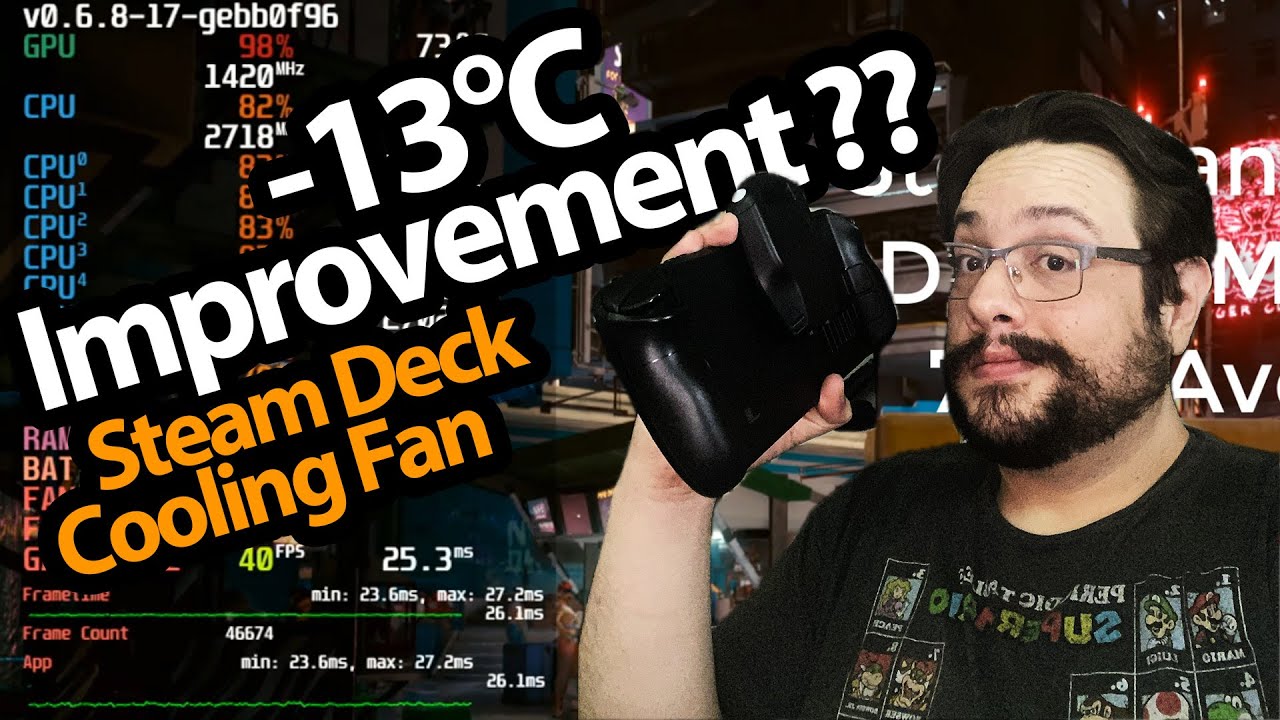
The final reading is about 67°C. The 13°C difference in the video title belongs to that combined setup, including the internal-fan change. It should not be read as a result from the accessory alone.
An encouraging first session
These are the readings from my short October 2023 test, without repeated ambient-controlled runs or a battery-endurance measurement. They do not establish the same reduction or a performance gain for every game and room.
The original M10 and D10 care-package video shows the cooler’s first physical fit. This follow-up is where I start trying its settings under load.
The original description lists MikeTheTech for 12% off; availability and current exclusions may differ.
The original course URL includes MIKETHETECH, without a stated amount or expiry. Original credits also include http://eme7.com/ and http://discord.mikethetech.com/.
Links from the video
Affiliate disclosure: These links may earn me a commission at no extra cost to you.
- EasySMX D10 original cooler product link
- GameDev.tv original Unreal Action Adventure course link
- MikeTheTech original channel membership link
Coupon code: MikeTheTech — 12% off. Original EasySMX offer. No expiry stated; current terms and eligibility may differ.
Coupon code: MIKETHETECH — Amount not specified. Original course URL code; no amount or expiry in the description. Separate from hardware offers.
Links and offers are from the video description. Availability, prices and offer terms may change.
Some links to other products on this page are affiliate links, and we may earn a commission if you buy through them. It costs you nothing extra, and it has not changed what this article says — where a competitor is the better answer, we say so.


