
The YouTube player loads when you press Play.
NUU B40: Taking a Selfie from the Little Screen on the Back
Opening the phone, going through Wi-Fi setup and trying the Vista display.
Article published November 3, 2026.
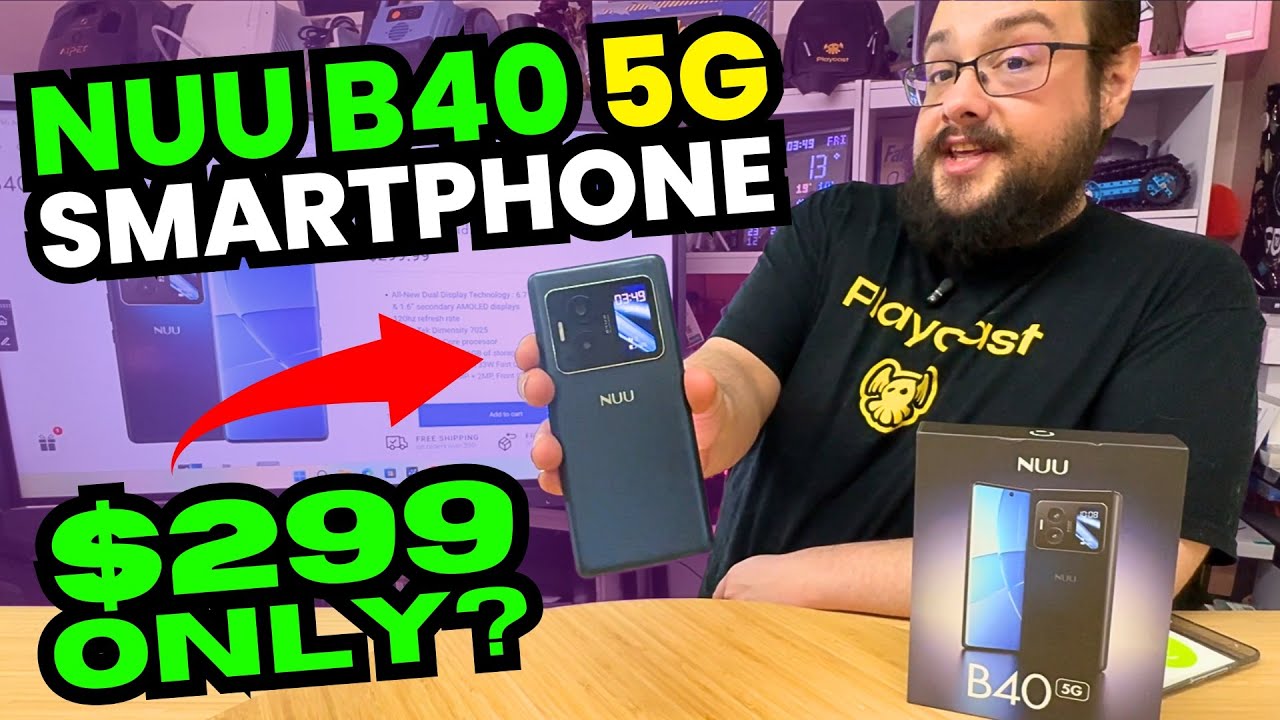
The little screen on the back of the NUU B40 is the feature that makes me stop during setup. It shows information while the main screen is busy, and a little later I use it to frame a picture of myself.
I am not opening a folding phone here. The Vista display is a separate small screen on the rear, and figuring out what I can actually do with it becomes the interesting part of this first session.
A case and charger in the box
I unpack the SIM tool, cable, charger, case and documentation before taking the wrapping off the phone. I like seeing the case included so I have something ready for it immediately.
I discuss the advertised hardware as I go. Some camera numbers in the spoken readout are inconsistent, so I am not turning that into a confirmed sensor table or a measured comparison.
Setup happens over Wi-Fi
I do not have a SIM available, so I skip the mobile-network step and connect to Wi-Fi. The setup feels responsive to me, and I start seeing information on the back screen while the phone gets ready.
I swipe through the rear display's views, including time, a compass, music and the camera preview. Then I take a selfie from that preview. It is a more useful demonstration of the extra screen than simply pointing at its size on a specification page.
There are settings for the second display too
After setup I look through the storage and software information, then find the Vista display settings. I can explore when it appears and how its wake behavior works.
This clip does not test 5G service, carrier compatibility, battery endurance, charging speed or long-term camera quality. The price I mention belongs to the original recording. What I have tried is the first setup and that small rear-screen workflow, which is enough to make me want to spend more time with the phone.
Links from the video
Affiliate disclosure: These links may earn me a commission at no extra cost to you.
Links and offers are from the video description. Availability, prices and offer terms may change.
Some links to other products on this page are affiliate links, and we may earn a commission if you buy through them. It costs you nothing extra, and it has not changed what this article says — where a competitor is the better answer, we say so.


