
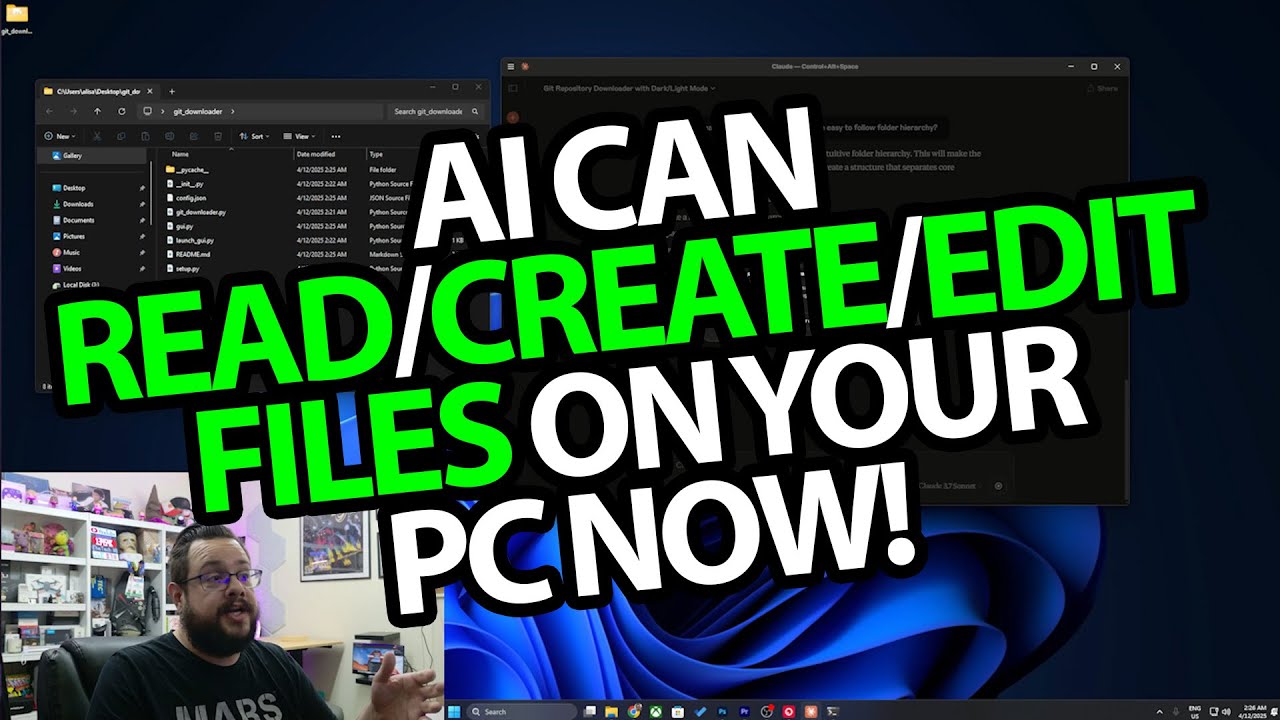
The YouTube player loads when you press Play.
My April 2025 Claude MCP Demo: Create Files, Then Improve the Existing App
A historical walkthrough of a filesystem connection and a small Python GUI project.
Article published November 4, 2026.
The useful moment in this April 2025 demo is seeing a file appear in the project folder, then asking for a change in another chat and seeing the existing app improve. It moves the workflow beyond copying code out of a message.
Connect a filesystem tool
In the recording, I edit Claude Desktop's MCP configuration to connect a filesystem server to selected folders, then restart the app. I approve access prompts during the demonstration.
This article describes that historical setup. The old configuration, menu positions and Node-version note are not current installation instructions, and I have not reproduced my personal folder paths here.
Create a small Python GUI project
I ask for an app with a repository URL and target-directory field. The demo produces a project folder, Python files, supporting setup material, a README and a launcher.
I open the result and reach the GUI. That is the result shown at this stage; I do not establish a production-ready downloader or test arbitrary repository URLs.
Make a change in a fresh chat
Next, I point a new chat at the existing folder and ask for a light-and-dark theme switcher. I approve the file edits, reopen the app and show the switch working. I also demonstrate reorganizing the project into subfolders.
The distinction I am showing is creating files and then working with an existing project. It is not an offline-inference or security-audit claim.
SmartDevil sponsored the video. My screen-protector installation and spare-sample test is the separate hardware demonstration; its original sponsor link is also preserved below.
Links from the video
Affiliate disclosure: These links may earn me a commission at no extra cost to you.
Links and offers are from the video description. Availability, prices and offer terms may change.
Some links to other products on this page are affiliate links, and we may earn a commission if you buy through them. It costs you nothing extra, and it has not changed what this article says — where a competitor is the better answer, we say so.


