
The YouTube player loads when you press Play.
Welax B3 Chair: Assembly, Adjustable Arms and One Order-of-Operations Lesson
Putting the chair together before trying its height and support controls.
Article published November 4, 2026.
I should have followed the assembly order more closely on this Welax B3 chair. The control hardware gets in my way while I attach the arms, which gives me a useful lesson to pass on before the chair is even finished.
A wide base and a thick seat
I unpack the one-piece metal base, wheels, mesh back and seat cushion. The base feels substantial, and the wheels roll smoothly while I fit them.
I also look at the adjustable lumbar section on the back. Those are the parts in front of me, without a load test of the advertised capacity or a long-term comfort result.
The order of assembly matters
I attach the control section and then find that it obstructs access while I work on the arms. I point out the mistake and recommend following the supplied order instead of copying that part of my attempt.
After fitting the arms and back, I lower the assembled seat onto the base. I drop the tool a few times along the way, but get the hardware together and reach the adjustment stage.
Try the controls once it is together
I demonstrate the chair height, the lumbar support moving up and down and several armrest adjustments. That gives a first look at how I can position it.
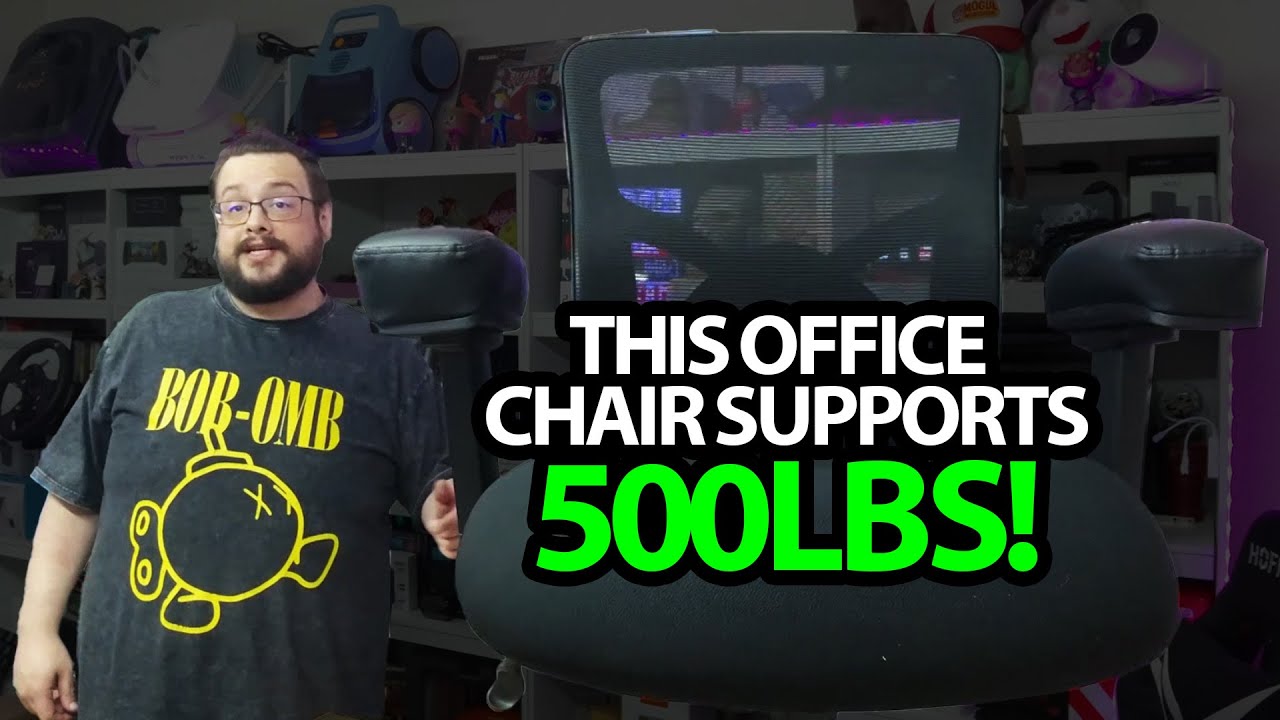
The video calls it B3, while the linked description uses Pro 5127 as well. I have not independently verified the certification claims or tested the 500-pound rating in the title.
The original Welax discount link is below. It contains MIKE in its discount path, with no amount or expiry supplied. Geeksoutfit also provided apparel for the recording.
Links from the video
Affiliate disclosure: These links may earn me a commission at no extra cost to you.
- Welax original product/discount link
- MikeTheTech original Patreon link
- Geeksoutfit original clothing-store link
Coupon code: MIKE — Discount amount not stated. MIKE appears in the original Welax discount-link path; no separate discount amount or expiry was supplied. Check current eligibility and terms.
Coupon code: COLLAB1 — Discount amount not stated. Separate Geeksoutfit offer from the original description, not a discount on the reviewed product. No amount or expiry was supplied; check current terms.
Links and offers are from the video description. Availability, prices and offer terms may change.
Some links to other products on this page are affiliate links, and we may earn a commission if you buy through them. It costs you nothing extra, and it has not changed what this article says — where a competitor is the better answer, we say so.


