
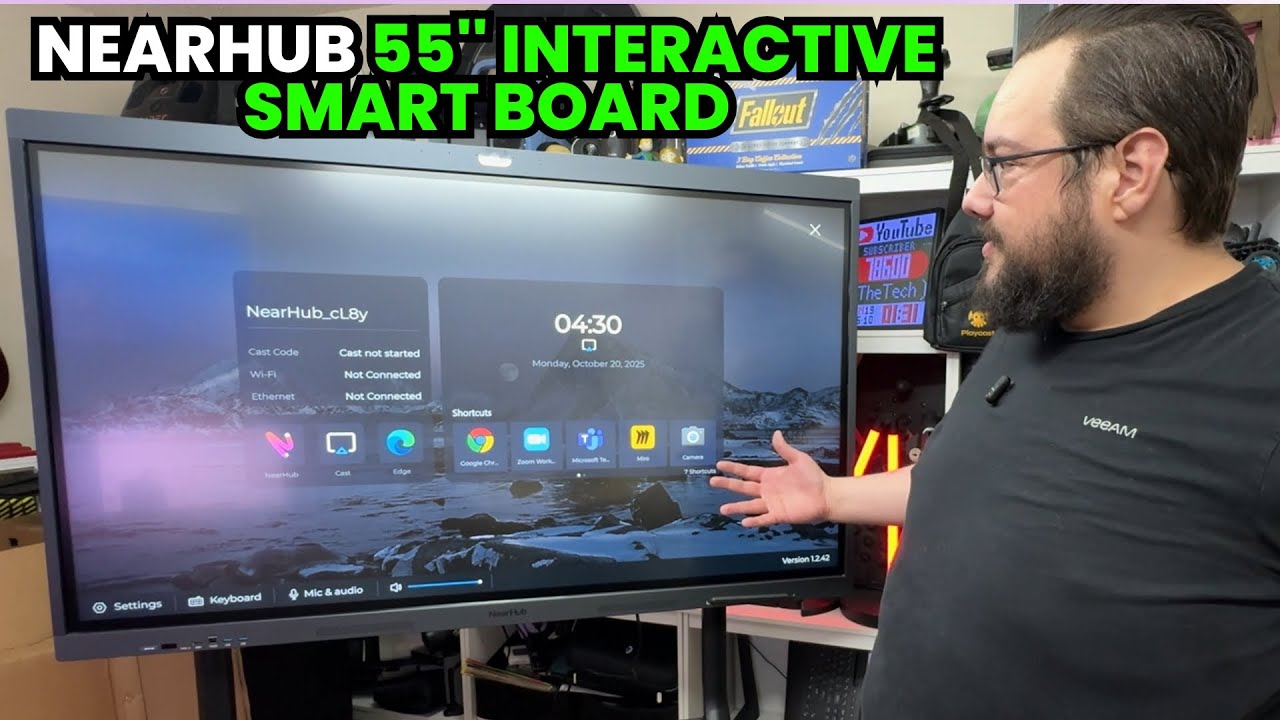
The YouTube player loads when you press Play.
NearHub Board S55 Pro: Building the Stand and Drawing on a 55-Inch Windows Screen
Assembling the mobile setup, then trying the pen and camera.
Article published November 3, 2026.
A 55-inch interactive screen takes a little more setup than the gadgets I usually put on the desk. Before I can try the NearHub Board S55 Pro, I have a cart to assemble and a very large screen to get into position.
That makes this a two-part first look: the hardware that holds it, followed by what it feels like to draw and navigate on the Windows display.
The cart comes first
I work through the wheels, columns, shelf and mounting brackets on the Easel Studio TV cart. I also correct my bolt choice along the way. Having the parts laid out does not make every assembly decision obvious.
Getting the heavy display into position is awkward on my own. The recording shows that struggle; it is not a mounting guide or a demonstration that one person should lift it alone. Use the supplied installation instructions and appropriate help for that part.
Windows, with a much bigger place to write
Once it is running, I open Paint and try the pen. Drawing directly on a screen this size is the useful part of the experiment for me. I also scroll through the interface and open Camera.
The front connections are convenient to reach, and the pens can sit magnetically against the board. Those small physical details matter when the display is going to move between writing, presenting and connecting another device.
A first session, rather than a meeting-room benchmark
I discuss the listed computer, camera and microphone specifications while unpacking. This session does not establish multi-user touch performance, a conferencing-platform comparison or the quality of the advertised AI features.
What I actually get to do is assemble the mobile setup, start Windows and use the screen with a pen. That is a useful starting point before turning it into a regular workspace tool.
Links from the video
Affiliate disclosure: These links may earn me a commission at no extra cost to you.
Links and offers are from the video description. Availability, prices and offer terms may change.
Some links to other products on this page are affiliate links, and we may earn a commission if you buy through them. It costs you nothing extra, and it has not changed what this article says — where a competitor is the better answer, we say so.


