
The YouTube player loads when you press Play.
ShaderGlass: Putting a CRT-Style Effect over Another Window
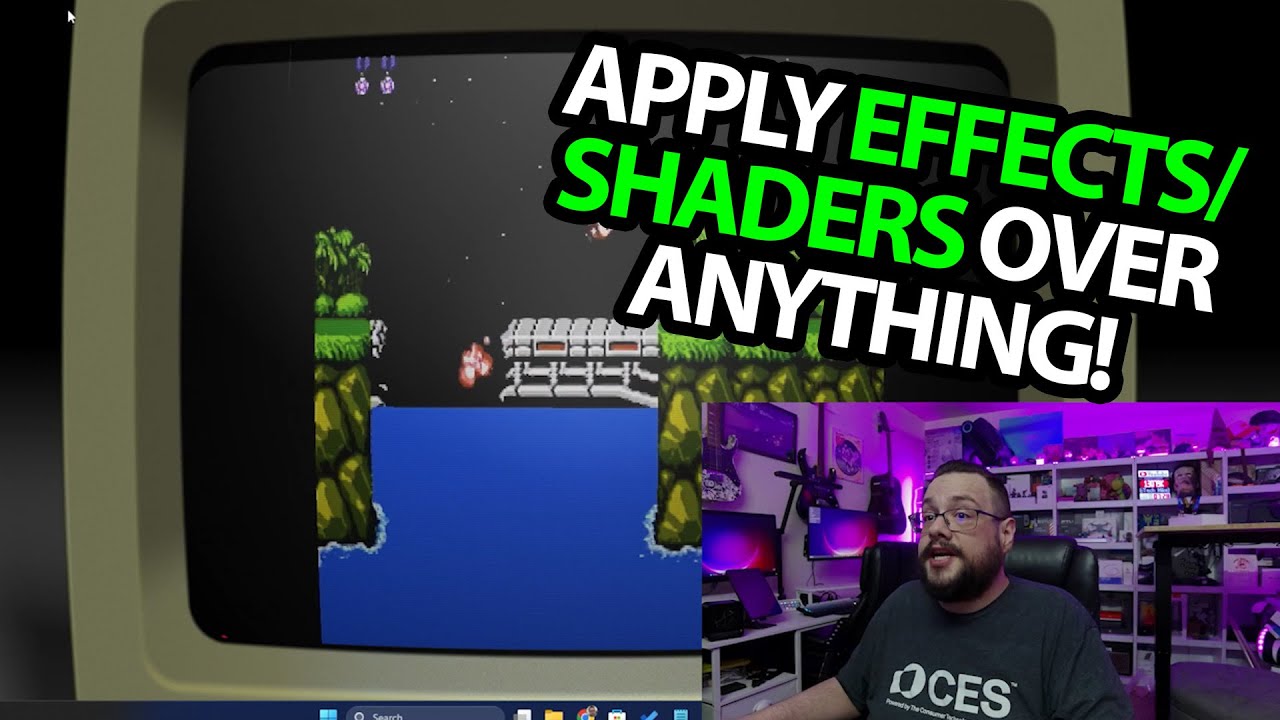
Trying shader choices on the desktop and a Contra video.
Article published November 4, 2026.
Sometimes I want the look of an old display without changing the app underneath it. ShaderGlass is a fun way to try that: put a shader layer over a window and start cycling through effects.
Getting the effect into the recording
In this March 2025 video, I download the Windows release labeled 1.0.2 and open it from the desktop. That is the version used in the recording, rather than a claim about the latest release now.
I also explain why I connect a capture card to show the result. The shader runs as another layer, so simply recording the original content does not show what I am seeing.
One key, lots of different looks
I open the shader choices, then use the next command and the N key to move between them. Some give me the CRT-style look I was hoping for; others change the image in quite different ways.
For a concrete example, I bring up a Contra video and move the shader over it. Going full screen makes the changes easy to compare. This is a demonstration on video content, not evidence that I am running the game through an emulator here.
A layer you can experiment with
The menu includes favorites and the RetroArch shader library discussed in the video. I like being able to try those effects independently of the program producing the picture.
This short session does not measure frame rate, input delay or compatibility across every emulator. What it shows is the overlay, the shader switching and the full-screen presentation on my setup.
The original project link from the description is below if you want to look at the software and its current releases.
Links from the video
Affiliate disclosure: These links may earn me a commission at no extra cost to you.
Links and offers are from the video description. Availability, prices and offer terms may change.
Some links to other products on this page are affiliate links, and we may earn a commission if you buy through them. It costs you nothing extra, and it has not changed what this article says — where a competitor is the better answer, we say so.


