
The YouTube player loads when you press Play.
Aolon GTR3: Pairing the Watch and Finding a Firmware Update on Day One
Unpacking the charger, connecting the app and browsing the watch faces.
Article published November 3, 2026.
The first thing I want to do with a new smartwatch is get it connected and find out what is actually on the wrist. With the Aolon GTR3, that first setup also gives me a firmware update to install.
I start with the watch, its magnetic charger and the app setup. Then I work through the menus and faces instead of treating the feature list as a finished test.
From the box to the app
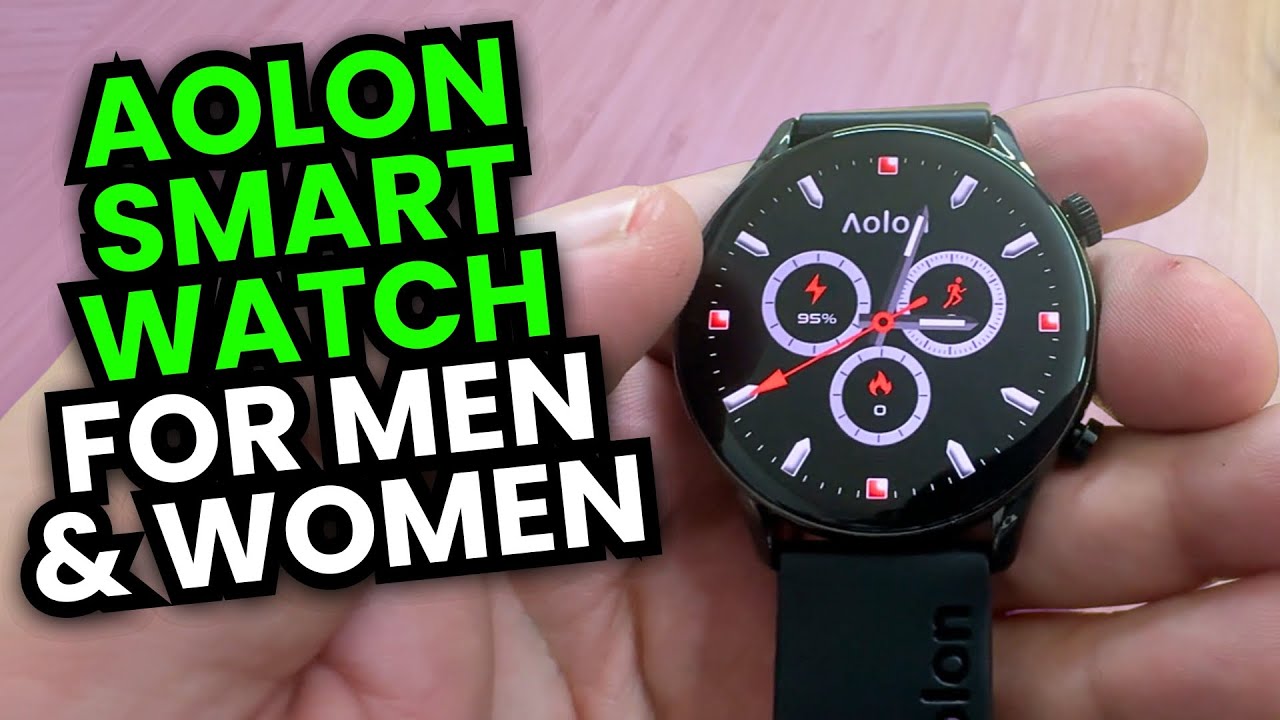
I take out the watch and charger, look over the hardware and begin pairing it with the phone. There is an app account setup along the way, followed by the connection to the watch.
An update is available during that process, so I let it finish before exploring further. That is what this particular setup session offered; it does not tell me how frequently future updates will arrive.
Choosing a face and browsing the controls
Once paired, I look through watch faces and the interface. This is where a watch begins to feel like something I can actually use, rather than a list of advertised sensors and modes.
I also browse the health-related features. Opening those screens is a tour of the interface, not a check of their medical accuracy. A longer wear test, battery run and water-resistance test are outside this first look.
The offer listed with the video
The original description includes MIKETHETECH for 10% off. I have kept that exact code with the original link below. No expiration date was supplied, so check the seller's current terms before relying on it.
For this session, the main result is straightforward: I get the GTR3 paired, updated and far enough into its controls to start making it my own.
Links from the video
Affiliate disclosure: These links may earn me a commission at no extra cost to you.
Coupon code: MIKETHETECH — 10% off. 10% off. Listed in the original video description. No expiry date was supplied; check current eligibility and terms.
Links and offers are from the video description. Availability, prices and offer terms may change.
Some links to other products on this page are affiliate links, and we may earn a commission if you buy through them. It costs you nothing extra, and it has not changed what this article says — where a competitor is the better answer, we say so.


