
The YouTube player loads when you press Play.
AkaGear T02 Mini: Opening the Box and Reaching the Pairing Prompt
The mounting guides, access hardware and first power-on before an office-door installation.
Article published November 3, 2026.
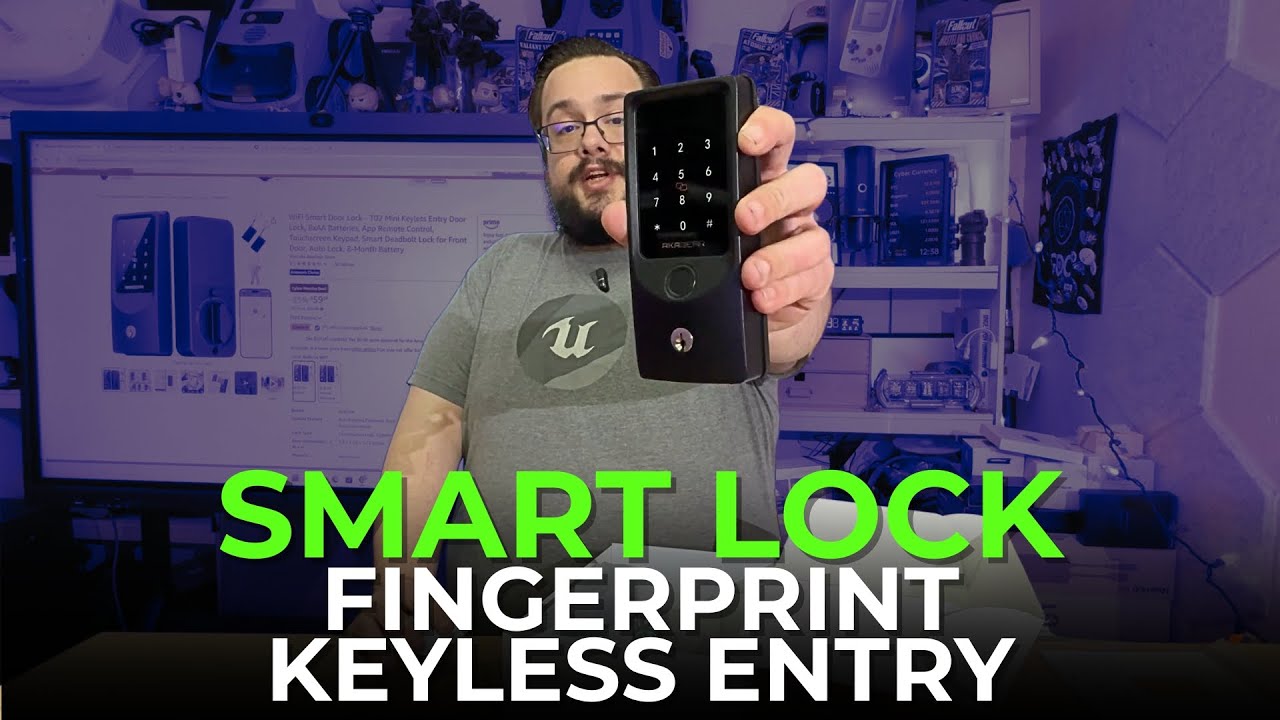
The AkaGear T02 Mini caught my attention as an affordable way to add more entry options to a door. Before installing it, I opened the box, looked through the hardware and connected the two parts to power it on.
That last distinction matters. This video is the first look and power-on, not a completed door installation or a security test.
Check the mounting arrangement first
The package included instructions, mounting guides, hardware, physical keys and small RFID key fobs. I appreciated having a guide for checking the mounting layout before doing the actual installation.
I talked about the difference between a door with the appropriate existing holes and one that would need preparation. The useful starting point is the exact lock and door arrangement, rather than assuming every replacement fits the same way.
Several ways to approach the door
On the outside section, I pointed out the fingerprint reader, card reader and PIN pad. The included physical keys and RFID fobs gave me more than one kind of access item to look through.
The original description also lists app and remote-control features. I did not pair the app or demonstrate those remote functions in this walkthrough, so I would not treat their presence in the description as a completed test.
Eight included batteries and the first power-on
The inside section took eight AA batteries, which were included. After putting them in, I connected the cable between the parts and the lock announced that it was ready to pair.
I then unplugged it because I was not doing the full setup at that point. The next step I discussed was installing it at the office door and getting footage of that process.
I did not measure battery life or verify the description's eight-month claim. I also discussed rechargeable batteries during the video; use the battery type specified for your exact model rather than assuming that every rechargeable chemistry is suitable.
The price was part of the first impression
During filming, I showed a $59.99 sale price and an account-dependent 5% coupon on the product page. Those were historical listing offers, not a coupon code from the description and not a promise of the same discount today.
For this first look, the interesting parts were the included accessories, the clean exterior and how quickly I reached the pairing prompt. The original Amazon link is below if you want to check the current model and installation requirements. Watch the video above for the unboxing and power-on; it does not establish resistance to forced entry or successful remote access.
Links from the video
Affiliate disclosure: These links may earn me a commission at no extra cost to you.
Links and offers are from the video description. Availability, prices and offer terms may change.
Some links to other products on this page are affiliate links, and we may earn a commission if you buy through them. It costs you nothing extra, and it has not changed what this article says — where a competitor is the better answer, we say so.


