
The YouTube player loads when you press Play.
AeroBand Guitar: Playing with Tones, Easy Chord and the Built-In Speaker
An electronic guitar first look that gets me trying piano, bass and chord presets.
Article published November 4, 2026.
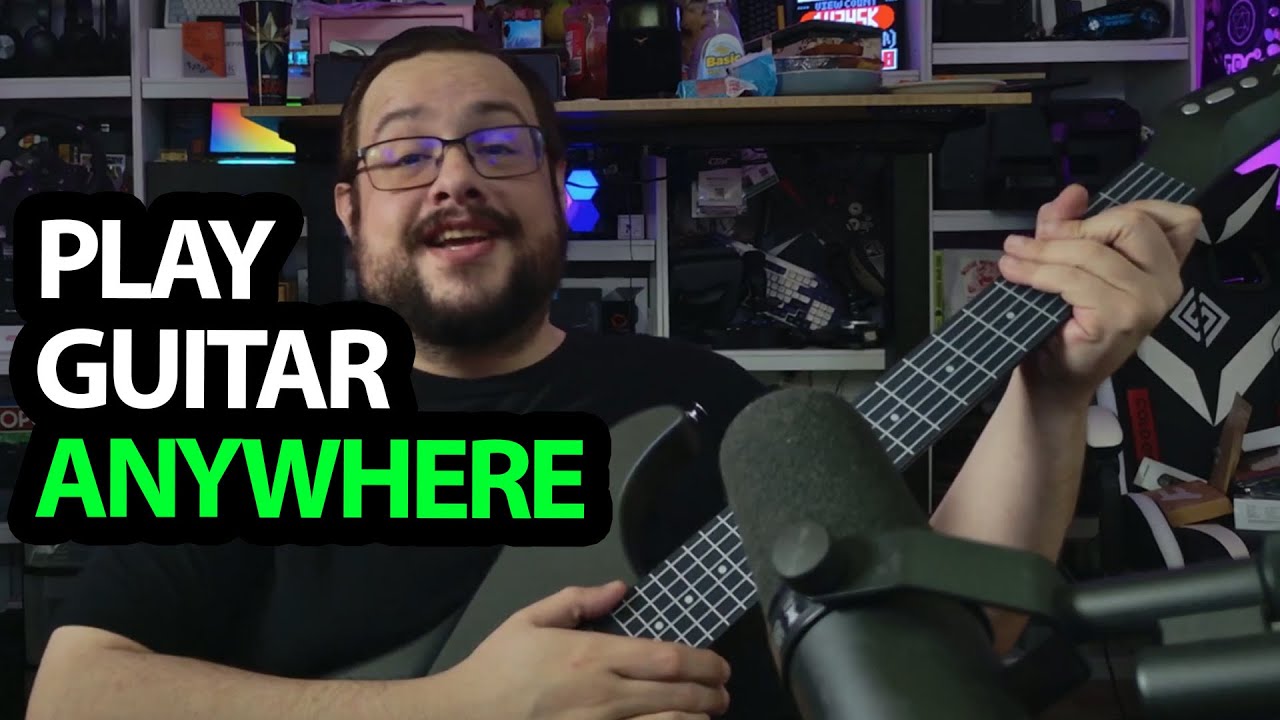
I enjoy playing guitar, even if I am not claiming to be great at it. The AeroBand gets me excited because it takes that familiar shape and adds electronic sounds, a speaker and an app-controlled way to simplify chords.
Familiar strumming, different frets
I open the package and look through the tools, picks, stickers and USB-C lead. The playing surface is unusual: silicone sections where I press the notes, with strings below for strumming.
I turn it on and try it. The feel and the electronics make it a different instrument from the conventional guitars I am used to, rather than an exact replacement for one.
Guitar, piano and bass sounds
During the demo, I switch sounds, move the pitch by an octave and try guitar, piano and bass presets. The bass is one of the settings I especially enjoy in the session.
I also show the built-in beats and speaker. The video includes those short playing examples; this article does not turn them into a measured latency or sound-quality result.
Easy Chord changes what the colored frets do
In the app, I explore Easy Chord and the colored fret positions. With it enabled, pressing within a selected fret can trigger a configured chord instead of requiring the usual finger arrangement.
I switch it off to play individual notes, then back on to demonstrate that simplified approach. It gives me another way to experiment, without proving how quickly someone else will learn to play.
The computer connection is a separate project
I discuss USB MIDI and the headphone, microphone and amplifier connections, but a computer-based synth demo is something I propose for a later video. This first session is the guitar itself, its app controls and the sounds I try through the built-in setup.
Links from the video
Affiliate disclosure: These links may earn me a commission at no extra cost to you.
- AeroBand guitar original Amazon link
- MikeTheTech original Patreon link
- Geeksoutfit original clothing-store link
Coupon code: COLLAB1 — Discount amount not stated. Separate Geeksoutfit offer from the original description, not a discount on the reviewed product. No amount or expiry was supplied; check current terms.
Links and offers are from the video description. Availability, prices and offer terms may change.
Some links to other products on this page are affiliate links, and we may earn a commission if you buy through them. It costs you nothing extra, and it has not changed what this article says — where a competitor is the better answer, we say so.


