
The YouTube player loads when you press Play.
ORICO Magnetic SSD: A Small Drive That Sits Against the Phone
Trying the attachment and short cable, with the conflicting speed figures still needing a benchmark.
Article published November 3, 2026.
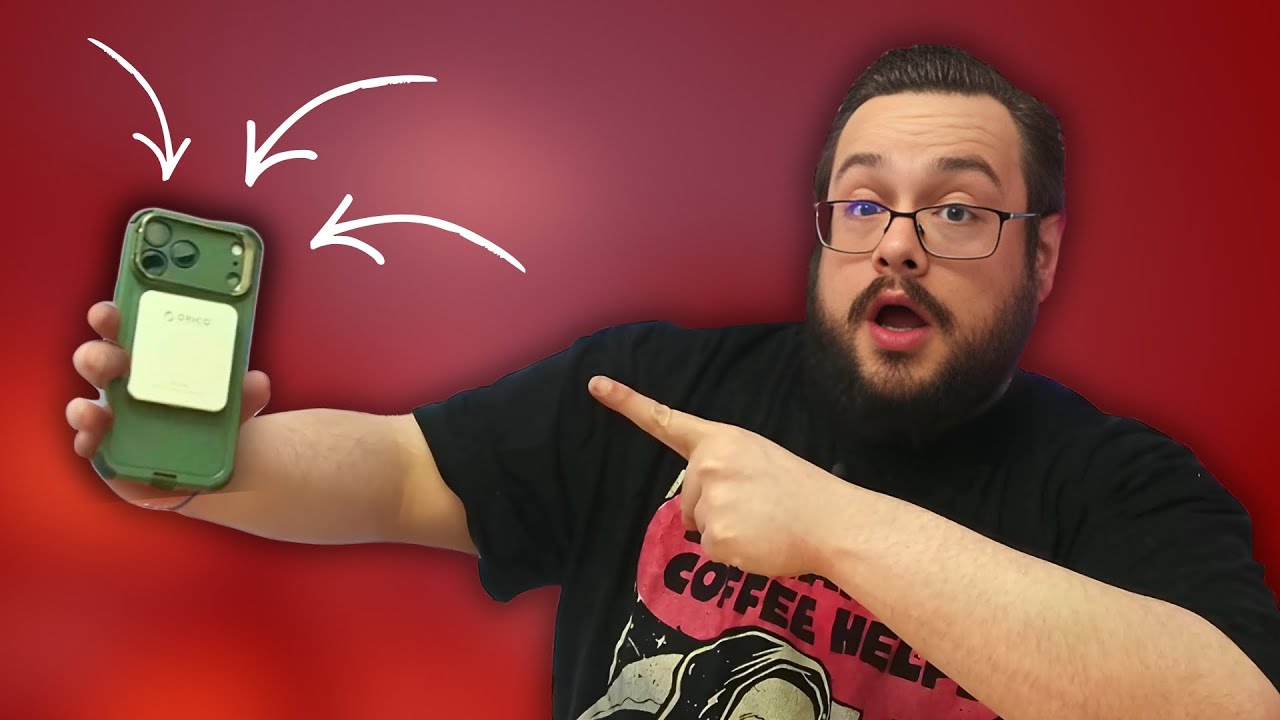
The little ORICO magnetic SSD was smaller than its box had led me to expect. I pulled it out, attached it to the back of my phone and connected the short cable. That physical arrangement was the interesting part of this first look.
A separate drive is a lot easier to picture using with a phone when it can sit against the back instead of dangling from a long cable.
Small drive, short cable
The unit I opened was presented as a 1 TB model. It had a metal-looking front and a different backing on the magnetic side. I showed it attached to my phone, then connected the supplied cable.
There was also an adhesive magnetic adapter in the package. I discussed other places that arrangement might be useful, such as a handheld computer or the side of a PC case. I did not test the fit or attachment strength with every device I mentioned.
I already use another magnetic-style drive on the side of a computer case, so the idea was familiar. This particular unit's size was what made me want to try it with the phone.
The speed figures need sorting out
The original description identifies a K5PLUS and quotes up to 460 MB/s, while I say 2,000 MB/s during the video. I did not run a benchmark in this session, so I cannot resolve that discrepancy from this unboxing.
I also did not record a 4K ProRes sample or demonstrate the recording modes claimed in the description. The video ends with speed testing still planned for a future session.
Attachment is different from a recording test
What I could show was the physical drive, its phone attachment and the compact cable setup. Connecting external storage does not automatically expand every app's internal storage; the intended app and recording workflow still need their own compatibility check.
I liked the form factor. Before choosing this exact drive for a demanding recording mode, check the selected model and required sustained performance, rather than treating either unverified speed figure as a result from this video.
Links from the video
Affiliate disclosure: These links may earn me a commission at no extra cost to you.
Links and offers are from the video description. Availability, prices and offer terms may change.
Some links to other products on this page are affiliate links, and we may earn a commission if you buy through them. It costs you nothing extra, and it has not changed what this article says — where a competitor is the better answer, we say so.


