
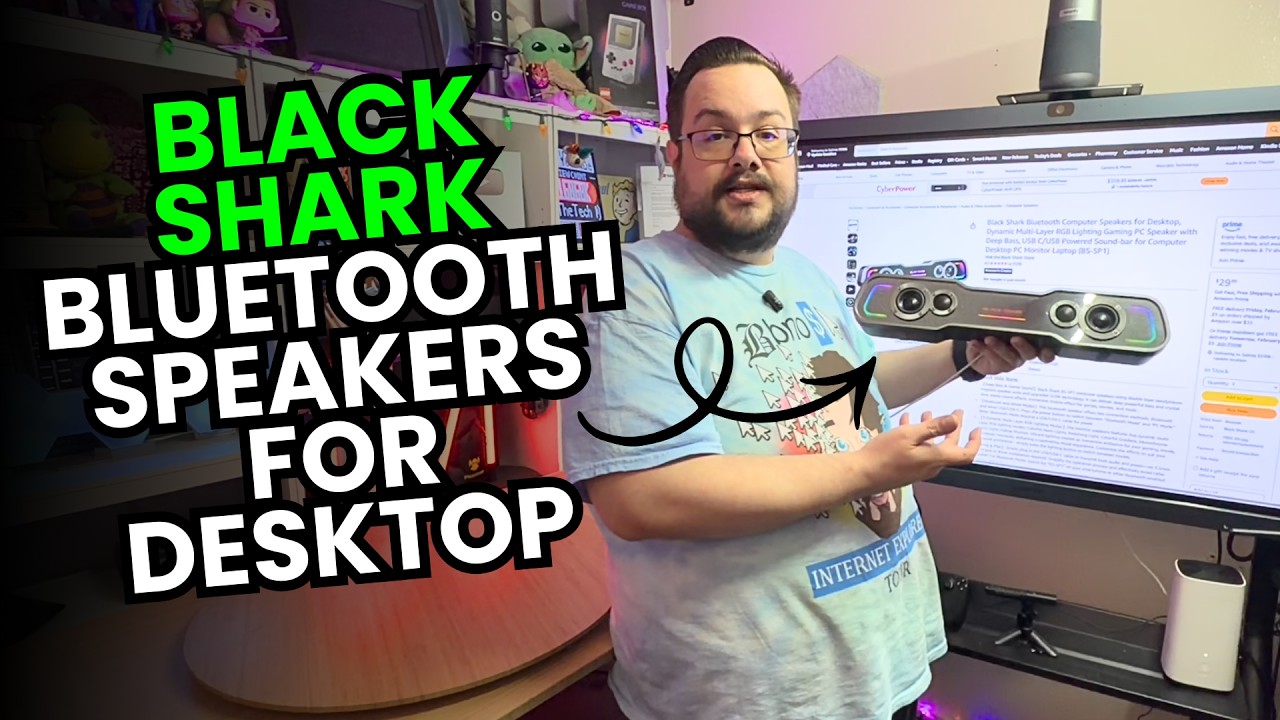
The YouTube player loads when you press Play.
Black Shark BS-SP1: A Compact Desk Speaker with Lighting Controls
Plugging it in, changing the RGB effects and looking at the PC and Bluetooth modes.
Article published November 3, 2026.
The Black Shark BS-SP1 put two things I like on a desk into one compact unit: speakers and lighting that I could change with a button.
In my April 19, 2026 video, I plugged it in, tried the lighting controls and discussed its PC and Bluetooth modes. It was a short look at a speaker I had been enjoying using.
It needs power from the desk
I pointed out that this was not a battery-powered portable speaker. It needed to be plugged in, and I used its USB-C connection during the demonstration.
That makes it something to plan around your desk setup, rather than a speaker you charge and then carry around unplugged. The video above shows the physical unit and the connection I was using.
The lighting has a physical control
When I connected it, the lights came on at the sides. Pressing the button on top let me move through the options, including changing colors, animated effects and turning the lighting off.
I liked having that control on the speaker itself. You can choose the effect you want without making the lighting the only reason to use it.
The compact shape was part of the appeal as well. It gave me sound and some color around the desktop without having to find space for a larger arrangement.
PC and Bluetooth modes
I showed the mode choices and talked about using Bluetooth. In the review, I described the sound as loud and said I had been enjoying the speaker.
The listed speaker power was 10 watts, with two 5-watt drivers. Those were the specifications being discussed, not an output measurement I made. I would also keep the casual driver and channel-count description in the video separate from a verified internal speaker layout.
This was a hands-on overview, not a controlled frequency-response or latency comparison. The sound demonstration is in the video above.
A straightforward desk accessory
What I liked was how little setup the demonstration needed: connect it, choose the mode and set the lights how I wanted them. I had been using it for a while by the time I recorded the video.
The roughly $30 price in the original title belongs to that April 2026 snapshot. Use the original product link below to check the current offer and exact model, and watch the video above for the controls and lighting in use.
Links from the video
Affiliate disclosure: These links may earn me a commission at no extra cost to you.
Links and offers are from the video description. Availability, prices and offer terms may change.
Some links to other products on this page are affiliate links, and we may earn a commission if you buy through them. It costs you nothing extra, and it has not changed what this article says — where a competitor is the better answer, we say so.


