Updated Oct 19
InfinitePIPProductivity · Display
Keep any screen, window or region in view, always on top.
$4.99WindowsmacOSLinux

Glassmorphism desktop widgets for Linux.
The LinuxWidgets Widget Manager: cards for Weather, System, Network, Sticky Note, Calendar and Clock, with an empty Active Widgets list.
LinuxWidgets put frosted-glass widgets on the Linux desktop: weather, system stats, network, sticky notes, a calendar and a clock. Each one sat in its own frameless, transparent window below other apps, with real backdrop blur and a coloured glow along the top edge.
The data was live. Weather and a five-day forecast came from Open-Meteo with no API key, the system widget showed CPU, RAM, disk and CPU temperature as animated ring gauges, and the network widget graphed download and upload speeds alongside the machine's IP and MAC address.
Every widget had its own settings for accent colour, background opacity and blur, plus options such as temperature units or a 12/24-hour clock. A Widget Manager window and a tray icon added and removed widgets, and positions, sizes and settings were remembered between sessions. LinuxWidgets was released as open source under the GPL-3.0 in March 2026; it was built with Electron and ran from source with Node.js 18 or later.
No. Weather came from Open-Meteo, which needs no key, and the location was detected automatically from the IP address via ip-api.com.
Linux with X11 or Wayland; it was tested on Ubuntu with GNOME. Running it from source needed Node.js 18 or later.
Keep any screen, window or region in view, always on top.
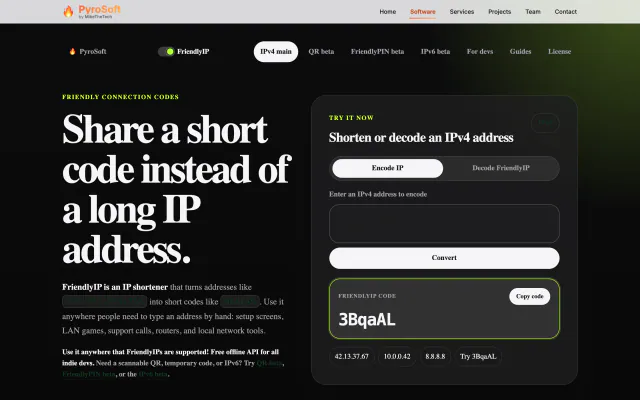

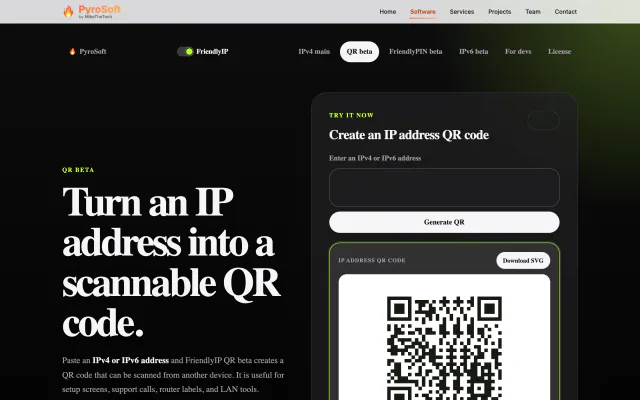
Turn IPv4 addresses into six-character codes you can read aloud.