
FriendlyIPNetworking · Utilities
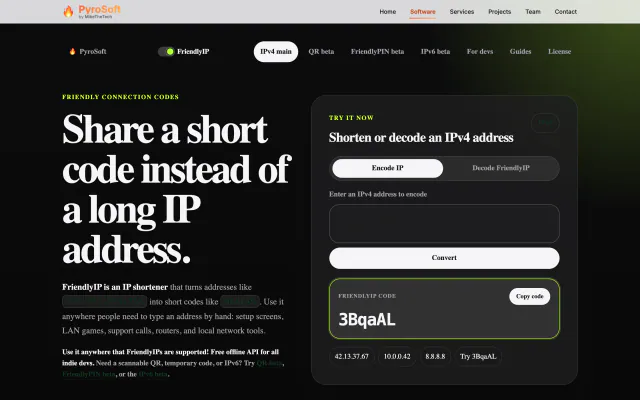
Turn IPv4 addresses into six-character codes you can read aloud.
FreeWeb

Bounce your own image around the screen, DVD-logo style, in a browser.
Live capture · Oct 21, 2026 The start page: “Upload an Image” with a file picker, a Start Screensaver button and a Source Code link.
Custom Bouncing Screensaver is a tiny browser-based take on the classic bouncing DVD logo. Open the page, pick any image from your computer and press Start Screensaver: your picture drifts diagonally across a black screen and bounces off every edge.
The image is scaled to about a tenth of the window, keeps its proportions and resizes with the window, so it works at any screen size. If you skip the upload, it bounces its default image, the classic DVD Video logo. Everything happens in your browser; the image is read locally and kept in the page's local storage.
Mike published it as a free web tool in November 2024, together with a short how-to video on the MikeTheTech YouTube channel.
Yes. Choose an image on the start page and press Start Screensaver; without a file it bounces its default image, the DVD Video logo.
No. The page reads the file in your browser and keeps it in local storage for the screensaver page.
Turn IPv4 addresses into six-character codes you can read aloud.