
Education
AlisalTech - Kids
Educational games, activities and resources for home and class.
Homepage · 2012 The AlisalTech – Kids homepage in 2012: a red tab menu (About, Big List of Ed. Games Sites, Del Rey Woods, Submit a Site!), entries for 'Extreme Sentence Surgeons' and 'Computer Vocabulary – Find the Technology', and a sidebar. From mikethetech.com's portfolio, retrieved through web.archive.org.
Overview
AlisalTech – Kids was a website Mike Rodriguez created as part of the AlisalTech.com network to help teachers, parents and students find useful learning resources for home and the classroom. It lived at alisaltech.com/kids under the motto “Education comes first.”
Each entry pointed to an educational website, game or activity, with a short write-up, an image and tags, filed under Individual Games and Activities, Language Arts, Maths or Science/Social Studies. Some entries noted when a site required a paid subscription, and visitors could suggest new resources through a Submit a Site! page.
The site's archive began in March 2009, and entries were still being added in 2012, including one submitted from the Del Rey Woods computer lab. It is no longer online.
Highlights
- Directory of educational websites, games and activities with short write-ups
- Sorted by subject: Language Arts, Maths and Science/Social Studies
- Separate category for individual games and activities
- Tags and a search box for finding resources
- Notes when a listed site requires a paid subscription
- Submit a Site! page for suggesting new resources
- Big List of Educational Game Sites page
Details
- Platforms
- Web
- Built with
- WordPress
- Languages
- English
- Credits
- Michael Rodriguez, for the AlisalTech.com network; some entries came from contributors
- Status
- Retired
- Timeline
- Mar 2009
Questions
Who was AlisalTech – Kids for?
Teachers, parents and students looking for helpful resources to use at home and in the classroom.
You might also like
See allMore from PyroSoft

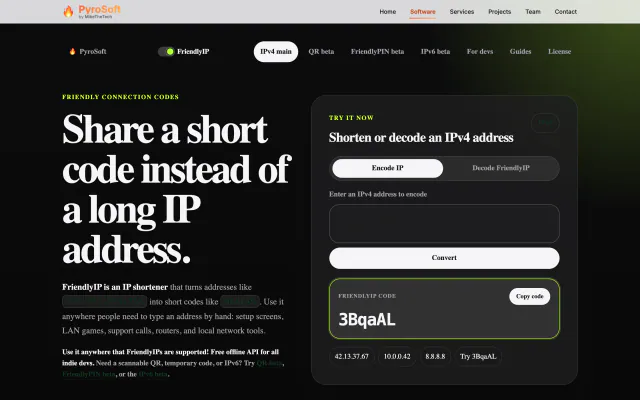
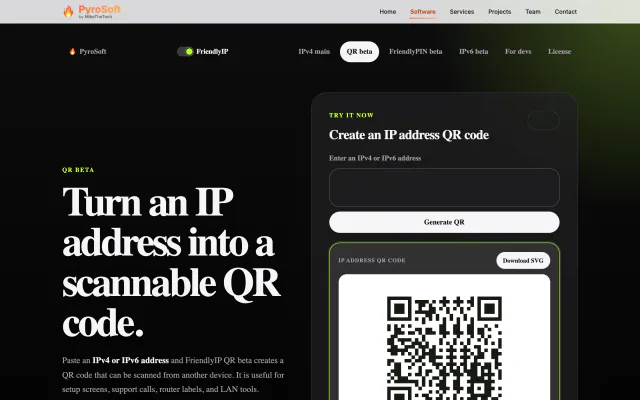

FriendlyIPNetworking · Utilities
Turn IPv4 addresses into six-character codes you can read aloud.
FreeWeb